PROGRAM MODE LEVEL
User, Installer, Remote by PC
FACTORY DEFAULT
User Code 1: 123
All other codes: [blank]
NOTES
1. To clear all codes (except the Installer
Code), enter P98E in Installer Program
mode. This also defaults user code 1 to
123. See Page 45.
2. Open/Close reports are identified by
user number when the control panel is
base station monitored.
RELATED OPTIONS
Installer Code. See Page 11, How To
Enter Program Mode.
Page 45, Programming The Installer
Code.
Installer Code default: 000000
RELATED OPTIONS
Programming Radio Codes, page 49
RADIO PROGRAMMING See pages 48-49.
USER CODES
The ECO8x control panel has 15 User Codes which are used to operate the panel by a
variety of methods – each User Code can be assigned to either a KEYPAD CODE or a
RADIO KEY.
KEYPAD (PIN) CODES
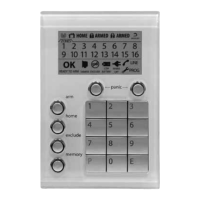
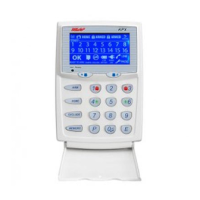
Up to 15 Keypad Codes can be used at up to 3 wired keypads for controlling all
panel functions including Arming/Disarming, Home Mode, Panic, memory
recall and much more.
• Keypad Codes can be 3 to 6 digits in length and can be individually
programmed and deleted.
• Keypad Codes can optionally be programmed to be "Arm Only" codes.
• User Code 1 is also the Master Code which is used to enter Client Program mode.
• All User Codes are Keypad Codes by default. User Codes can be programmed to be
Radio Codes as required.
NOTES
1. Keypad Codes beginning with 0 (zero) can be programmed but they will not operate
the panel. This is an alternative method for disabling user codes. The MEMORY E function
is recommended for deleting user codes.
2. All codes must be unique to each other. Codes are rejected if already used. Some codes
that are similar to existing codes may also be rejected.
PROGRAMMING KEYPAD CODES
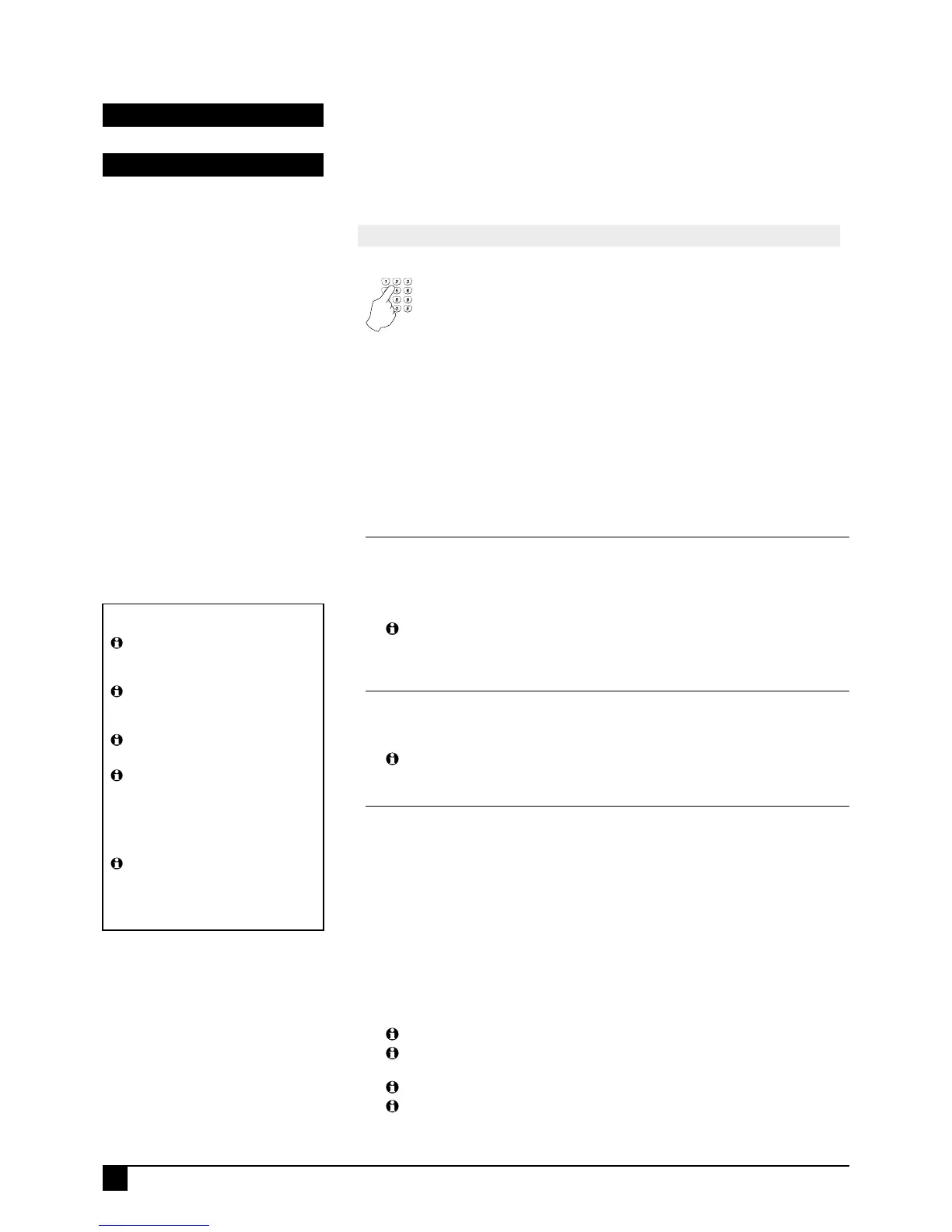
Press P [11–25] E (The existing code is displayed one digit at a time).
Press [NEW CODE] E [NEW CODE AGAIN] E (The new code is displayed).
Example: To program the Master Code to be 1234.
Press
P11E 1234E
(1 beep)
1234E
(3 beeps)
When re-programming an existing keypad code, the new code will overwrite the
old code.
DELETING KEYPAD CODES
To delete a User Code without programming a new code, press the MEMORY key in
place of the code.
Example: To delete User Code 2, press P12E MEMORY E
A keypad code only needs to be deleted if you're not replacing it with a new
code.
ARM ONLY CODES
'Arm Only' is an extra option for user codes. See next page for further information.
User Codes 2–15 can optionally be programmed as Arm Only Codes, which can Arm
but cannot Disarm the panel. (Used for cleaners, temporary staff, etc).
Example: To program User Code 2 to be 1234 and an Arm Only code.
Press P12E EXCLUDE E 3E EXCLUDE E 1234E 1234E
(EXCLUDE E enters Extra Options mode, 3E enables the Arm Only option, then
EXCLUDE E toggles back to normal user code program mode.)
When the code is viewed in program mode, the ARMED icon is briefly displayed before
the digits of the code.
To disable the Arm Only feature for a keypad code, simply enter the option for that
code, press EXCLUDE E to view Extra Options then press 3 E without re-entering a
new code. This retains the existing code and toggles off the Arm Only feature.
The Arm Only feature also applies to Radio Keys.
Arm Only codes can also arm the panel directly from Home Mode. (Normally,
user codes can arm the panel only if it is fully disarmed).
Arm Only codes can also arm Home Mode as normal.
Radio Keys programmed as an Arm Only can toggle the armed/disarmed state of
the panel using the OFF button on the radio key.
P11E – P25E
P01E – P08E
IMPORTANT NOTES
A User Code can be a Keypad Code,
Radio Code or Reader Code, but only
one type at any one time.
Any user codes not assigned to be
Radio Codes are automatically Keypad
Codes.
By factory default all user codes are
Keypad Codes.
When a user code is selected as a
Radio Code, its Keypad Code (if any) is
automatically deleted. The same applies
to Radio Codes - their codes are auto
deleted when the code is changed to any
other type.
User Code 1 is the Master Code and
is always a keypad code and cannot be
programmed to be a Radio Code.


 To Next Page