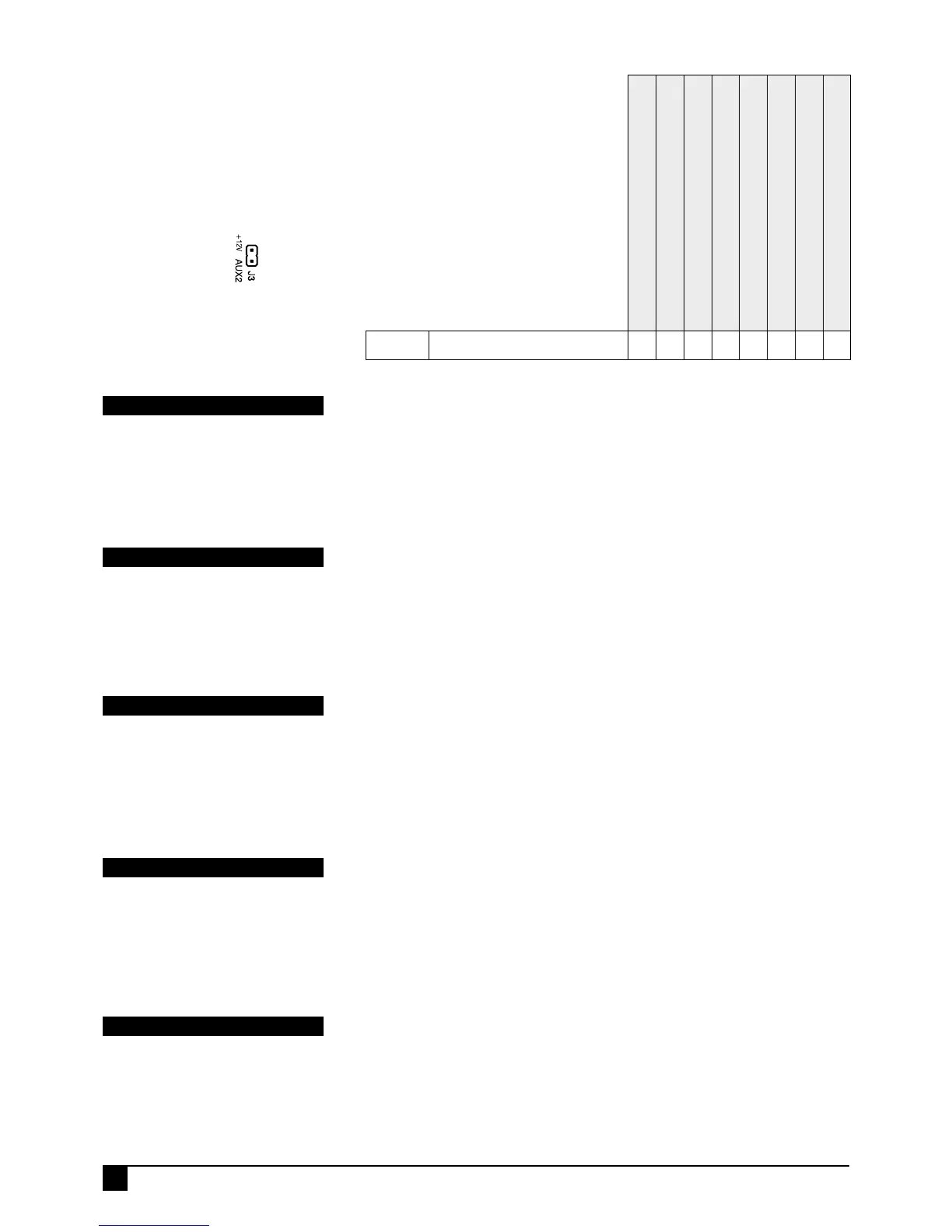
AUX2 OUTPUT = ZONE ALARM
When this option is on, zones selected in P59E will turn on AUX2 when they go into
alarm. The AUX2 output stays on until the panel is disarmed.
PROGRAMMING SEQUENCE:
P66E 1E turns the option ON
The option is toggled off by selecting a different P66E option for Aux2.
P66E 1E
PROGRAM MODE LEVEL
Installer, Remote by PC.
FACTORY DEFAULT
OFF.
RELATED OPTIONS
P59E AUX2 Zones.
AUX2 is Zone Alarm output
AUX2 is Area2 armed output
AUX2 Toggle on Radio Key PANIC Button
AUX2 Pulse on Radio Key PANIC Button
AUX2 is Line Fail output
AUX2 is Fail To Communicate output
Option No. Description
1E 2E 3E 4E 5E 6E 7E 8E
P66E
AUX2 OUTPUT OPTIONS
ON
Select one output type for AUX2.
AUX2 OUTPUT = AREA2 ARMED OUTPUT
When this option is enabled the AUX2 output turns on when Area2 is armed and turns
off when the panel is disarmed. The output can be optionally programmed to output a
momentary pulse on arming, see P69E 2E.
PROGRAMMING SEQUENCE:
P66E 2E turns the option ON
The option is toggled off by selecting a different P66E option for Aux2.
P66E 2E
PROGRAM MODE LEVEL
Installer, Remote by PC.
FACTORY DEFAULT
ON.
RELATED OPTIONS
P69E 2E Arm2 output pulses.
AUX2 OUTPUT = TOGGLE ON RADIO KEY PANIC BUTTON
When this option is on, RK4 Radio Key/s PANIC button will TOGGLE the AUX2 output.
The output will operate independently of the panel's armed status, ie. disarming does
not turn Aux2 off.
PROGRAMMING SEQUENCE:
P66E 3E turns the option ON
The option is toggled off by selecting a different P66E option for Aux2.
P66E 3E
PROGRAM MODE LEVEL
Installer, Remote by PC.
FACTORY DEFAULT
OFF.
NOTES. When this option is enabled, the
Radio Key/s Panic button will no longer
generate a Panic Alarm.
AUX2 OUTPUT = PULSE ON RADIO KEY PANIC BUTTON
When this option is on, RK4 Radio Key/s PANIC button will PULSE the AUX2 output on
for 2 seconds.
PROGRAMMING SEQUENCE:
P66E 4E turns the option ON
The option is toggled off by selecting a different P66E option for Aux2.
P66E 4E
PROGRAM MODE LEVEL
Installer, Remote by PC.
FACTORY DEFAULT
OFF.
NOTES When this option is enabled, the
Radio Key/s Panic button will no longer
generate a Panic Alarm.
AUX2 OUTPUT = LINE FAIL OUTPUT
When this option is enabled, a telephone line fault condition will turn on the Aux2
output. Aux 2 will turn off when the telephone line is restored..
P89E 5E must be on to enable the Line Fail Monitor.
PROGRAMMING SEQUENCE:
P66E 5E turns the option ON
The option is toggled off by selecting a different P66E option for Aux2.
P66E 5E
PROGRAM MODE LEVEL
Installer, Remote by PC.
FACTORY DEFAULT
OFF.
RELATED OPTIONS
P89E 5E Line Fail Monitor
AUX2 Output is on
header J3 on the
main board



 To Next Page