RADIO CODES
Each of the 15 User Codes, except for the Master Code, can be programmed to be
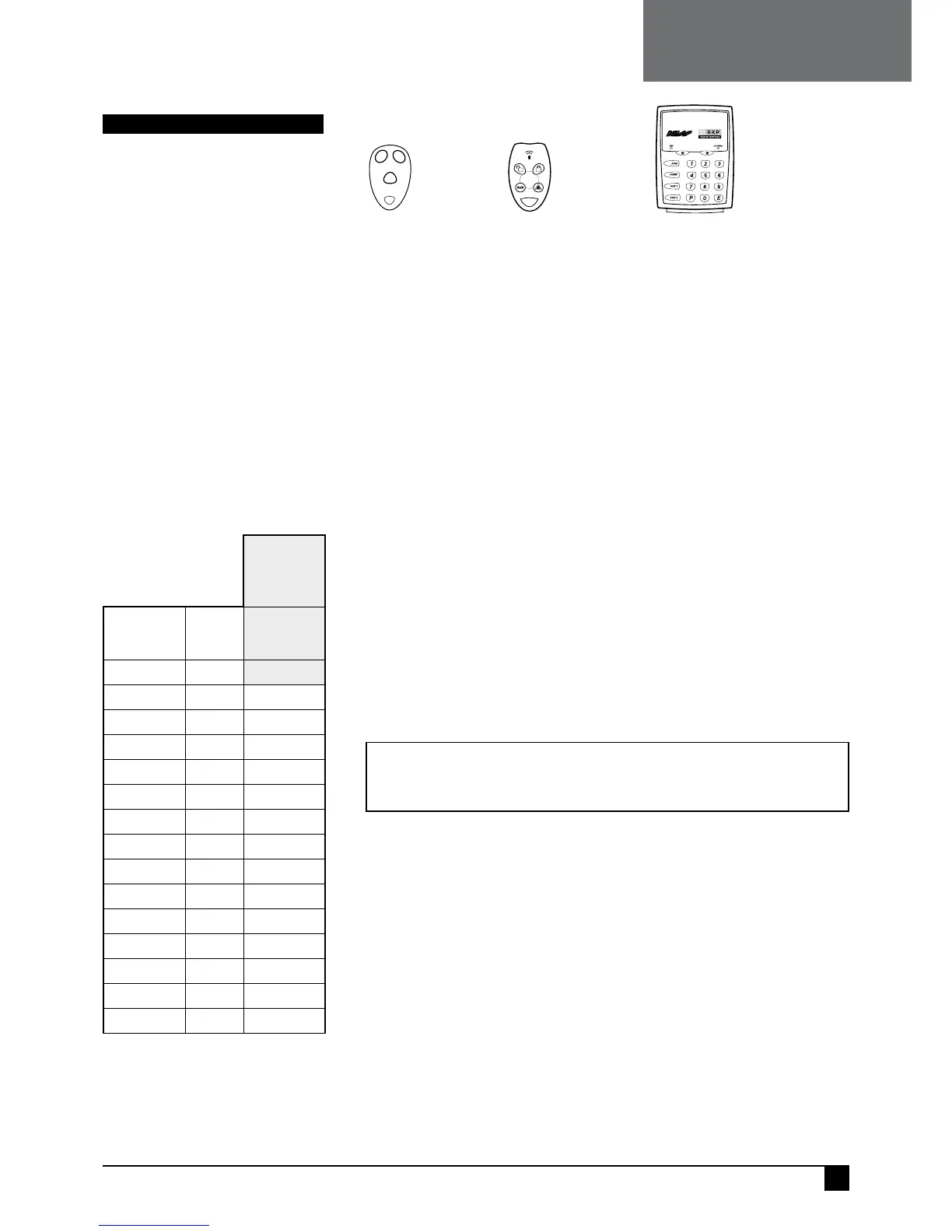
a Radio Codes. This allows up to 14 Ness Radio Keys to be used for Arming and
Disarming of the panel. The Ness RKP Radio Keypad can also be used, see the
RKP manual for programming details. The optional 100–200 Ness Radio Interface is
required for radio operation.
P11E – P25E
PROGRAM MODE LEVEL: Installer.
FACTORY DEFAULT: No Radio Codes,
all code are keypad codes.
NOTES
• User Code 1 (Master Code) is always a
Keypad Code.
• Radio Codes can be deleted by keypad
in the case of a lost Radio Key.
• Radio Keys are assigned to User
Codes, so that Open/Close reports are
identified by user number when the
control panel is base station monitored. (If
Open/Close reports are enabled)
RELATED OPTIONS
P01E–P08E Programming Radio Devices.
P64E 4E Radio Key Siren Chirps.
P68E 8E Quiet Chirps on radio arming.
P69E 5E Home arm by radio key ON/OFF
buttons.
PROGRAMMING RADIO KEYS
Use the Extra Options programming mode to enable selected user codes as Radio
Codes. When a user code is enabled as a Radio Code, its Keypad Code, (if any), is
automatically deleted.
PROGRAMMING SEQUENCE:
In Installer Program Mode, enter the option number for the user code
which will be become a radio code. (Example, enter P25E for user code 15).
Press EXCLUDE E to enter Extra Options mode. (The Exclude light is
on).
Press 5E to enable that user code as a Radio Code. (Light 5 is on).
Press EXCLUDE E to exit Extra Options mode. (The Exclude light is off).
Press 1E
The READY light will turn ON to indicate that the User Code is ready to accept the Radio Key.
If a code is already programmed the READY light will not turn on and a warning beep will sound. To
clear the code, press 0E, then go back to step 5. (0E clears any existing codes).
Press the OFF button on the Radio Key to be programmed
If the Radio Key is accepted, the READY light will turn off and 3 beeps will sound.
If the READY light stays on and a warning beep sounds, the Radio Key is already assigned to another
EXAMPLE: To enable User Code 15 as a Radio Code and program a Radio
Key.
In Installer Program Mode.
Press P25E EXCLUDE E 5E EXCLUDE E 1E
then press the OFF button on the
Radio Key.



 To Next Page