PROGRAMMING USER CODES
ASSIGNING EXTRA OPTIONS
Each user code has several "extra options" which can be
assigned when programming the code or at any time later.
In NORMAL USER CODE PROGRAMMING mode
(Exclude light is off), you can do the following:
Program Keypad Codes (see page 12).
Program Radio Codes (see page 49).
View radio signal strength (see page 47).
USER CODE
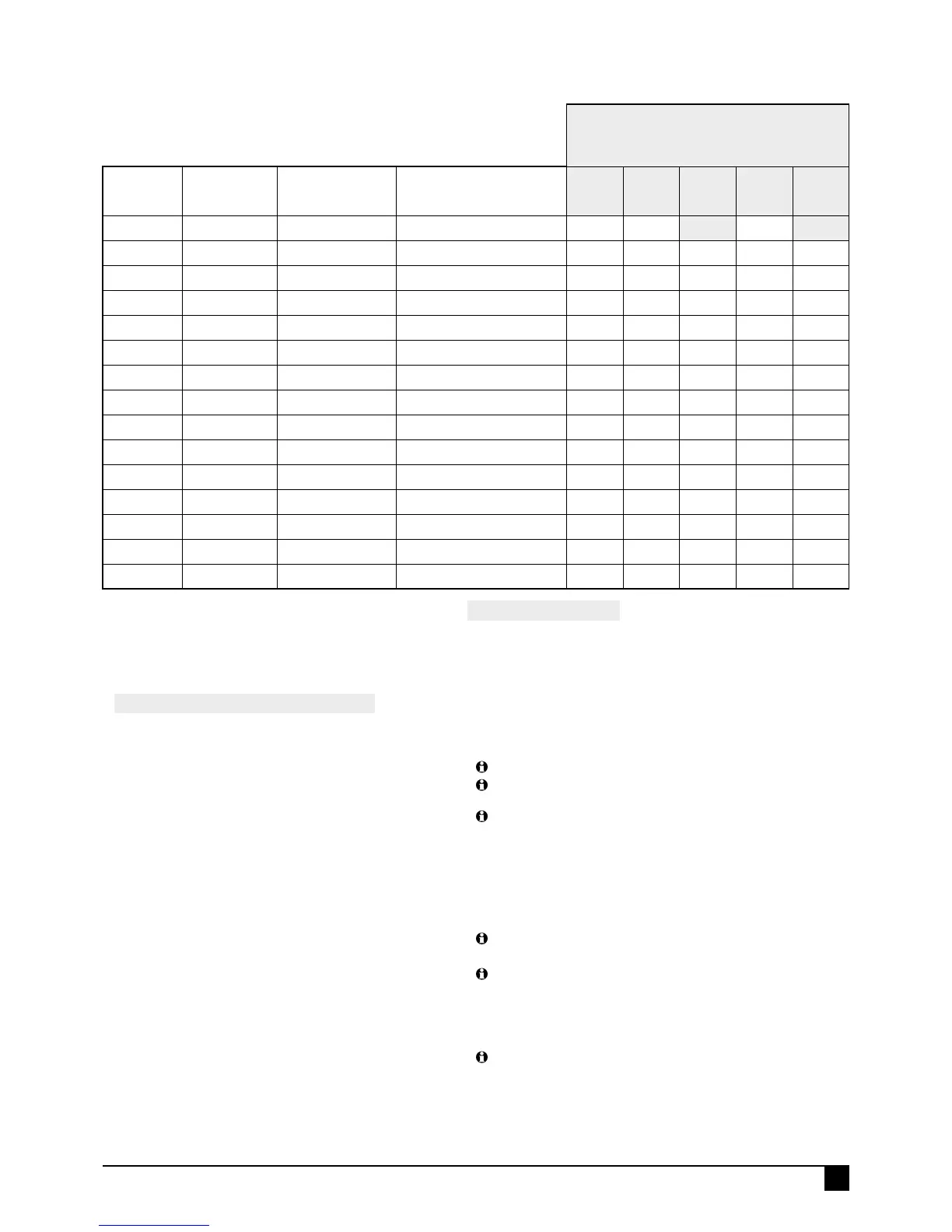
OPTIONS TABLE
EXCLUDE+E toggles the EXTRA OPTIONS MODE.
The Exclude light indicates this mode is on/off.
(Installer Program mode only)
USER
CODE
OPTION NO.
KEYPAD PIN
USER'S NAME
(For your record)
1E
AREA 1
CODE
2E
AREA 2
CODE
3E
ARM
ONLY
4E
"CODE ONLY"
ARM
5E
RADIO CODE
1 (Master) P11E 123
ON ON
2 P12E
ON
3 P13E
ON
4 P14E
ON
5 P15E
ON
6 P16E
ON
7 P17E
ON
8 P18E
ON
9 P19E
ON
10 P20E
ON
11 P21E
ON
12 P22E
ON
13 P23E
ON
14 P24E
ON
15 P25E
ON
In EXTRA OPTIONS mode (Exclude light is on), you can assign
several powerful functions to each user code.
To view and program the Extra Options:
1. Select a User Code (P201–P256E). The Exclude light is OFF.
2. Press EXCLUDE E. The Exclude light turns ON.
This gives access to programming Extra Options for codes:
1E AREA 1 CODES. Assign/remove user codes to Area 1. (By default all
user codes are assigned to Area 1.
2E AREA 2 CODES.
Assign/remove user codes to Area 2.
User codes can be assigned to Area 1, Area 2, both areas or no areas.
An Area will not arm unless it has one or more zones assigned to it
(P45E, P46E).
If a code is not assigned to any Area/s, the code can be used for special
functions such as to trigger outputs.
3E ARM ONLY. User Codes 2–56 can be programmed to Arm but not
Disarm the panel. (See page 12).
4E "CODE ONLY" ARMING
. Enables selected user codes to allow "code
only arming". Arming can then be done either with or without the use of
the arm key on the keypad.
In the case of radio codes the radio key OFF button will toggle the armed
state of the area assigned to the radio key.
If the User code is assigned to both AREA 1 and AREA 2. If AREA 1 is
already armed, then entering the code will disarm AREA 1 - but arm AREA 2.
If the intention is to either ARM or DISARM both areas using this code then
ARM + [code] must be used first to arm both areas. Once both are armed
they can be disarmed.
If in Home mode, then the action is to exit Home mode.
5E RADIO CODE. Enables selected user codes as Radio Codes for
operation by Ness Radio Key or Radio Keypad. (Page 49 - how to
program Radio Codes).
13
Ness eCO8x CONtrOl PaNel – INstallatION MaNual
P R O G R A M M I N G



 To Next Page