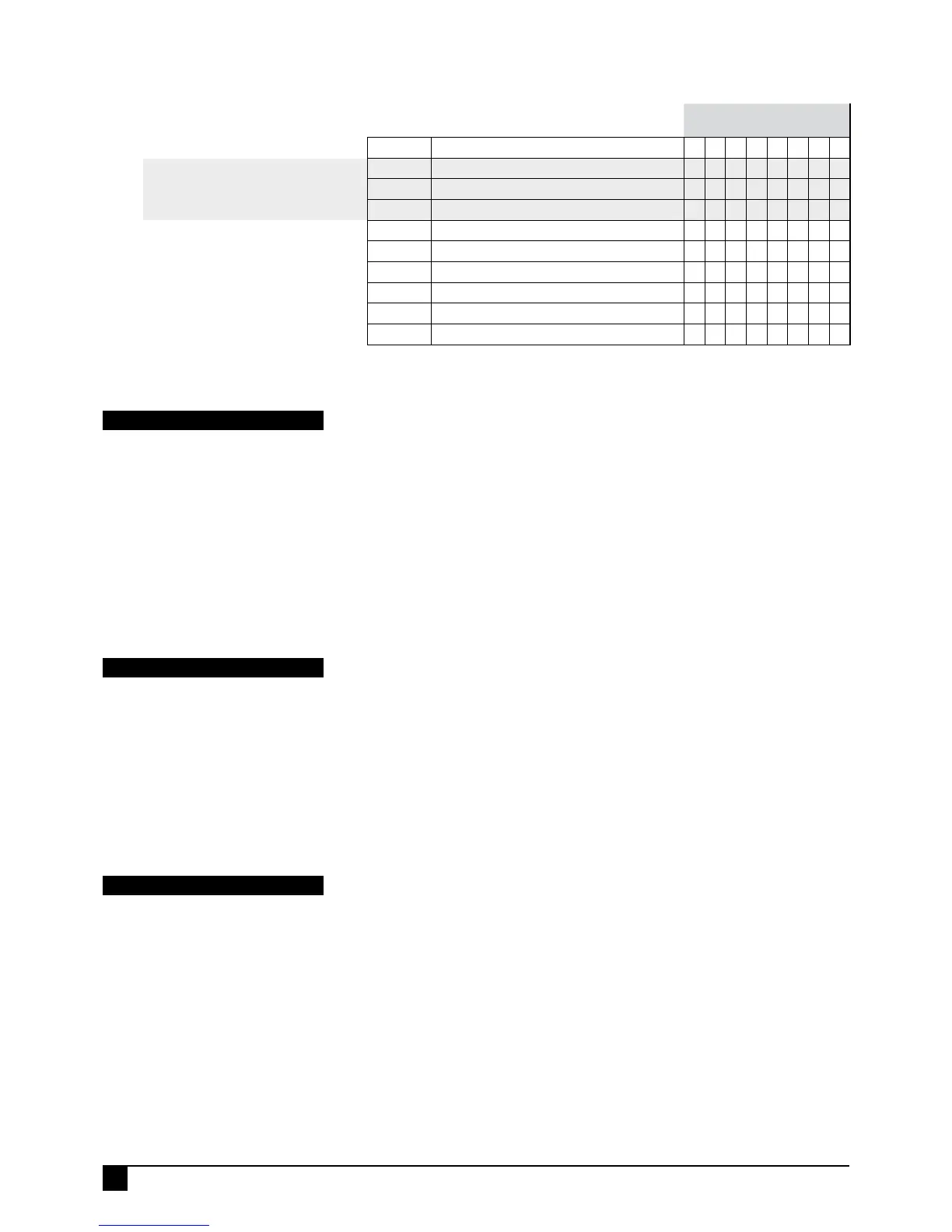
ZONE DELAY TYPES
Only one option per zone can be selected.
For example, a zone cannot be instant and
delayed at the same.
ZONES
Option No.
Description
1 2 3 4 5 6 7 8
P39E
DOUBLE TRIGGER
zones
P40E
INSTANT
zones
ON ON ON ON ON ON
P41E
ENTRY DELAY 1
zones
ON
P42E
HANDOVER
zones
ON
P44E
LOCKOUT zones (Reset O/P)
ON ON ON ON ON ON ON ON
P45E
AREA 1
zones
ON ON ON ON ON ON ON ON
P46E
AREA 2
zones
P51E
HOME
zones
P52E
24HR
zones
P53E
DAY
zones
DOUBLE TRIGGER ZONES
Zones programmed to Double Trigger will recognise an alarm condition if:
• The zone has been triggered twice within a 4 minute period.
• If any 2 zones (both programmed for double trigger), each trigger once.
• The zone is left unsealed for longer than 15 seconds.
PROGRAMMING SEQUENCE:
P39E [Zone No]E toggles the options ON and OFF
[Zone No] OFF: The zone is not a Double Trigger zone
[Zone No] ON: The zone is a Double Trigger zone
P39E
PROGRAM MODE LEVEL
Installer, Remote by PC.
FACTORY DEFAULT
All OFF.
NOTES
Double Trigger is useful for preventing
unwanted alarms from zones in harsh
environments such as sheds and
garages.
PROGRAMMING SHORTCUTS
Use 0E to turn all selections OFF.
Use MEMORY E to turn all selections ON.
INSTANT ZONES
Instant Zones operate only in the Armed state. When Armed at the expiry of exit time,
Instant Zones will activate assigned outputs immediately when triggered.
P40E [Zone No]E turns the options ON
[Zone No] ON: The zone is an Instant Zone
To deselect the option, select a different zone delay type.
P40E
PROGRAM MODE LEVEL
Installer, Remote by PC.
FACTORY DEFAULT
Zones 3–8 are Instant.
NOTES
When a zone is selected for this type, it is
automatically deselected from any other
delay type.
ENTRY DELAY1 ZONES
Entry Delay1 zones operate only in the Armed state. When Armed, at the expiry of exit
time these zones will activate the Entry Delay Timer1 (P26E) when they are triggered.
If the panel is not disarmed before the expiry of the Entry Delay Timer1, the alarm
outputs will be activated.
P41E [Zone No]E turns the options ON
[Zone No] ON: The zone is an Entry Delay1 zone
To deselect the option, select a different zone delay type.
P41E
PROGRAM MODE LEVEL
Installer, Remote by PC.
FACTORY DEFAULT
Zone 1.
NOTES
• The keypad sonalert will beep during
Entry Delay as a reminder to disarm the
panel. Entry beeps can be disabled by
program option P60E 1E.
•
When a zone is selected for this type, it
is automatically deselected from any other
delay type.


 To Next Page