Terminal Web Interface
User Manual for the Satellite Terminal
version 3.0
15
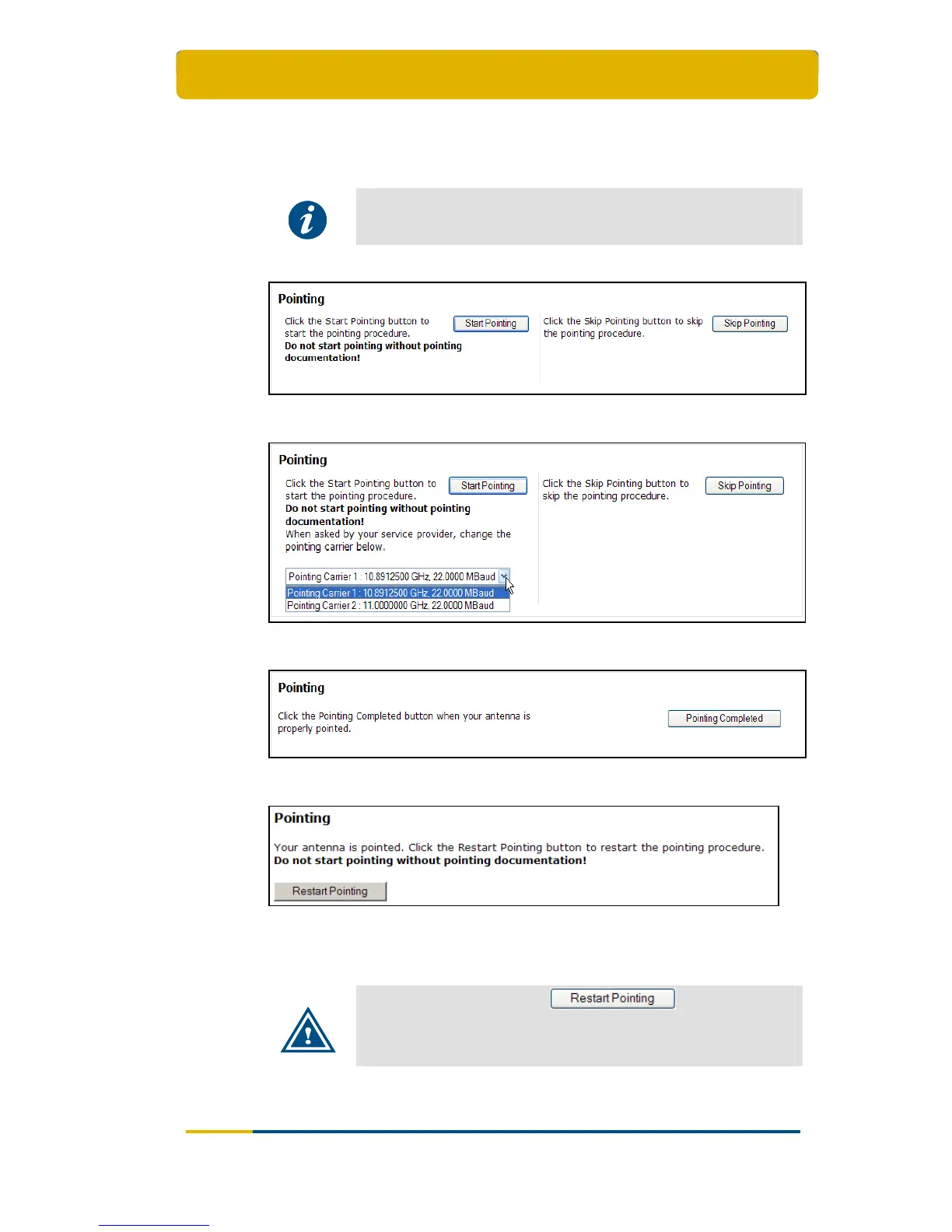
Completed when the antenna is pointed;
Status when pointed successfully or pointing skipped as shown in Figure 16.
This is the status during normal operation of the terminal after pointing.
For more details about the functioning of these buttons and
navigation between screens refer to the Point&Play Setup Manual
for the Satellite Terminal.
Figure 13 - Web Interface > Status when not Pointed – One pointing Carrier
Figure 14 - Web Interface > Status when not Pointed – Two pointing Carriers
Figure 15 - Web Interface > Pointing
Figure 16 - Web Interface > Antenna Pointing > Status when Pointed or Pointing is
Skipped
During normal operation the button is shown
via the Antenna Pointing button in the menu bar and should only
be used in case pointing documentation is available and the
antenna must be re-pointed.



 To Next Page