Copyright © 2011 NEXCOM International Co., Ltd. All Rights Reserved.
77
NSA 5130 User Manual
Chapter 4: BIOS Setup
Chipset
This section is used to configure the system based on the specific features
of the chipset.
Setting incorrect field values may cause the system to malfunc-
tion.
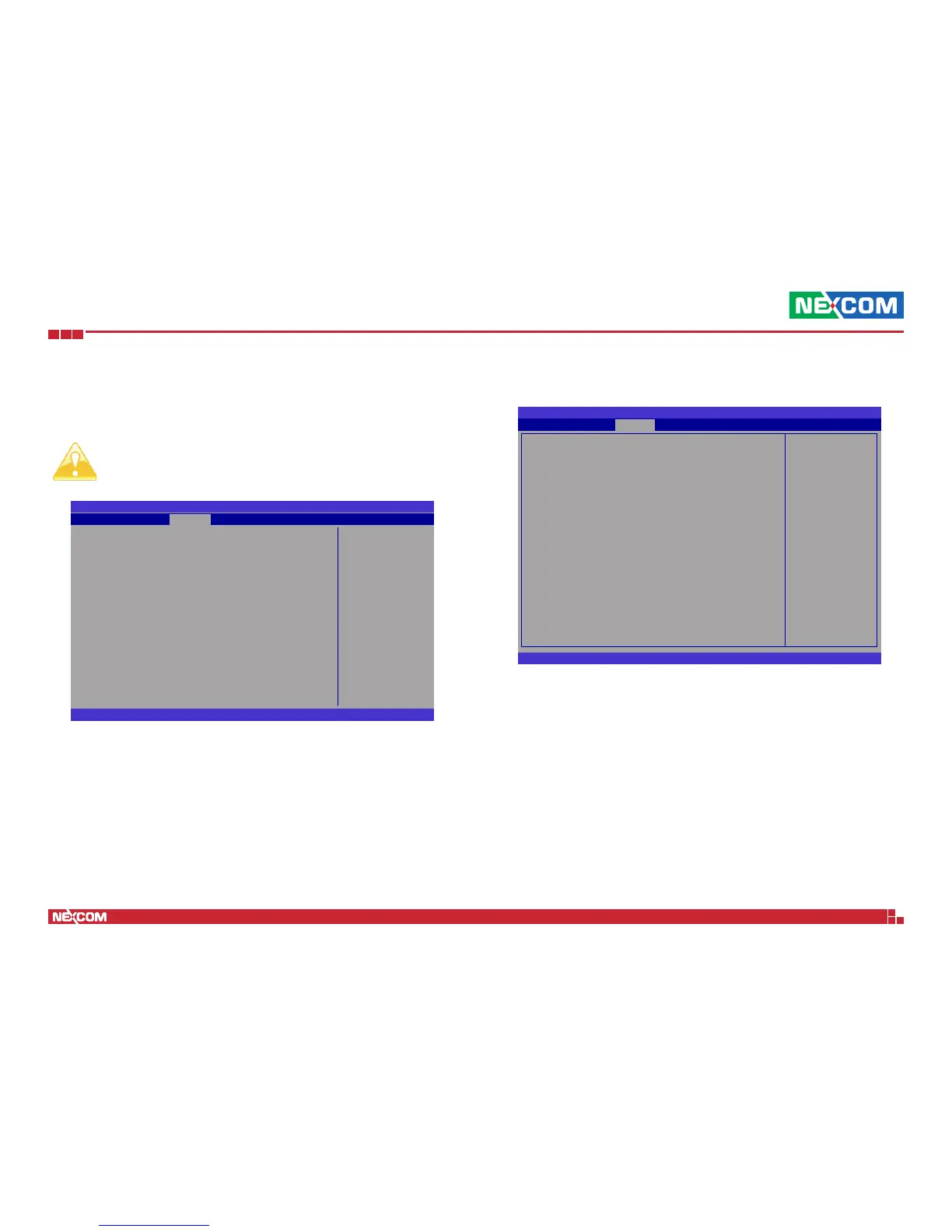
North Bridge
North Bridge Parameters
BIOS SETUP UTILITY
Version 2.11.1210. Copyright (C) 2011 American Megatrends, Inc.
← →: Select Screen
↑↓: Select Item
Enter: Select
+
-:
Change Opt.
F1: General Help
F2: Previous Values
F3: Optimized Defaults
F4: Save
ESC: Exit
u
North Bridge
u
South Bridge
u
ME Subsystem
u
Chipset Reference Board
Main
ChipsetAdvanced
Save & ExitBoot Security Event Logs
BIOS SETUP UTILITY
Version 2.11.1210. Copyright (C) 2011 American Megatrends, Inc.
← → Select Screen
↑↓ Select Item
+- Change Option
F1 General Help
F10 Save and Exit
ESC Exit
Memory Information
Total Memory 2048 MB (DDR3 1333)
Memory Slot0 2048 MB (DDR3 1333)
Memory Slot1 0 MB (DDR3 1333)
Memory Slot2 0 MB (DDR3 1333)
Memory Slot3 0 MB (DDR3 1333)
Low MMIO Align [1024M]
DMI Gen2 [Enabled]
VT-d [Disabled]
Initiate Graphic Adapter [PEG/IGD]
IGD Memory [64M]
Render Standby [Enabled]
IGD Multi-Monitor [Disabled]
PCI Express Port [Auto]
PEG Force Gen1 [Disabled]
Detect Non-Compliance Device [Disabled]
MRC Message Print [Disabled]
Chipset
Low MMIO Resources
align at 54MB/1024MB
Low MMIO Align
Selects the Low MMIO Resources.
DMI Gen2
Enables or disables the DMI Gen2.
VT-d
Enables or disables the VT-d.


 To Next Page