Copyright © 2011 NEXCOM International Co., Ltd. All Rights Reserved.
79
NSA 5130 User Manual
Chapter 4: BIOS Setup
Power Supply Type
Selects the power supply type.
Restore AC Power Loss
Selects the state to return to when power resumes after a power failure
(G3 state).
SLP_S4 Assertion Stretch Enable
Enables or disables the SLP_S4# assertion stretch.
SLP_S4 Assertion Width
Selects the minimum assertion width of the SLP_S4# signal.
Deep Sx
Enables or disables Deep Sx.
High Precision Timer
Enables or disables the high precision event timer.
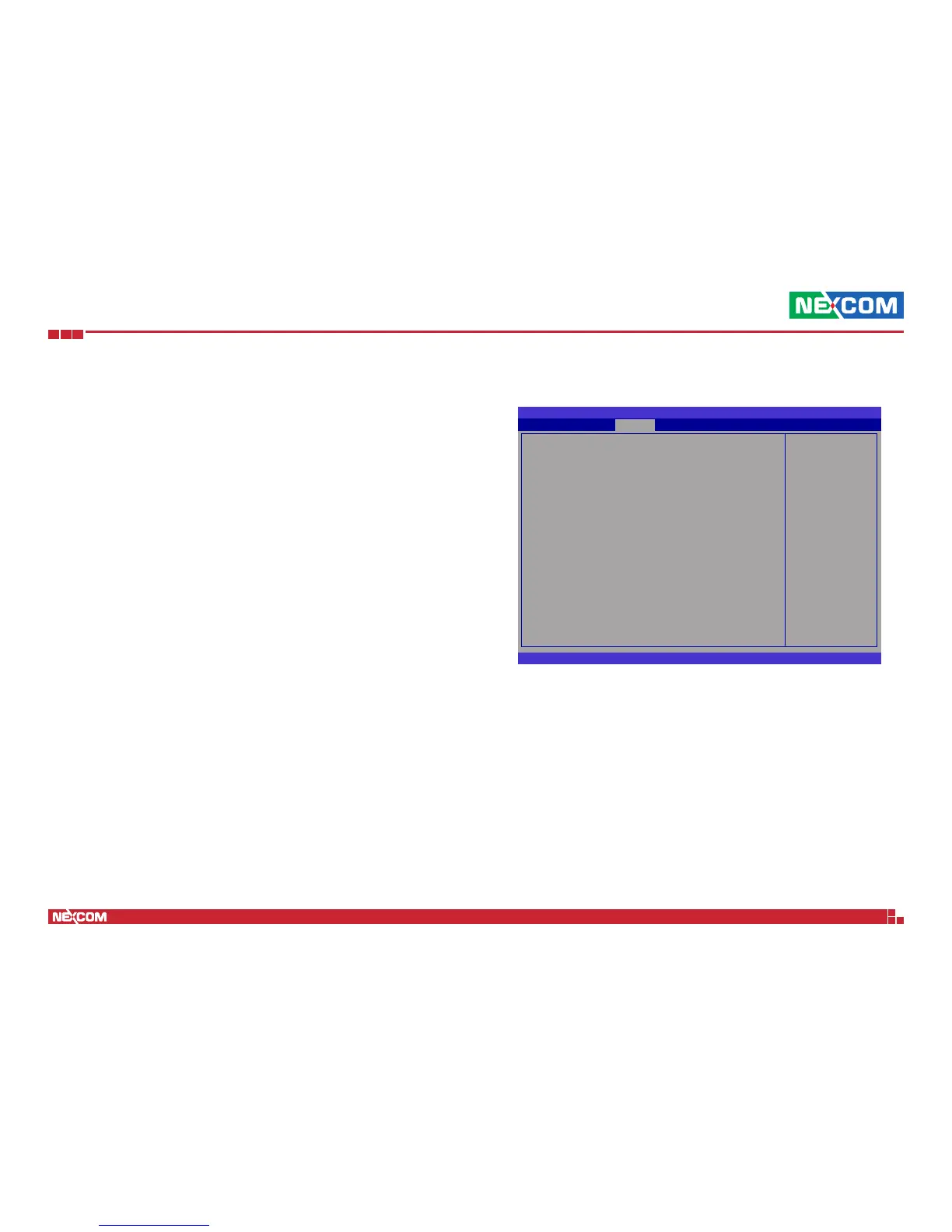
PCI Express Ports Configuration
BIOS SETUP UTILITY
Version 2.11.1210. Copyright (C) 2011 American Megatrends, Inc.
← → Select Screen
↑↓ Select Item
+- Change Option
F1 General Help
F10 Save and Exit
ESC Exit
PCI Express Ports Conguration
PCI Express Port 1 [Auto]
PCI Express Port 2 [Auto]
PCI Express Port 3 [Auto]
PCI Express Port 4 [Auto]
PCI Express Port 5 [Auto]
PCI ExpressPort 6 [Auto]
PCI Express Port 7 [Auto]
PCI Express Port 8 [Auto]
PCIe Sub Decode [Disabled]
Chipset
Enabled/Disabled the
PCI Express Ports in
the Chipset.
PCI Express Port 1 to PCI Express Port 8
Enables or disables the PCI Express port.
PCIe Sub Decode
Enables or disables the PCIe sub decode port.


 To Next Page