Doc# E107706 5 - 5
5: Communication Wiring
Electro Industries/GaugeTech
The Leader In Power Monitoring and Smart Grid Solutions
Electro Industries/GaugeTech
The Leader In Power Monitoring and Smart Grid Solutions
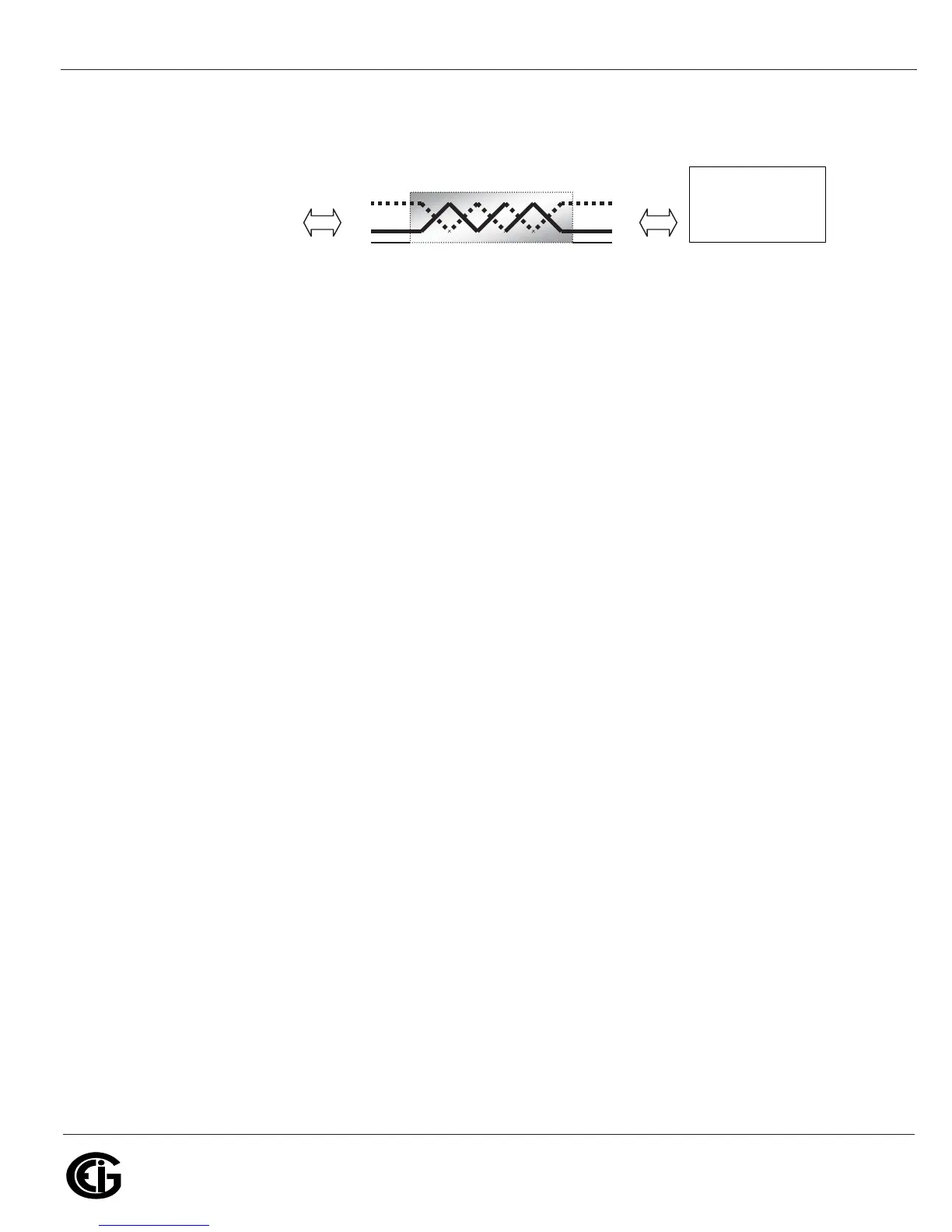
Figure 5.5: 2-Wire RS485 Port Detail
All of the Nexus® 1250/1252 meter’s RS485 ports have the following connections:
• +V- (Voltage terminals for power connections): use with Nexus® I/O Modules and
Displays only. The Nexus® 1250/1252 meter supplies 17V DC through the +V-
terminal connections.
NOTE: Do not connect these pins to devices that receive power from another
source—e.g., a computer—or to devices that do not require power to operate.
• S (Shield): the Shield connection is used to reference the meter’s port to the same
potential as the source. It is not an earth-ground connection. You must also
connect the shield to earth-ground at one point. Do not connect the shield to
ground at multiple points, as this will interfere with communication.
• +/- (Two-wire, RS485 communication terminals): connect the + terminal of the
Nexus® meter’s port to the + terminal of the device; connect the - terminal of the
Nexus® meter’s port to the - terminal of the device.
NOTES on RS485 Communication:
• Use a shielded twisted pair cable 22 AWG (0.33 mm2) or larger, grounding the
shield at one end only.
• Establish point-to-point configurations for each device on an RS485 bus: connect
(+) terminals to (+) terminals; connect (-) terminals to (-) terminals.
• Protect cables from sources of electrical noise.
From other RS485 device
Connect :
• (−) to (−)
• (+) to (+)
• Shield(SH) to Shield(SH)
+
-
SH
+
-
SH
.EXUS-ETER
23CONNECTION



 To Next Page