Doc# E107706 6 - 2
6: Using the External Displays
Electro Industries/GaugeTech
The Leader In Power Monitoring and Smart Grid Solutions
Electro Industries/GaugeTech
The Leader In Power Monitoring and Smart Grid Solutions
poll and configure the meter attached to the display. To use the USB, follow these
instructions:
1. Use the Nexus® Series Product CD, shipped with your meter, to install the
Communicator EXT
TM
software and the driver for the P40N+ USB port.
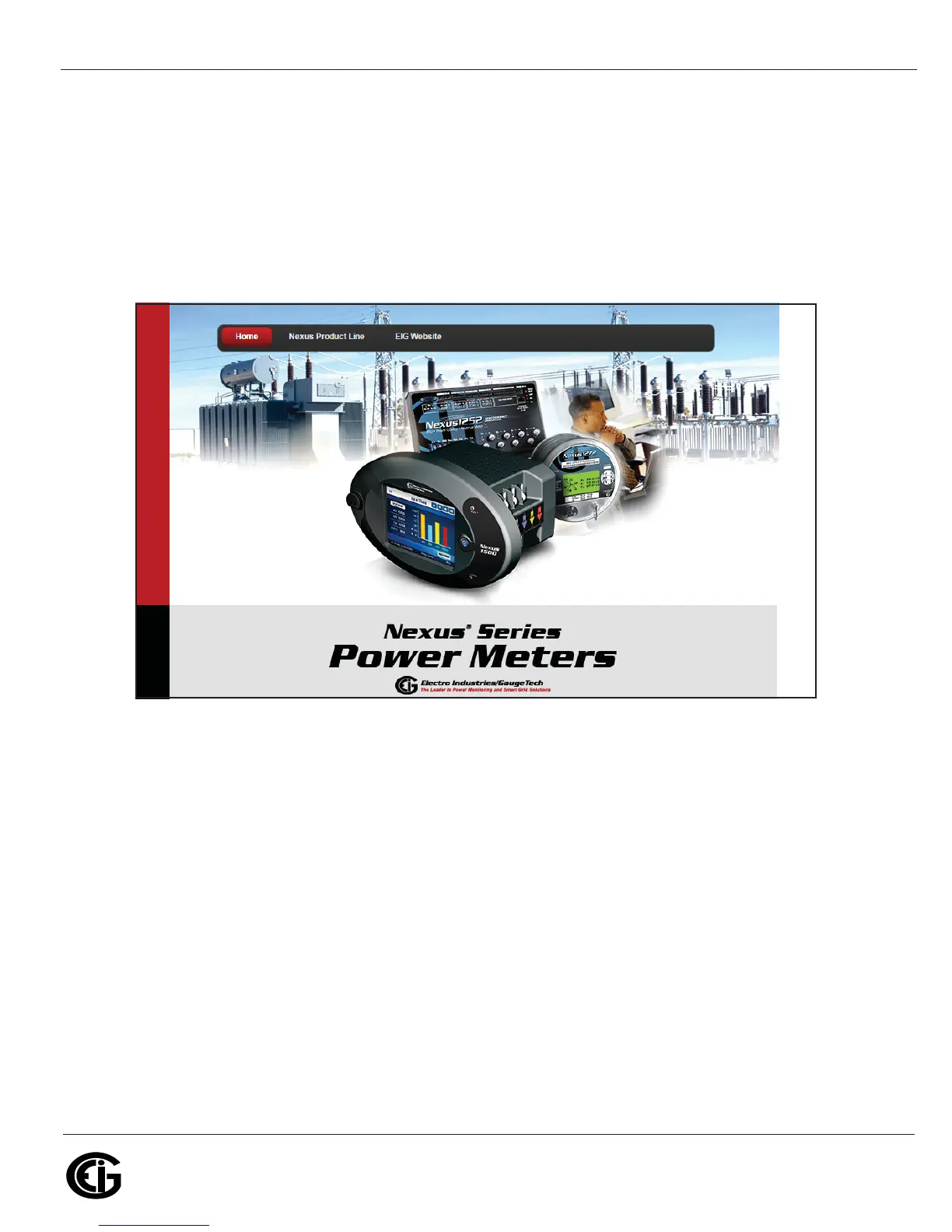
a. Insert the CD into your PC's CD drive. The screen shown below opens in your
Browser.
b. Click the Nexus® Product Line button. The following screen opens in your
Browser.



 To Next Page