Doc# E107706 6 - 3
6: Using the External Displays
Electro Industries/GaugeTech
The Leader In Power Monitoring and Smart Grid Solutions
Electro Industries/GaugeTech
The Leader In Power Monitoring and Smart Grid Solutions
c. To install Communicator EXT
TM
4.0 software and the driver for the P40N+:
i. Click Software>Communicator EXT
TM
Software to install the
software.
ii. Click Software>USB Driver to install the driver.
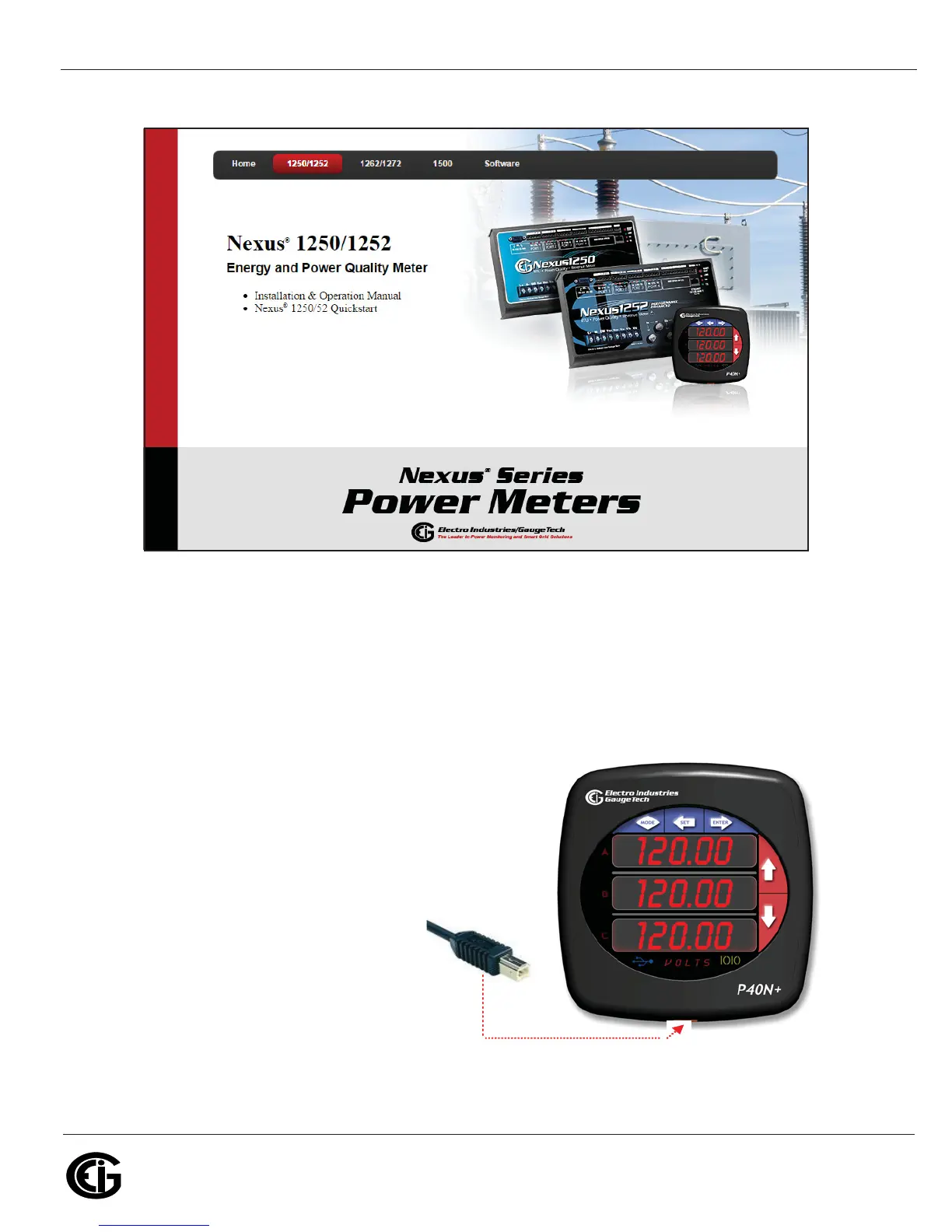
2. Connect the USB cable from your PC to the
port: using a USA-A Male to USB-B Male
cable, attach the USB-A connector to the
PC and attach the USB-B connector to the
P40N+ USB port. See Figure 6.1.
Figure 6.1: USB-B Male Connector and P40N+ USB Port



 To Next Page