Doc# E107706 6 - 4
6: Using the External Displays
Electro Industries/GaugeTech
The Leader In Power Monitoring and Smart Grid Solutions
Electro Industries/GaugeTech
The Leader In Power Monitoring and Smart Grid Solutions
3. Once the USB cable is connected to the P40N+, the display clears and the message
“USB in Use” scrolls at the bottom of the display. Additionally, the USB LED icon
lights up when the USB connection is being used.
You connect to the USB port using Communicator EXT
TM
software the same way you
connect to a meter with the software. Follow these instructions:
1. Determine which port the PC's USB is using:
a. On your PC, click Start>Settings>Control Panel.
b. Double-click the System folder.
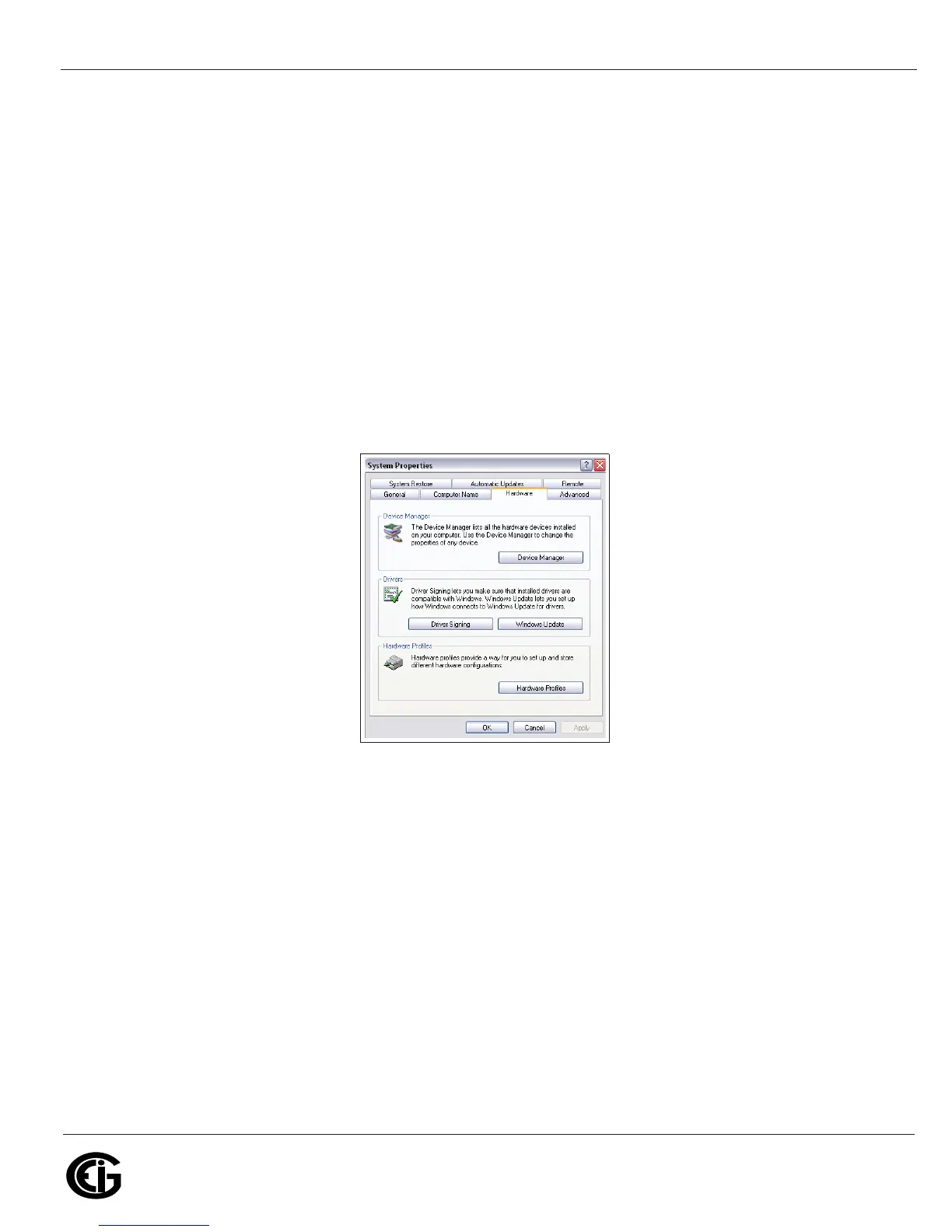
c. Click the Hardware tab. You will see the screen below.
d. Click the Device Manager button. You will see a list of the computer's hardware
devices.


 To Next Page
 Loading...


