39Northstar Explorer 650 Installation and Operation Manual
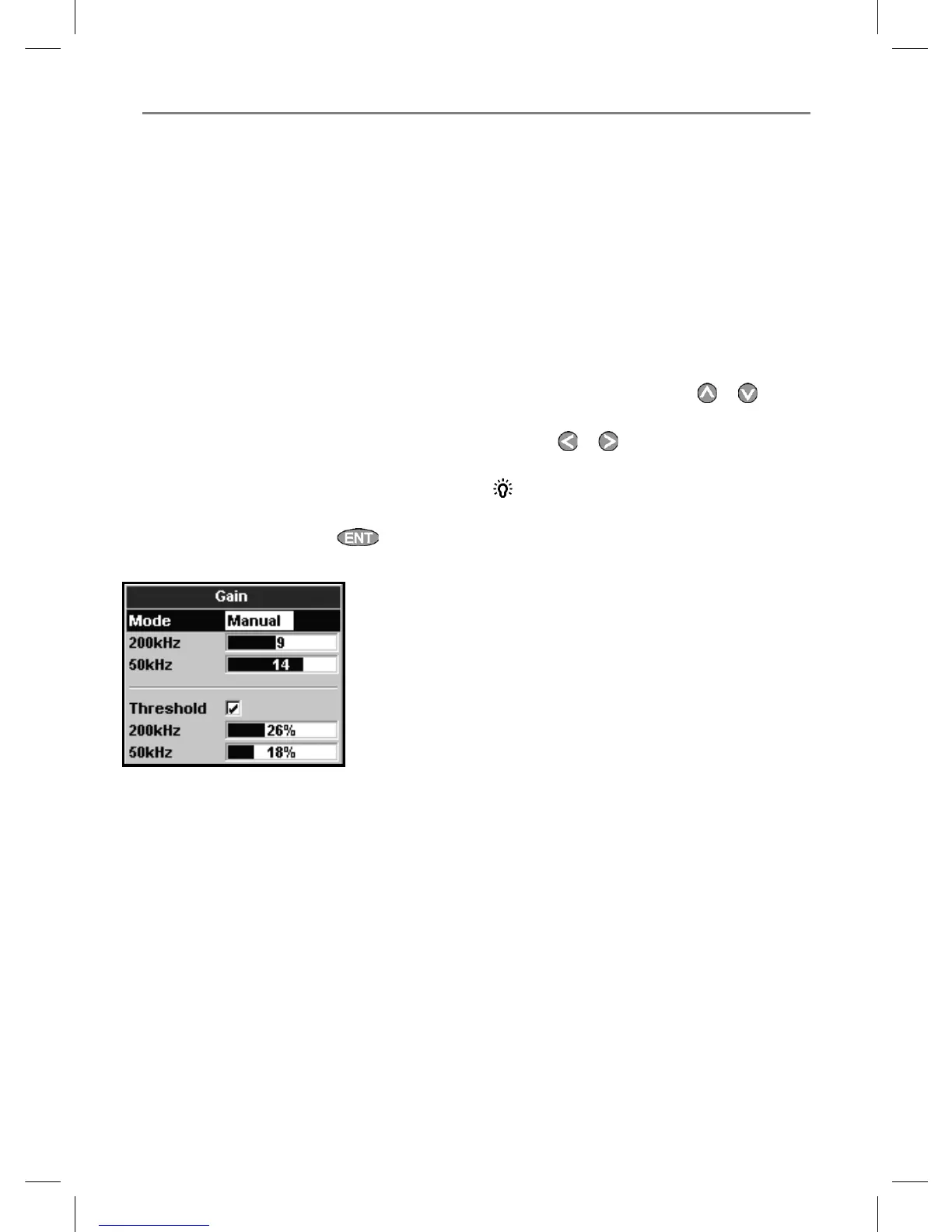
This display is called the gain window.
8-6 Gain and threshold
Gain and threshold settings control the amount
of detail displayed on a sonar display:
Gain: The gain of the sonar receiver. The gain
should be high to display good detail, but if the
gain is too high then information from the strong
bottom signal is lost and false echoes might be
displayed. There is a separate gain setting for
each sonar frequency, 50 kHz and 200 kHz.
Threshold: Return echoes less than the
threshold are ignored. The threshold should be
as low as possible, but if the threshold is too low,
unwanted noise will be displayed. Threshold is
set as a percentage of gain. For example, if the
threshold is 50 %, then return echoes less than
50 % of the maximum signal are ignored. There
is a separate threshold setting for each sonar
frequency, 50 kHz and 200 kHz.
The gain window
To display or change the current settings for gain,
select a sonar display and press . Select
Threshold to display the thresholds.
Changing mode
The Explorer has three operating modes, In
Cruising and Fishing modes, the Explorer
automatically adjusts gain and threshold for good
performance. In manual mode, you can hand
adjust the settings.
To change the mode from the Gain window,
Select Mode and then select Fishing,
Cruising or Manual. When you select
Manual, the Explorer reverts to your last manual
settings.
Changing gain and threshold
1 In the Gain window, press
or to select
the setting to adjust.
2 Press
or adjust the setting. The
Explorer changes to Manual mode.
Tip: Use the A-scope display to help set gain
or threshold manually (see section 9-5).



 To Next Page