Northstar Explorer 650 Installation and Operation Manual58
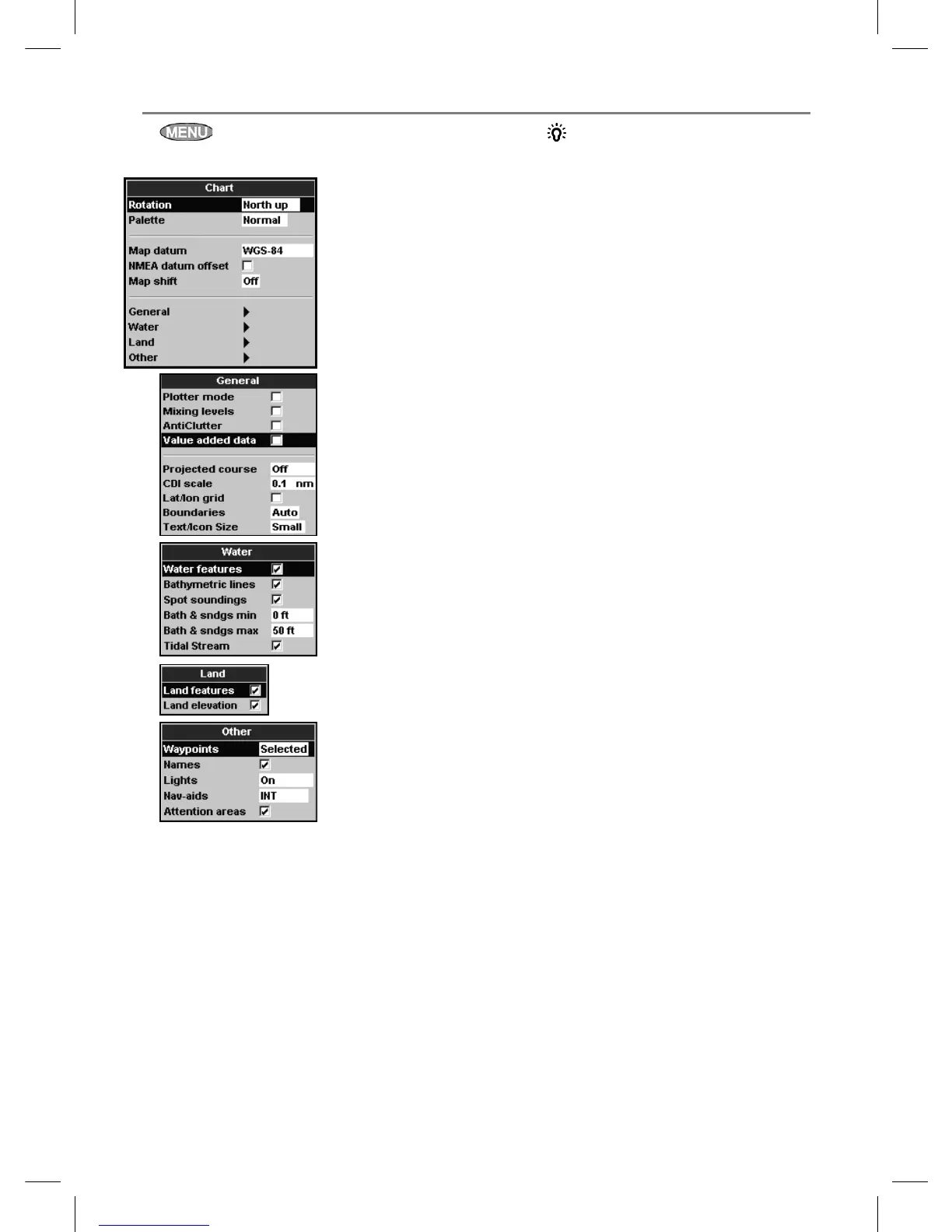
Press once or more until the Setup menu
is displayed, then select Chart:
Rotation
The options for chart rotation are:
North up: North is always at the top of the
chart display.
Track up: The chart is rotated so that the
boat direction is to the top of the display.
This option is useful for navigating narrow
harbours or rivers. The Explorer asks for a
course deviation resolution; this is how much
the boat direction needs to change to make
the chart redraw.
17-2 Setup > Chart
Tip: If the chart redraws too
frequently, increase the course deviation
setting.
Course up: This option is only available
if the boat is navigating to a destination. The
chart is rotated so that the plotted course to
the destination is vertical.
Palette
Select the color scheme for the LCD display.
The options are:
Normal
Sunlight: Brighter colors, more visible in
sunlight.
Night: Reversed colors for night, to preserve
night vision.
Map datum
Explorer GPS positions are based on a worldwide
reference (datum) known as WGS 84. Most paper
charts are based on WGS 84. However, some
paper charts are based on other datums In these
cases, the latitude and longitude coordinates of
objects on the Explorer chart display are different
to the latitude and longitude coordinates of
these objects on the paper chart. This applies to
all objects, such as the boat, waypoints, tracks,
lines of latitude and longitude and cartographic
features such as land, rocks, buoys and depth
contours.
Use Map datum to select the Explorer map
datum to match the datum of the paper chart.
Then, the latitude and longitude coordinates of
objects displayed on the Explorer will change
to match the corresponding coordinates on the
paper chart.
Setting map datum
1 In the Chart setup menu, select Map
datum.
2 Select the map datum for the paper chart you
are using.
3 If you select a datum other than WGS 84 the
Explorer asks if you want to apply the NMEA
datum offset (see below).



 To Next Page