51Northstar Explorer 650 Installation and Operation Manual
14 User card display
A C-MAP™ user card is an optional plug-in card
that can store data files (see section 1-3). There
are three types of files: waypoints, routes or a
track.
To go to the user card display, press
, select
Other, then select User card.
Note
1 Before using a user card, remove any chart
card and plug the user card in. When you
have finished with the user card, remove
the user card and replace the chart card (see
section 1-3).
2 The older 5 volt cards are not supported.
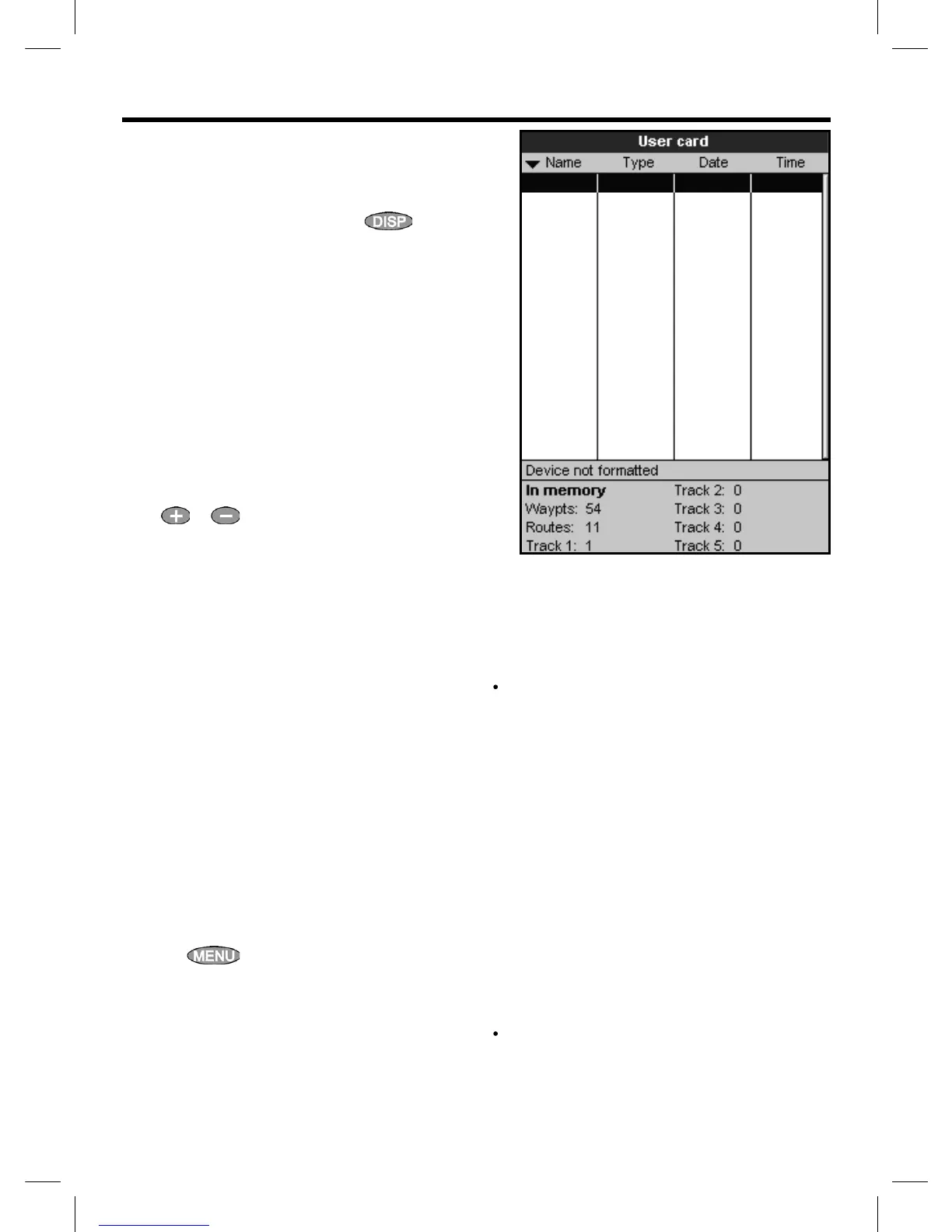
The user card display has:
File list
A list of the files on any user card in the Explorer.
If there are more files than will fit on the display,
press
or to scroll up or down a page at
a time.
Waypts, Routes
The number of waypoints and routes currently in
the Explorer.
Track 1 to Track 5
The number of points in tracks 1 to 5 currently in
the Explorer.
Note:
1 To save Explorer data onto the user card, use
the Save command (see below).
2 Data stored on the user card and shown on
the file list is not available to be used by the
Explorer until loaded into the Explorer with
the LOAD command (see below).
Saving data to the user card
This saves all the Explorer’s waypoints, all the
Explorer’s routes or one of the Explorer’s tracks to
one file on the user card.
1 Press
and select Save.
2 Select Waypts, Routes or Tracks.
3 For Tracks, select the track number to save.
4 The new file is created. Change the name
if required. The new file appears in the
file list.
Loading data from the user card to the
Explorer
This loads one file from the user card to the
Explorer:
A waypoints file: The new waypoints are
added to any existing waypoints in the
Explorer. If a new waypoint has the same
name as an existing waypoint but has
different data, the Explorer displays both
waypoints. Select:
Skip: Do not load the new waypoint.
Replace: Load the new waypoint and
replace the existing one.
Skip all: Do not load any new
waypoints which have the same names
as existing waypoints.
Rplc all: Load all new waypoints
which have the same names as existing
waypoints; the new waypoints replace
the existing waypoints.
A routes file: The new routes are added to
any existing routes in the Explorer. If a new
route has the same name as an existing route
but has different data then the Explorer asks
which route to keep.



 To Next Page