65Northstar Explorer 650 Installation and Operation Manual
Press one or more times until the Setup
menu is displayed, then select Alarms:
17-7 Setup > Logs
Press one or more times until the Setup
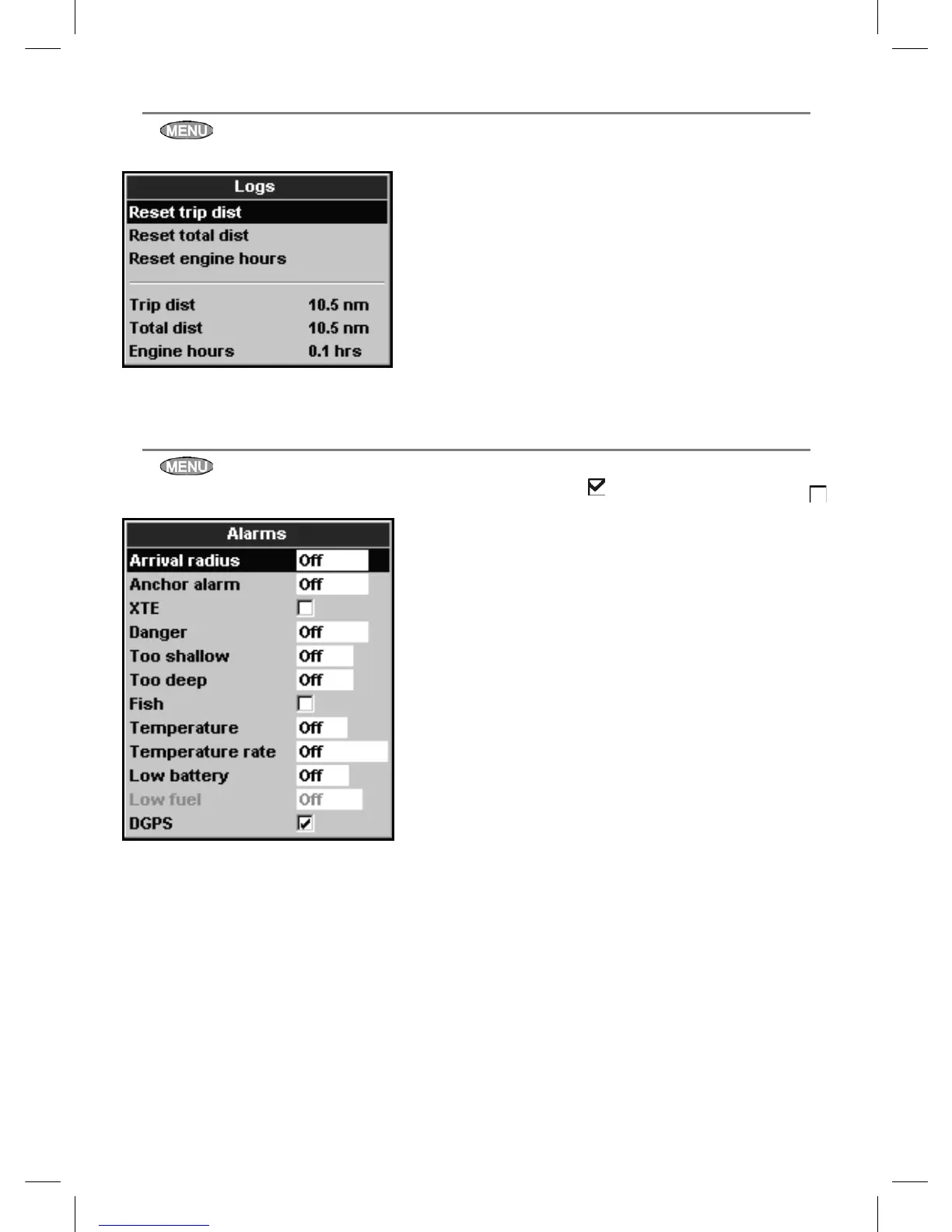
menu is displayed, then select Logs:
The values can be reset independently of each
other. These log values are saved when the unit
is turned off.
Reset trip dist
This resets the trip distance to zero.
Reset total dist
This option resets the total distance to zero.
Reset engine hours
Use this option to reset the engine hours to
zero. This can be useful after an engine service
or to count the engine hours between service
intervals.
17-8 Setup > Alarms
For the XTE, Fish and Loss of DGPS fix
alarms, select to turn the alarm on or select
to turn the alarm off. For the other alarms, enter
a trigger value to turn the alarm on. The alarm
will sound each time the alarm value passes the
trigger value. For example, the Danger alarm
will sound if the boat comes closer to a danger
waypoint than the trigger value and the Anchor
alarm will sound if the boat moves by more than
the trigger value. To turn these alarms off, enter a
trigger value of 0 (zero).
Icons for alarms that are on can be displayed in
the data header (see section 2-7-3). An alarm icon
is normally black and turns red when the alarm
sounds.



 To Next Page