57Northstar Explorer 650 Installation and Operation Manual
Press once or more until the Setup
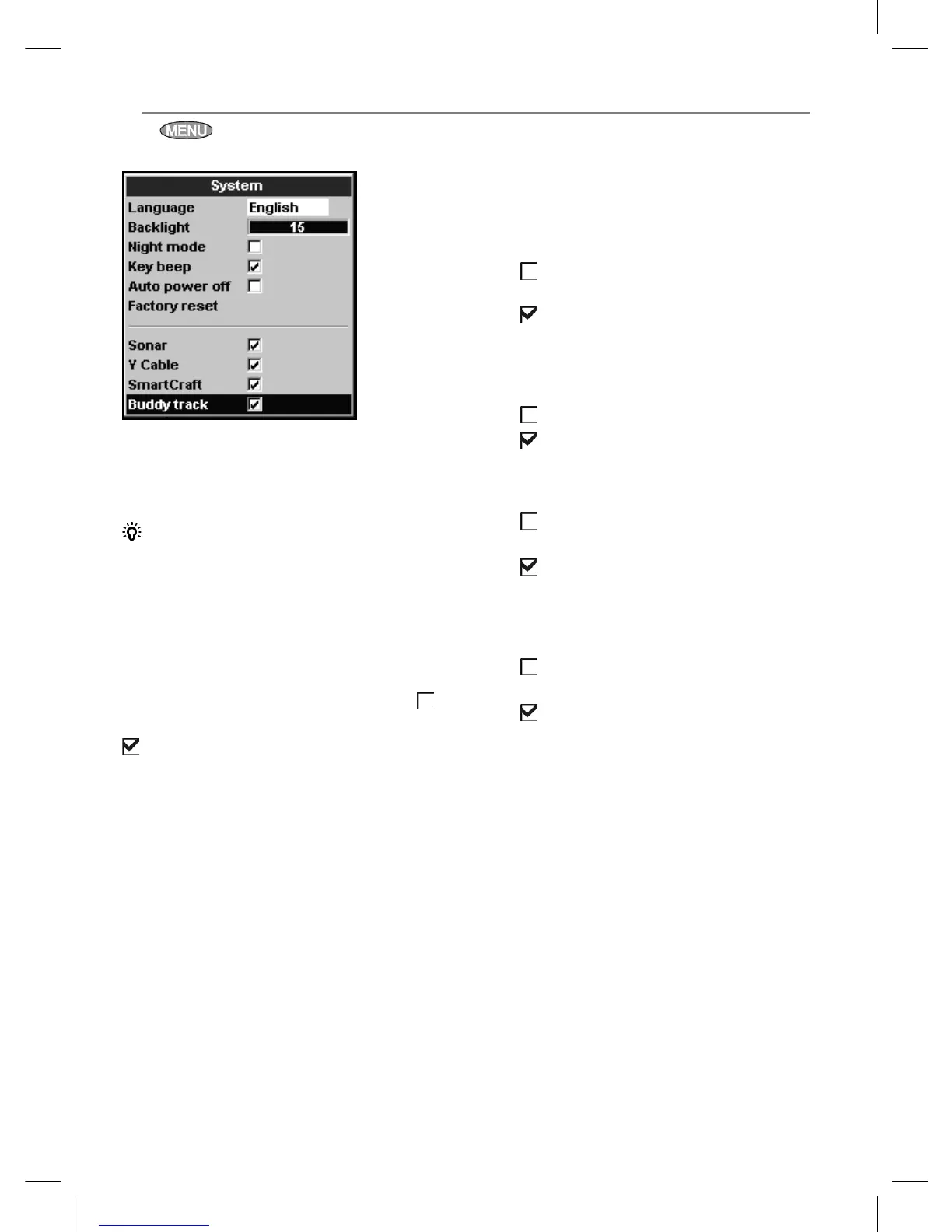
menu is displayed, then select System:
Language
Select the language for the displays. The options
are: English, Italian, French, German, Spanish,
Dutch, Swedish, Portuguese, Finnish and Greek.
Tip: In case you can’t read the current
language, the language setting is found at the
top of the system menu.
Backlight
Select the backlight level for the keys and display
(see also section 2-3)
Night mode
Night mode sets the palette for all displays.
Normal palette, for daytime
All displays have a palette optimised for night
time.
See also section 2-3. To change only the chart
palette, see section 17-2.
Key beep
Enables or disables the beep when a key is
pressed.
Auto power off
See section 2-2.
17-1 Setup > System
Factory reset
This option returns all of the Explorer settings
(except the language, waypoints and routes) to
the default factory settings shown on the setup
menus.
Sonar
Disable any sonar transducer and disable
sonar functions.
A sonar transducer is fitted. Enable
sonar operation.
See section 18-6.
Y Cable
No GPS/fuel Y cable is fitted.
A GPS/fuel Y cable is fitted.
See section 18.
SmartCraft
No SmartCraft gateway is fitted. Disable
SmartCraft functions.
SmartCraft gateway is fitted. Enable
SmartCraft operation.
See section 18-9.
Buddy track
No DSC VHF radio is fitted. Disable Buddy
track.
A DSC VHF radio is fitted. Enable Buddy
track.
See section 18-8



 To Next Page