71Northstar Explorer 650 Installation and Operation Manual
18 Installation
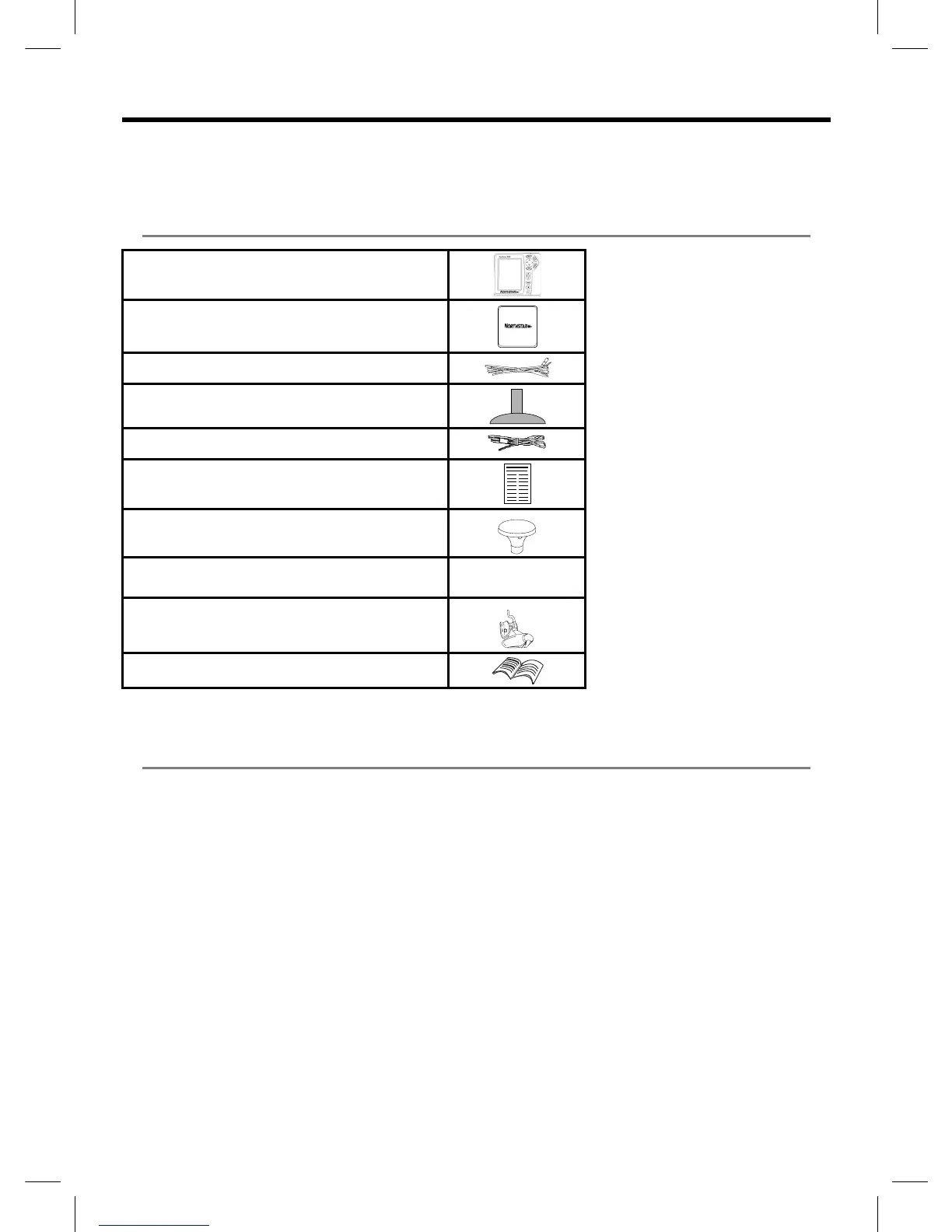
18-1 Installation: What comes with the Explorer 650
Correct installation is critical to the performance
of the unit. It is vital to read the entire installation
section of this manual and the documentation
• Replacement paddle wheel
• C-MAP™ NT-MAX, NT+ or NT chart cards.
• C-MAP™ user cards (3 V) for storing data. (The older 5 volt cards are not supported)
• Northstar carry bag.
• Northstar NavBus junction boxes simplify wiring, particularly if several instruments are connected.
For more information, see the NavBus Installation Manual.
18-2 Installation: Options and Accessories
that comes with the antenna and any other units
before starting installation.
Explorer display unit, with a holder for plug-in cards
and blanking cap for fuel connector.
Dust cover for display unit
Power cable
Mounting bracket (screws included)
GPS connection cable
Warranty registration card
Northstar 124 GPS antenna
Flush mounting kit
Dual frequency transom sonar transducer (includes
cable kit and screws)
Transom Mount Transducer Installation Manual



 To Next Page