69Northstar Explorer 650 Installation and Operation Manual
Speed range
The maximum reading to display on an analog
boat speed gauge (see section 10). Choose a
range suitable for your boat.
Max fuel flow
The maximum fuel flow from the fuel tank.
Max RPM
The maximum engine RPM. Enter a value you
have attained rather than the manufacturer’s
value.
Transducer;
depths measured below
here
A
B
C
Depths measured
below here
Depths measured
below here
Press once or more until the Setup
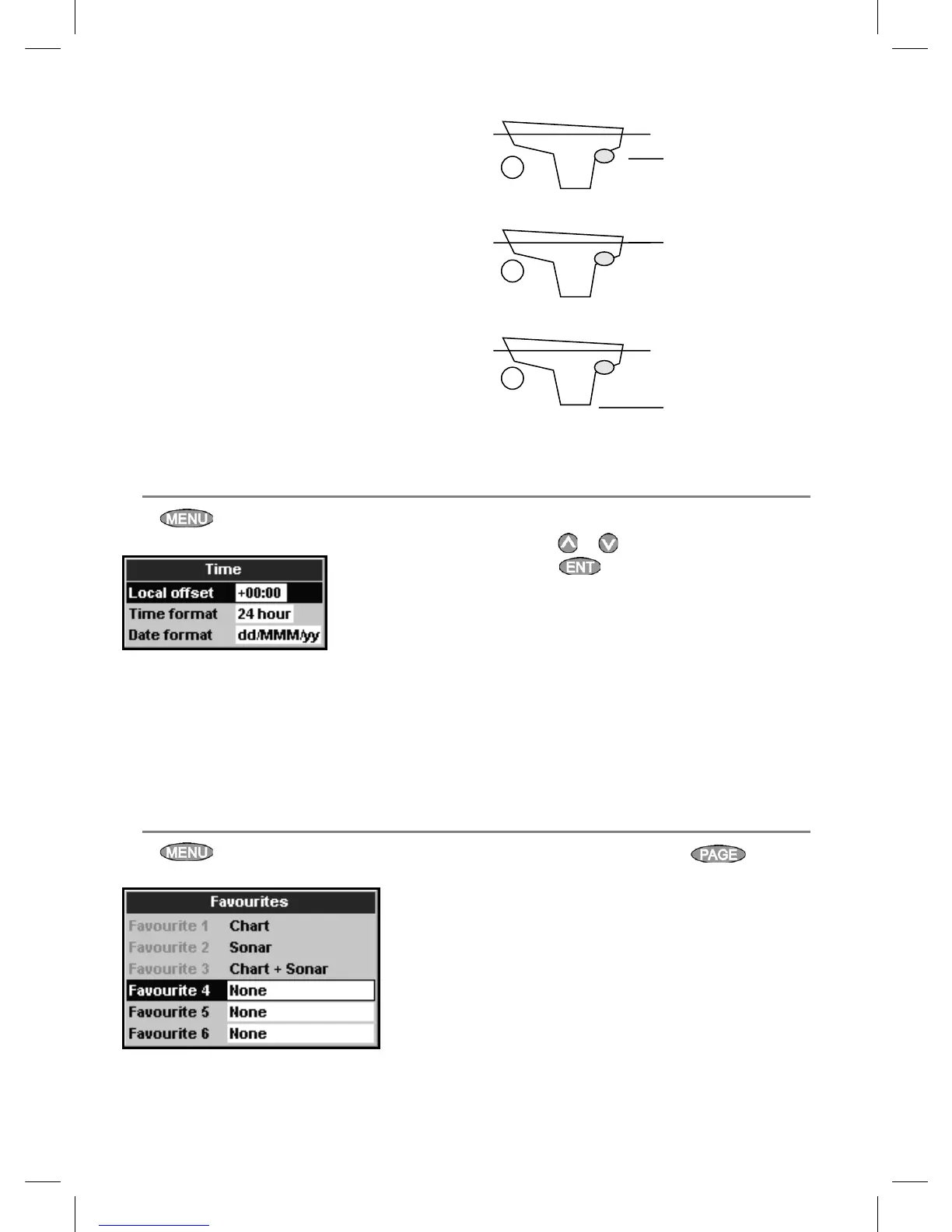
menu is displayed, then select Time:
Local offset
The difference between local time and UTC
(GMT). Change local offset when daylight saving
time starts and ends. The range is 0 to ± 13 hours,
in 30 minute steps.
17-12 Setup > Time
1 Select Local offset.
2 Press
or to change the offset, then
press .
Time format
The options are 24 hour or 12 hour.
Date format
The options are dd/MMM/yy, MMM/dd/yy,
dd/MM/yy or MM/dd/yy.
Press once or more until the Setup
menu is displayed, then select Favorites.
17-13 Setup > Favorites
The favorites are used by the key (see
section 2-7-2).
The first three favorites are preset to Chart, Sonar
and Chart + sonar, and can not be altered. To
select a display for Favorite 4,
5 or 6:
1 Select the favorite to set.
2 A list of choices is displayed. Select one.


 To Next Page