Northstar Explorer 650 Installation and Operation Manual40
D
To show the Sonar display, press , select
Chart or Sonar, then select a sonar display.
There are five kinds of sonar display. To use a
display, press
, select Sonar splits,
then select the type of display to use:
No split: Sonar history display at a single or
mixed frequency (see section 9-1).
Split zoom: Sonar history plus a zoomed section
(see section 9-2)
Split bottom: Sonar history plus a bottom trace
in a zoomed section (see section 9-3)
Split 50/200: Sonar histories at 50 and 200 kHz
(see section 9-4)
Split A-Scope: Sonar history plus echo strength
(see section 9-5)
9 Sonar fishfinding: Displays
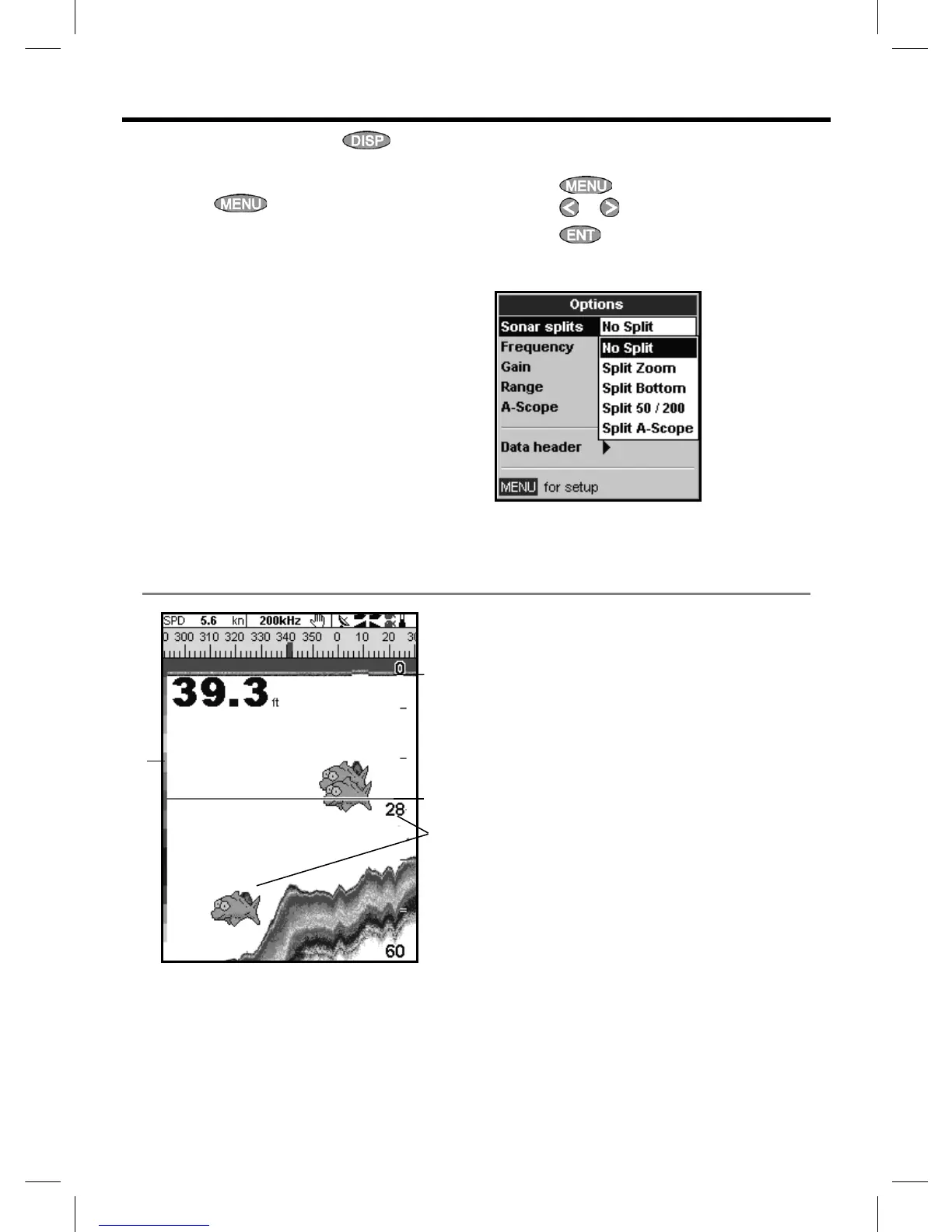
9-1 Sonar history display - no split
F
A Optional data header (see section 2-7-3)
B Optional compass (see section 2-7-4)
C Depth
D Color bar
E Bottom
F Range
G Fish symbols with depth
H Depth line
I Surface
The display scrolls from right (most recent
echoes) to left (oldest echoes).
If the display is split, adjust the split ratio if
required:
1 Press
and select Sonar window split.
2 Press
or to adjust the ratio.
3 Press
.
A
C
B
E
G
I
H



 To Next Page