Northstar Explorer 650 Installation and Operation Manual56
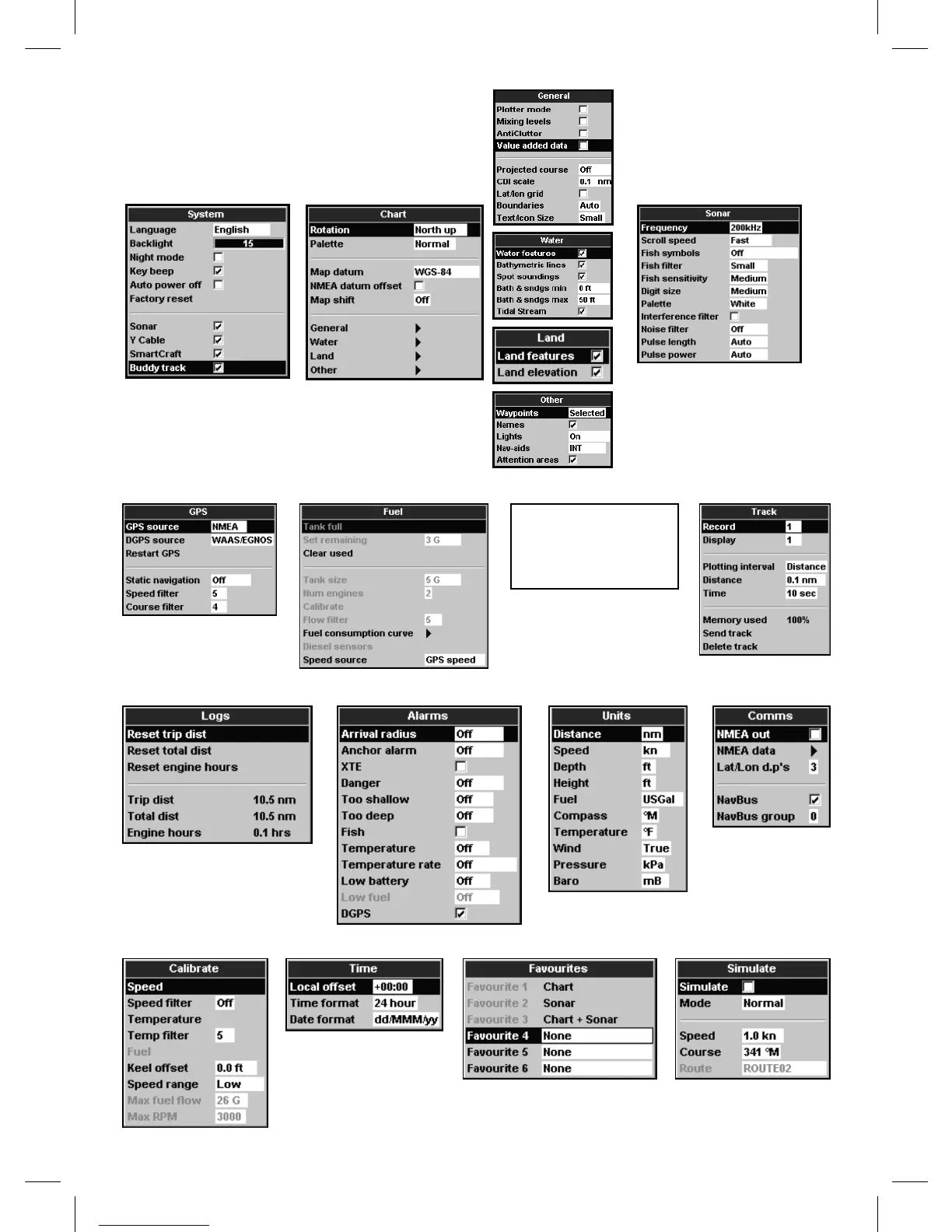
Setup option menus
Factory default settings are shown. The setup data
available will depend on the optional sensors and
instruments installed.
System (see 17-1) Chart (see 17-2) Sonar (see 17-3)
Favorites (see 17-13)Time (see 17-12)
Alarms (see 17-8) Units (see 17-9) Comms (see 17-10)Logs (see 17-7)
Track (see 17-6)Fuel (see 17-5)GPS (see 17-4)
Calibrate (see 17-11) Simulate (see 17-14)
General, Water, Land and
Other submenus (17-2)
SmartCraft
(See the SmartCraft
Gateway Installation
and Operation Manual)



 To Next Page