iCare+ Operation Manual 10-8-1 p. 22
Removing a W&H turbine from its adaptor:
- Move up the retaining ring of the adaptor.
- Remove the turbine while maintaining the ring in upright position.
Removing a Bien-Air turbine from its adaptor:
- Press the button on the adapter.
- Remove the turbine while keeping the button pressed.
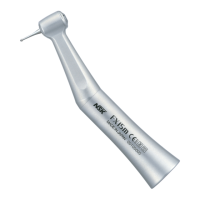
For removing a contra-angle, in accordance with the ISO 3964 standard, follow the description below:
Start opening the door. After that, remove the instrument in the axial direction of the E-type connector by pressing
on the release button.
3.5. Programming of iCare+ device
Start by putting the ON/OFF switch, localized on the Rear panel, on position I.
3.5.1. The Control panel
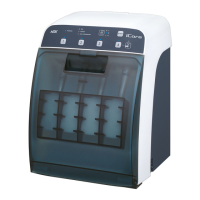
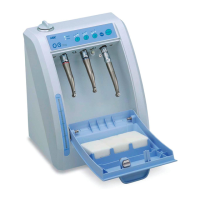
The Control panel (see Figure 19) is composed of a series of control buttons and also of light operating indicators
(LEDs).
The configuration of the device, the progress in the cleaning process and the status of the sensors are directly
displayed on the front panel using 25 LEDs. Combinations of the LEDs provide additional information such as the
progress in the copy of the internal memory into the USB key.



 To Next Page