4
SECTION 2: INSTALLING YOUR SYSTEM
SECTION 2
Installing Your System
For each camera you received with your system, installation instructions are included. Follow the instructions to install all your
cameras, then route the camera video and power extension cables to the location where the DVR will be setup. Some guidelines for
camera placement, and considerations for weatherproof cameras and cable routing are provided below.
2.1 Some guidelines for camera installation
Plan your camera installation carefully. Identify the locations where cameras will provide the best coverage, considering:
• Field of view – Cameras must be positioned so they can eectively view the entire area that must be monitored, and in a
location that makes tampering with it dicult.
• Lighting – Direct sunlight shining on the camera lens or bright reections from shiny objects in the eld of view can diminish
video quality and camera performance. Mount the camera in shaded areas, if possible, or where these inuences can be
minimized.
• Ease of installation – The camera must be installed in a location where the temperature, dust, moisture, etc. are within
specications, and where it can be securely attached.
About weatherproof cameras
Weatherproof cameras can be mounted in any open area, such as on a telephone pole or on the side of a building. However, for best
results, we recommend you mount your cameras in a sheltered area, such as under the eave or roof of a building. Point the camera
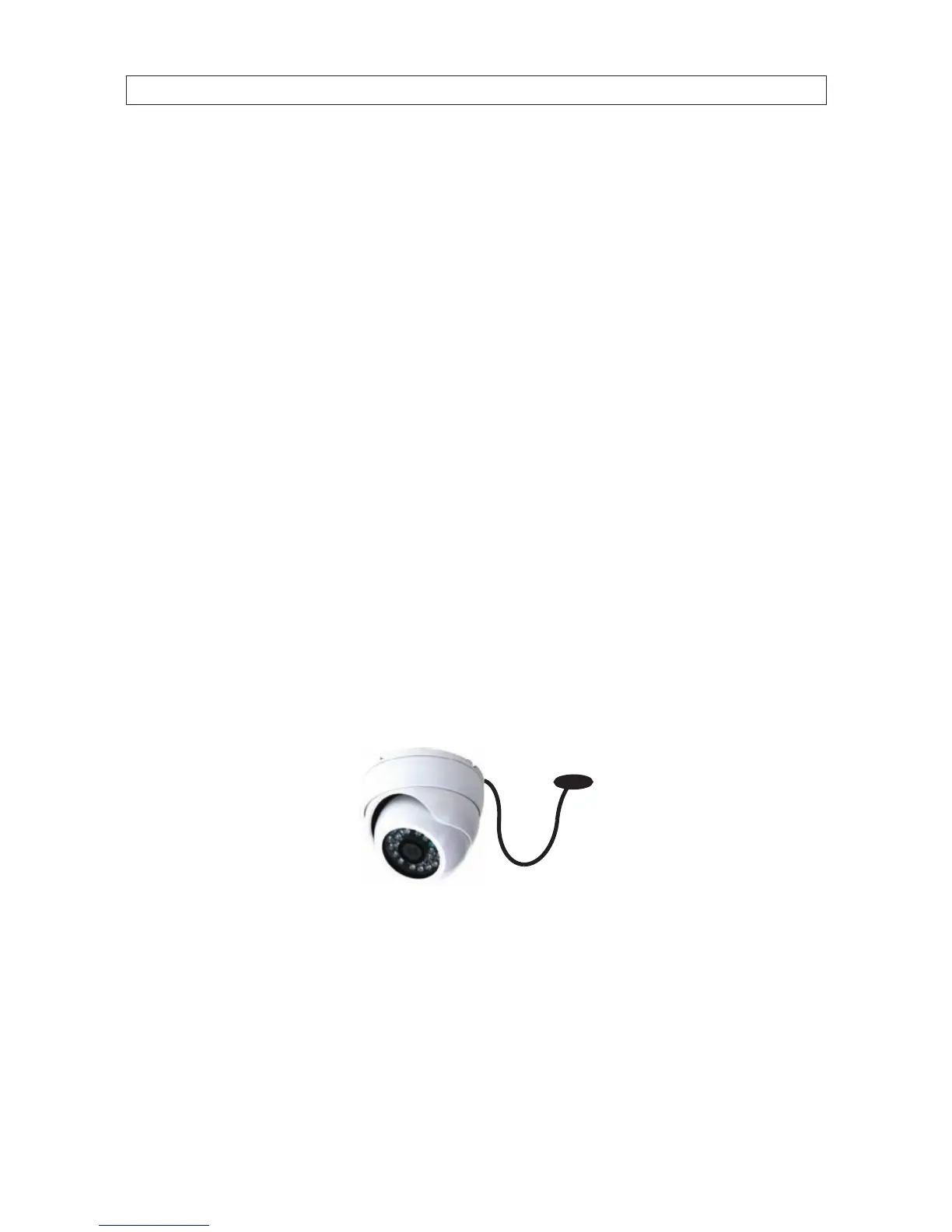
in the direction you wish to observe. When routing cable near the camera, allow enough slack to form a U-shaped “drip loop” if it is
exposed to moisture or rain water. A drip loop helps to direct water, that accumulates on the cable, away from the camera.
Drip Loop
Drop
Cable
Cable routing
Video/power cables can be run almost anywhere, and are frequently routed through attics or above drop/acoustic ceilings because
of the ease of installation. For added security, we recommend you run your cables in areas with limited access to prevent tampering.
Avoid running the cable near high voltage appliances such as uorescent lighting. Electrical noise and magnetic elds produced by
these devices may aect video signal quality.



 To Next Page