52
After downloading the app, attach your iPhone to your computer, sync the application to your phone.
6.1.2 Installing KWeye in Android
To install applications using Android Market perform the following steps:
With your Android phone, go to the Applications menu and open Android Market.
Search for the application kweye
When the application is found, click on the KWeye icon to display details of the app.
To install KWeye, click Install and follow the on-screen instructions.
6.2 Set up access to a DVR
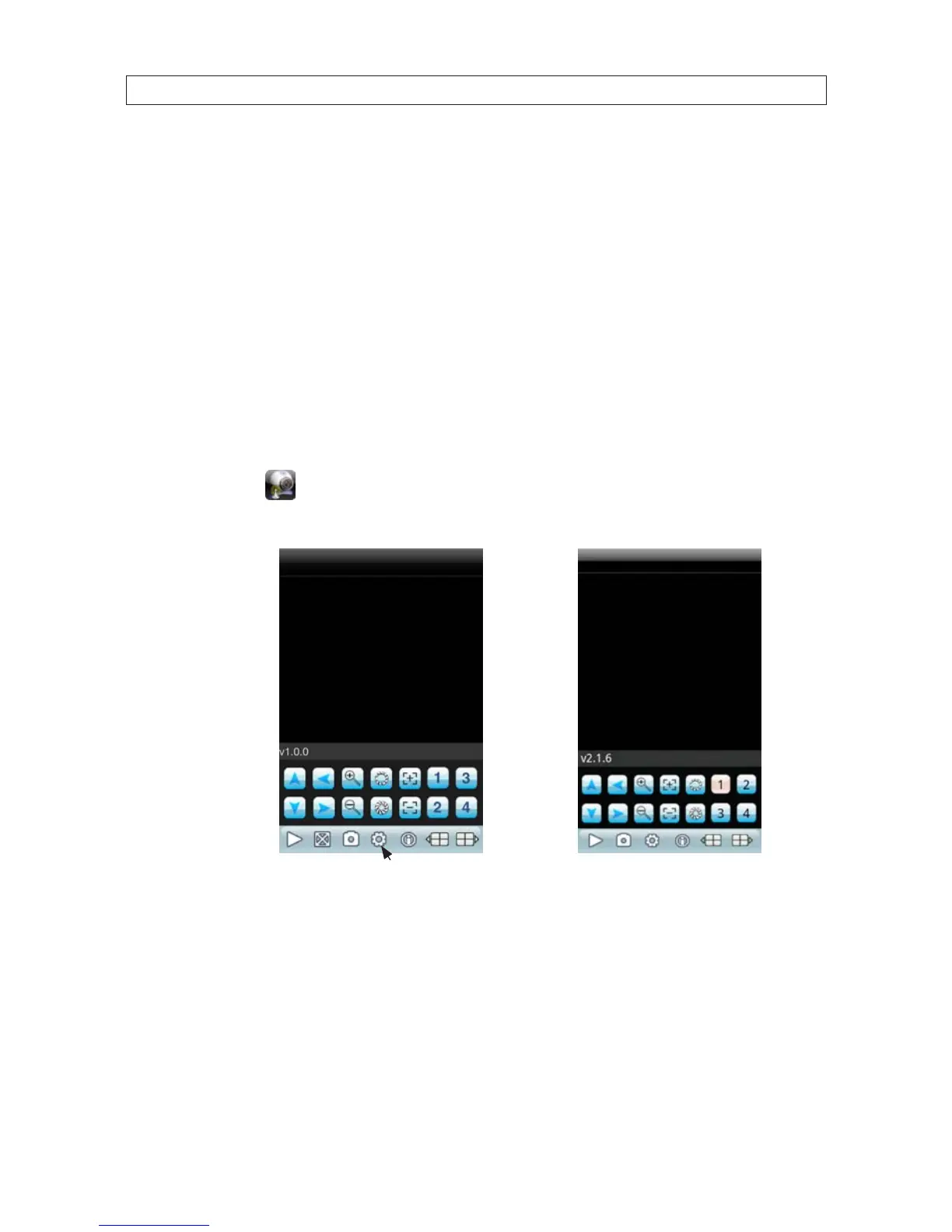
Usage and functionality of the KWeye app is the same on both iPhone and Android phones. However, the screens vary slightly
between the two systems. To use KWeye:
• Tap the KWeye icon to open the app. The KWeye splash screen will appear.
(NOTE: The following images were captured from an Android smartphone. iPhone screens are functionally identical.)
Settings
iPhone
KWeye Initial
Screen
Android
KWeye Initial
Screen
SECTION 6: KWEYE SMARTPHONE APP



 To Next Page