43
H.264 4/8/16-channel Networkable DVRs
NOTE
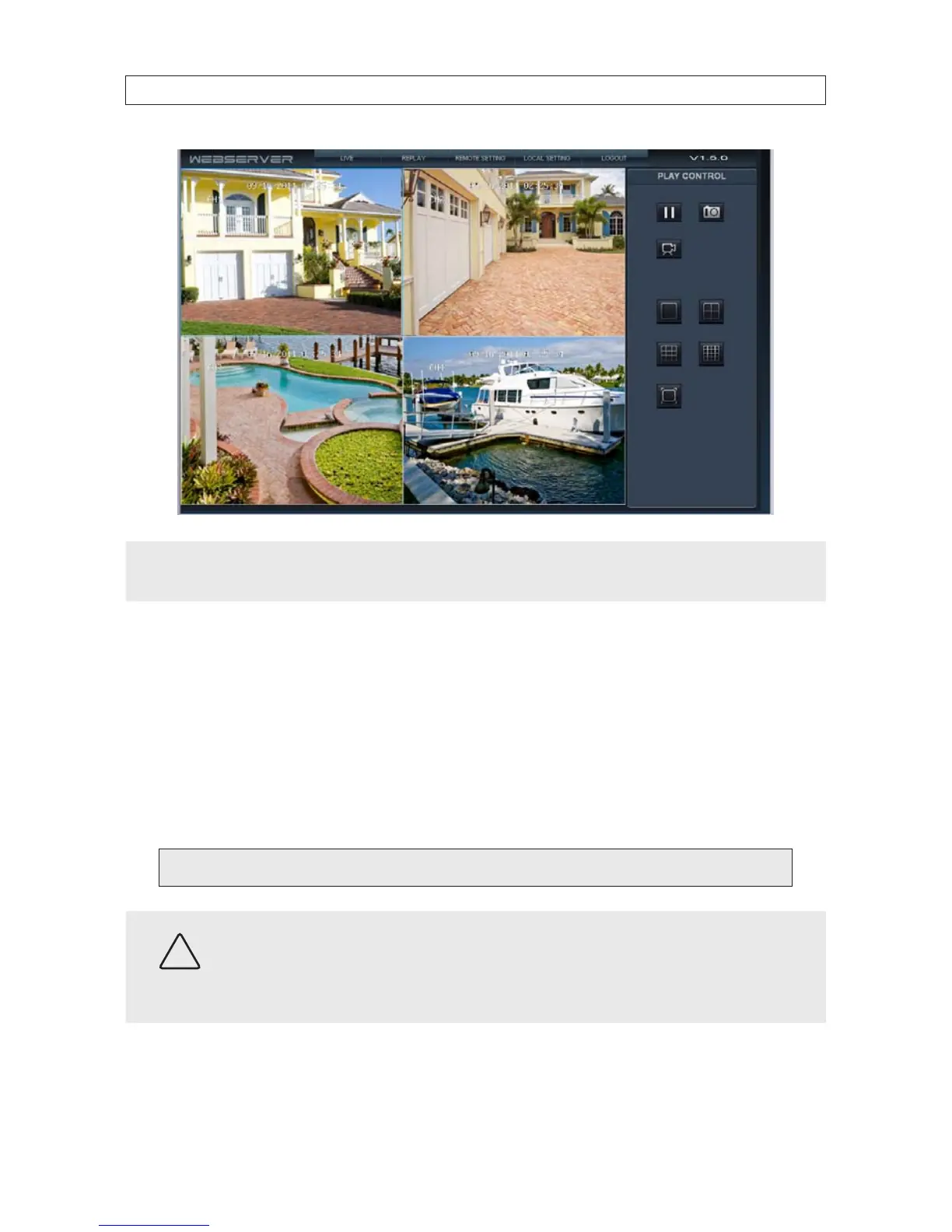
When viewing the DVR network browser interface, if the webpage appears normal but the camera images are scrambled, check
your computer’s video adapter settings, or contact your distributor for assistance.
4.2 Accessing your DVR from the Internet
The remote viewing capabilities of your DVR allow you to access and control it from anywhere in the world via the Internet. Your
DVR must be setup on a LAN before this capability can be enabled, and the LAN must have a high-speed connection to the Internet
for ecient data transfer to occur. This procedure requires that the network router be congured for port forwarding. Only general
instructions for setting up this capability are included here.
1. Congure your router for port forwarding to the DVR using the network information included in Table 1. For instructions, refer
to the user documentation for your router and/or the information and service provided at http://portforward.com.
Port forwarded for the DVR:
CAUTION
By default, your DVR uses port 8090 for the web port, 9000 for the Media port, 10510 for the Mobile server port, and 8000
for the Setup port. If any of these ports are assigned to another device on your network, congure your DVR to use a dierent
port. Do not assign the ports used by your DVR for Web, Media, Setup or Mobile to any other device on your local network.
Also, when choosing a port for port forwarding an Internet connection to your DVR, do not use any of these ports, or other
ports on your network already in use.
SECTION 4: NETWORKING YOUR DVR



 To Next Page