39
H.264 4/8/16-channel Networkable DVRs
SECTION 4: NETWORKING YOUR DVR
4.1.1 Verify local network connectability with IE
After your DVR is setup on a local network, IE is used to verify connectability across the LAN. It also increases exibility for
monitoring and conguring your security system.
Before you can connect to the DVR with IE, the (default) security settings in IE are modied and an additional software is installed.
1. At your PC, load IE.
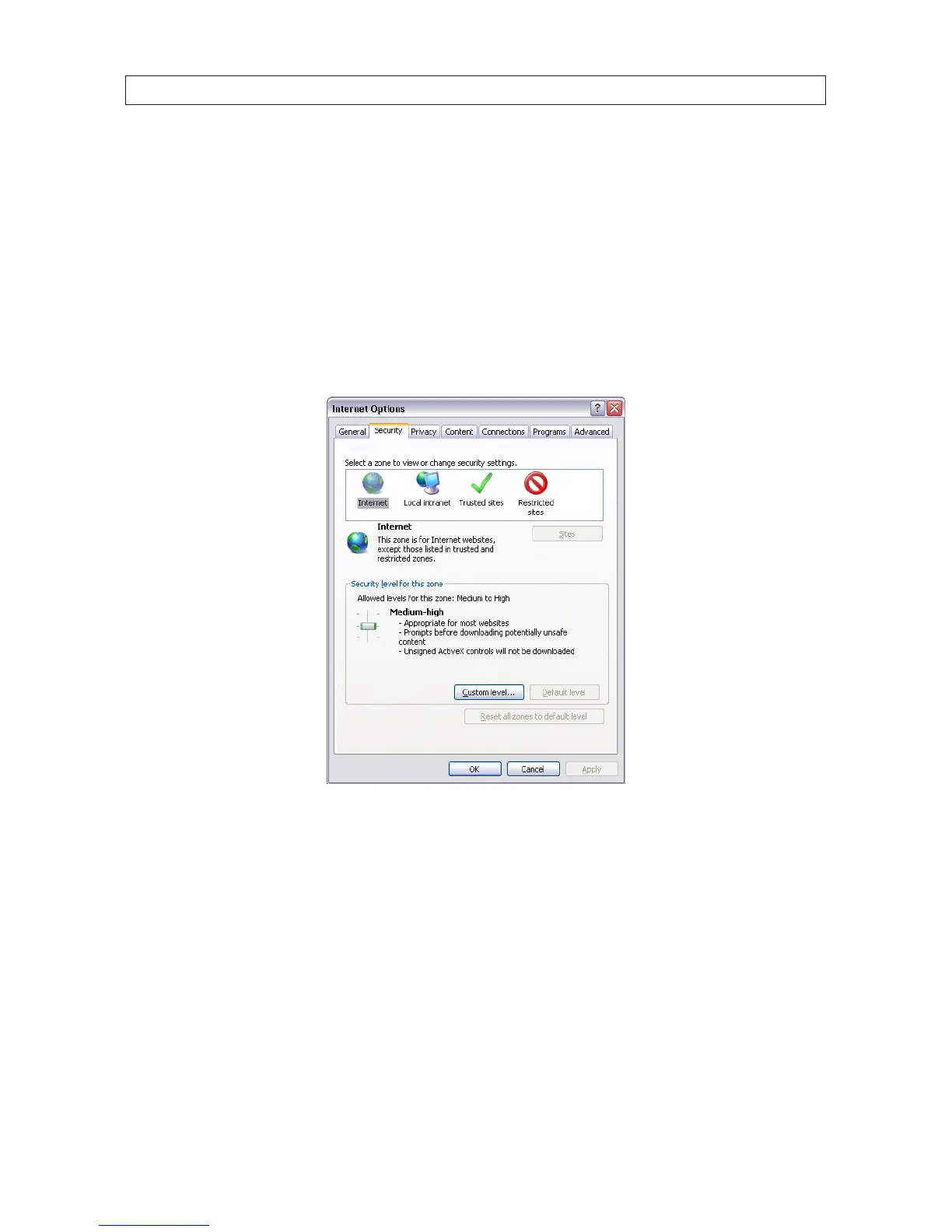
2. Open the IE Tools pull-down menu and select Internet Options. Click the Security tab.
3. Click the Custom Level... button. In the Settings list, change the following settings to Enable:
Automatic prompting for ActiveX controls
Initialize and script ActiveX controls not marked as safe for scripting
Script ActiveX controls marked safe for scripting
Binary and script behaviors
Download signed ActiveX controls
Download unsigned ActiveX controls
Run ActiveX controls and plug-ins



 To Next Page