40
SECTION 4: NETWORKING YOUR DVR
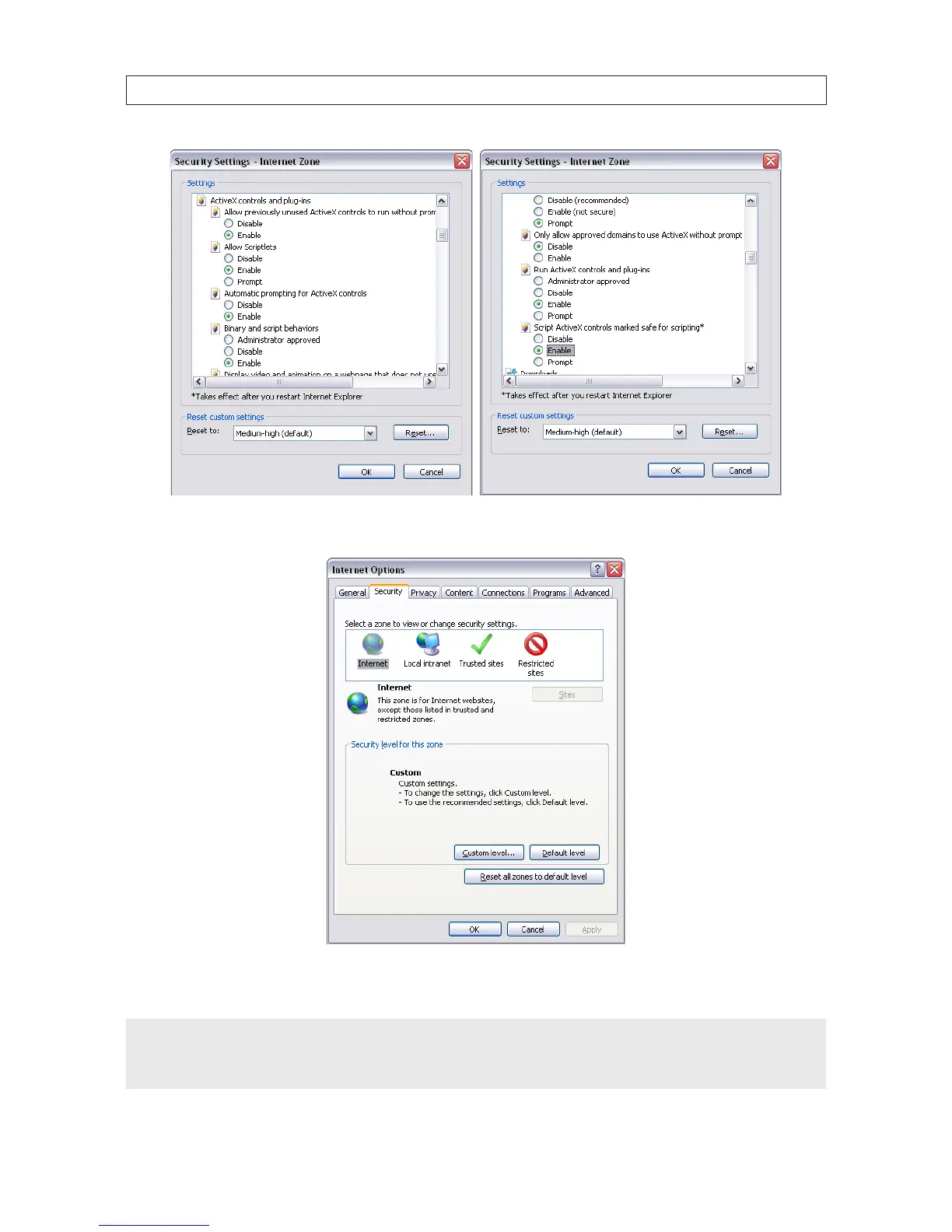
Click OK, then click YES in the Warning window.
In the Internet Options window, click Apply, then click OK to close the window.
NOTE
If your computer operating system is Windows Vista or Windows 7, User Account Control can interfere with the normal operation
of the DVR user interface. To disable UAC, open the Control Panel > User Account > User Account window, clear the Use User
Account Control (UAC) to help protect your computer check box, then click OK . A computer restart may be required.



 To Next Page