41
H.264 4/8/16-channel Networkable DVRs
SECTION 4: NETWORKING YOUR DVR
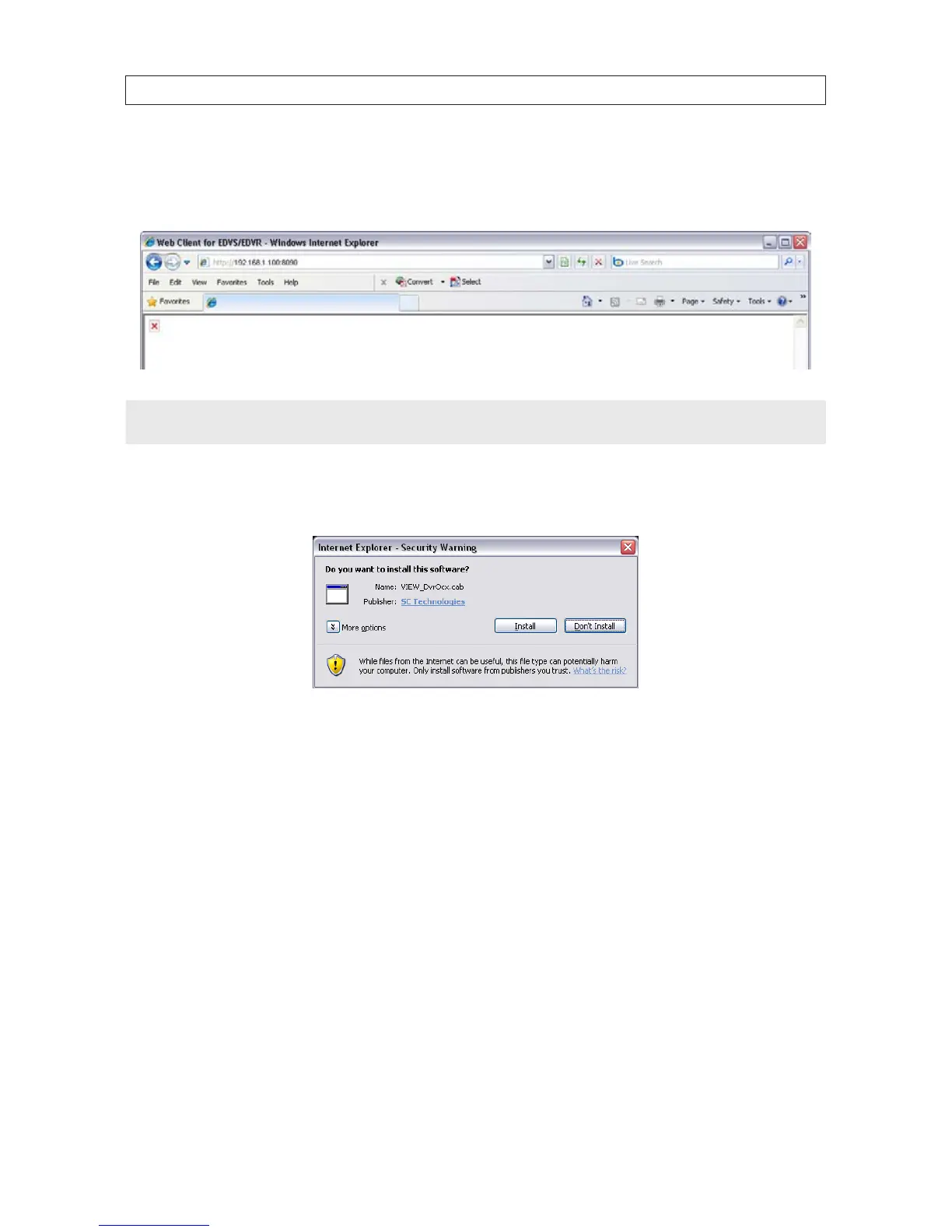
4. In the IE URL eld, enter the IP address assigned to your DVR with the WEB PORT number congured in your DVR (in the
example above, the default WEB PORT is 8090). Using the example shown above, enter:
192.168.1.100:8090
NOTE
After sending the URL, IE may prompt you to load the Chinese Simplied language pack. You can click Install or Cancel. If you click
Cancel, the message will reappear again when you logout and login.
5. During the rst connection to the DVR, a security warning to install software appears. Click Install and follow the on-screen
instructions to complete the installation.
6. When the Login screen opens in the browser, enter the administrator USER ID and PASSWORD, then click Login. The default
values for the administrator account are Admin and 888888.



 To Next Page