42
SECTION 4: NETWORKING YOUR DVR
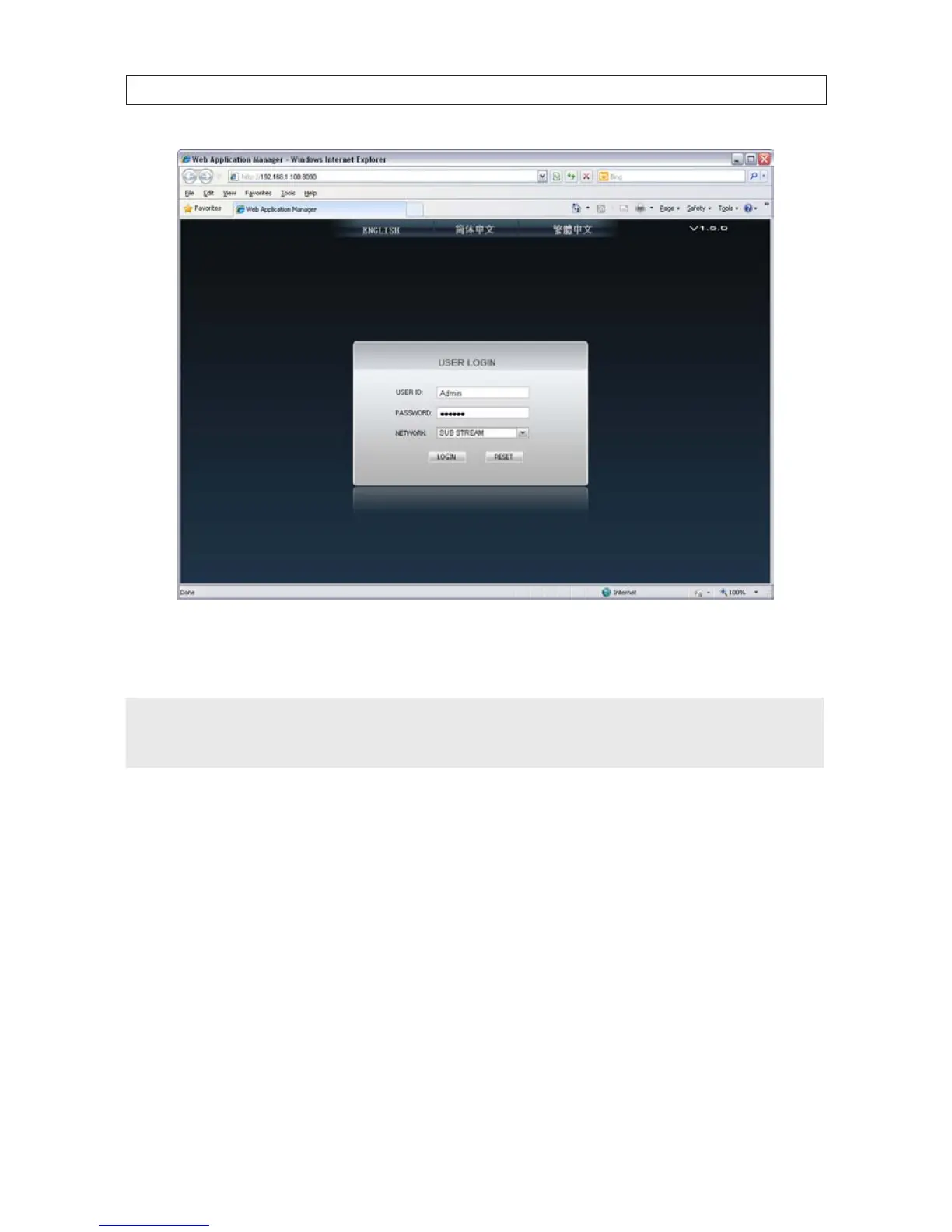
7. After login, the DVR web display will appear. To see images from the cameras connected to your DVR, click the Open All
button in the lower left corner of the screen.
NOTE
The following sections provide a generic procedure for setting up a 4-channel system with a DVR9004N series DVR. If you are
setting up an 8- or 16-channel system, the displays you see may be slightly dierent. For example, if you have an 8-channel DVR,
the initial DVR camera channel display will be an 8-split screen, one split for each channel.



 To Next Page