32
SECTION 3: DVR SETUP
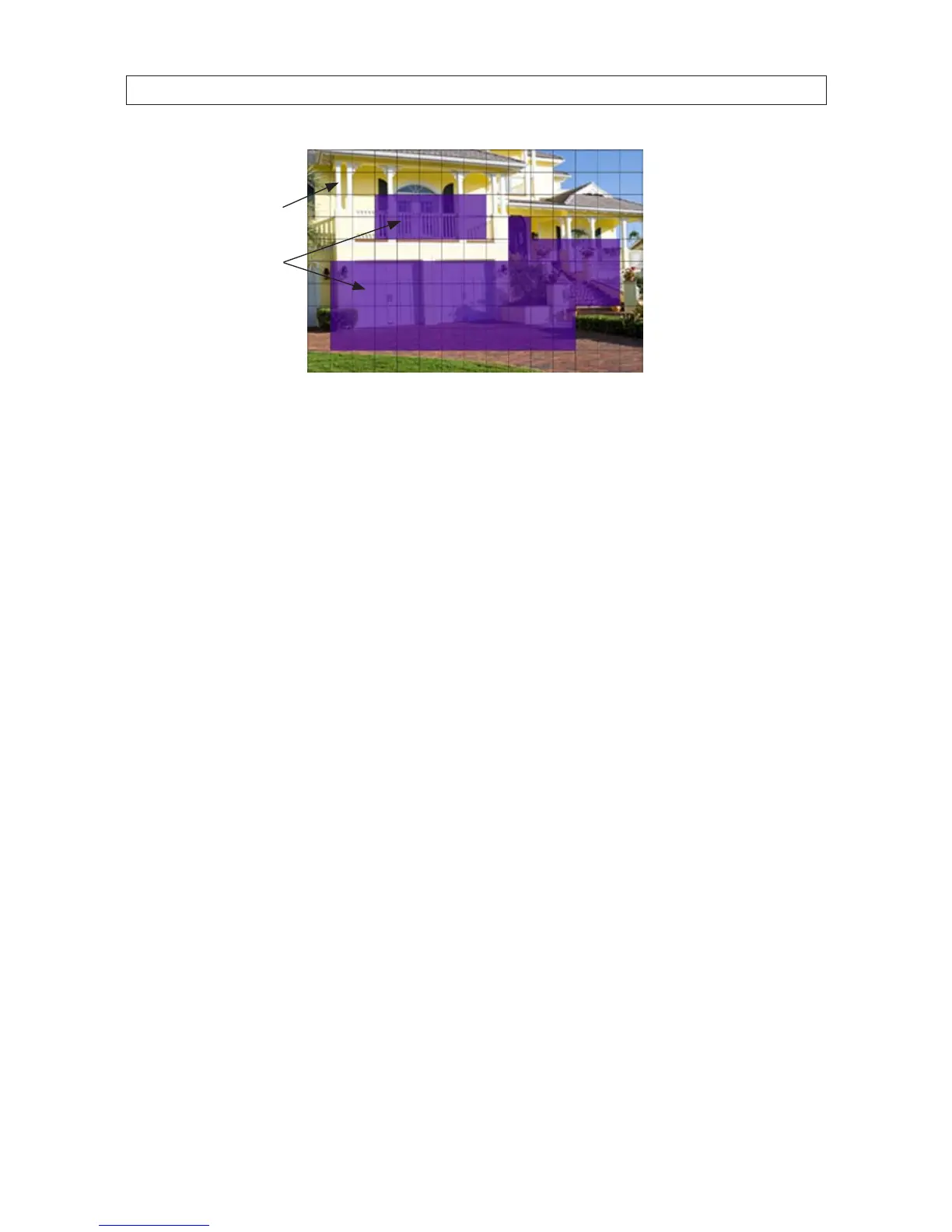
Motion Sensing
Disabled
Motion Sensing
Enabled
6. After the motion sensing areas are selected (shaded), right click to return to the MOTION DETECTION SETUP menu.
7. Check the box to right of the RECORD label to enable recording when motion is detected.
8. Check the box to right of the BUZZER label to sound the buzzer when motion is detected.
9. Check the box to right of the PRERECORD label to add the previous 5 seconds of video from the camera to the motion
detection recording.
10. Check the box to right of the EMAIL label to send an email when motion is sensed. To use this feature, the EMAIL conguration
settings in the NETWORK tab must be congured.
11. After conguring your motion detection settings, click the conrm icon (a) in the lower right corner of the screen, then click
the Conrm button in the Note window.
12. Repeat the steps above for the other camera channels.



 To Next Page