54
SECTION 6: KWEYE SMARTPHONE APP
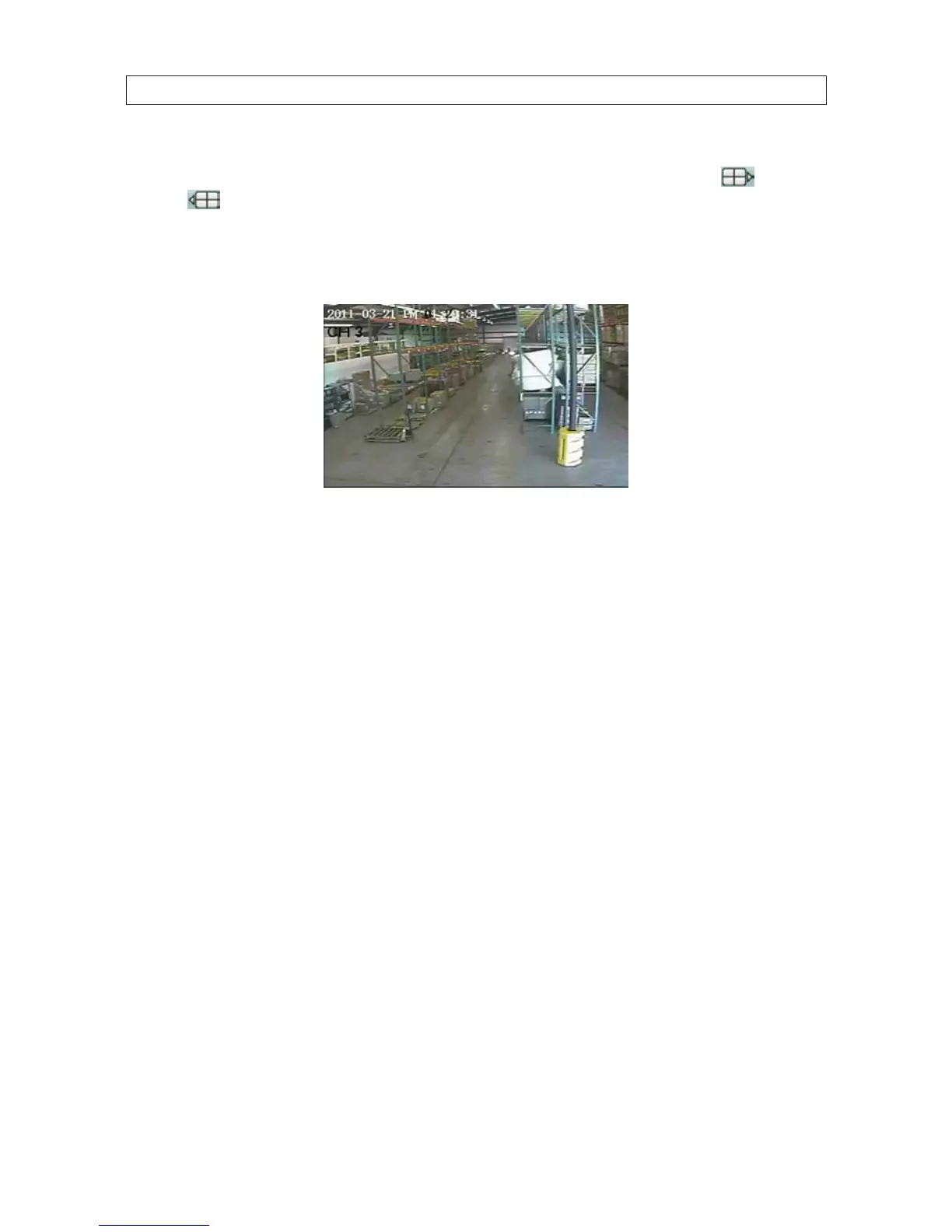
• To view a particular camera, tap the Select Channel button for the camera channel. If you are connected to an 8- and
16-channel system and the channel button is not shown, tap a Switch Channel Group icon (next group,
, or previous
group
), to change the Select Channel buttons until the channel number is shown, then tap the button for the
channel.
• Rotate the phone 1/4 turn for a landscape view of the channel.
• To restore the app control buttons, orient the phone for a portrait view.
• To exit the application, press the smartphone Home or Back button.



 To Next Page