2.4 Inserting the battery
The scale can be battery-operated.
WARNING
Damage to the battery
The battery can be damaged if it is installed incorrectly.
1 Pay attention to the correct battery polarity. The positive pole (+) and negative
pole(–) must not be short circuited.
2 Only use original manufacturer batteries.
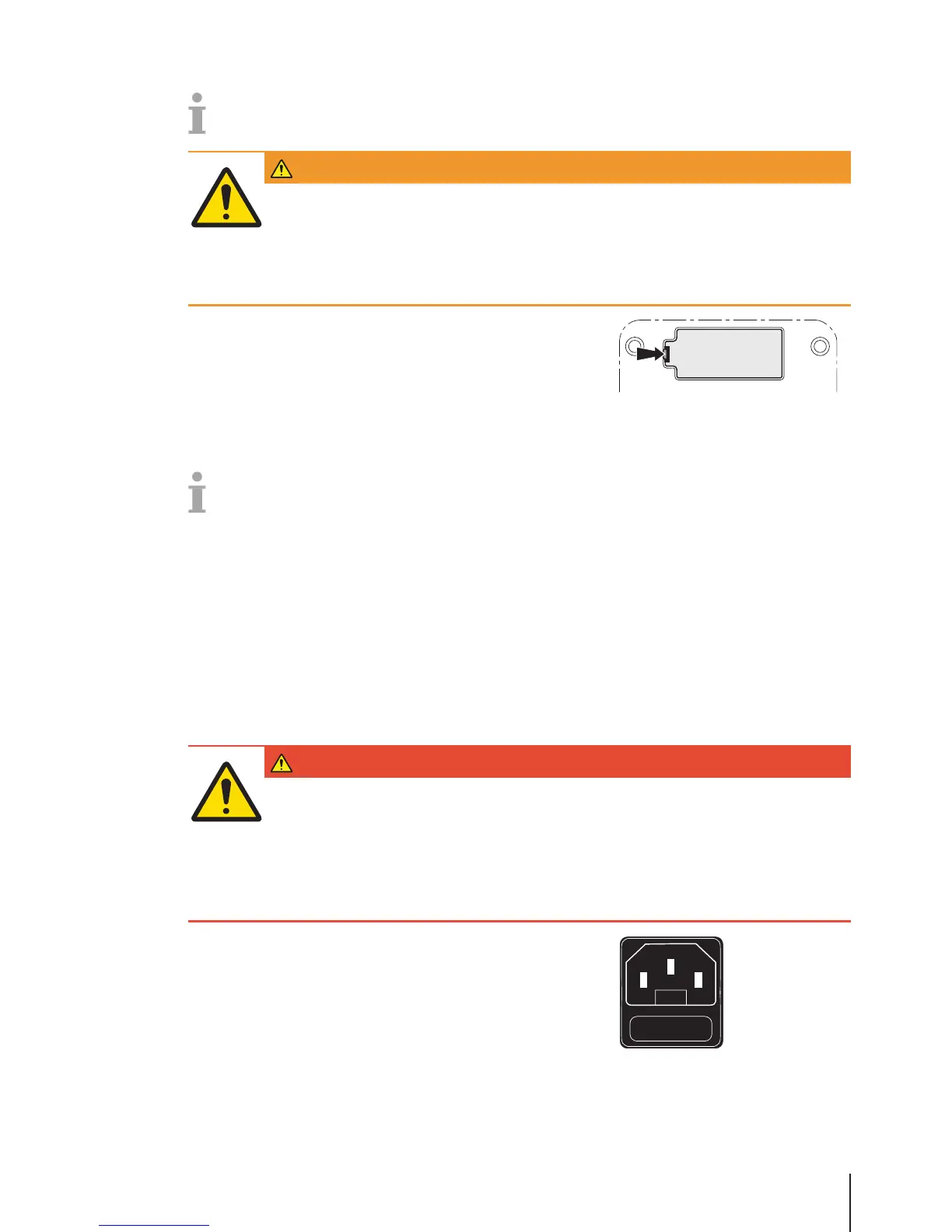
1 Remove the weighing pan.
2 Remove the battery compartment cover.
3 Connect the battery to the connector in the battery compartment.
4 Place the battery in the battery compartment.
5 Close the battery compartment.
6 Put the weighing pan back on.
• The battery life is affected by charging and discharging conditions.
• If correctly used, the battery life can reach approx. 500 charging cycles.
• A fully charged battery lasts up to 20 hours. The battery capacity depends on the intensity of use
and decreases with age.
• The battery's operating time is reduced when the battery has not been used over a longer period of
time (two months).
• It is recommended that the battery is charged at least every 3 months.
• If the battery was not used over a longer period of time, charge the battery at least three times and
use it until it is completely discharged.
• The charging time decreases if the battery is not fully discharged.
• Battery specification: Lead acid battery, 12 V / 5.5 Ah.
2.5 Connecting to mains power
DANGER
Electrical shock hazard
1 Only connect the device to a properly grounded outlet.
2 Only use the power cord supplied with the device.
3 Use power outlets which are easily accessible and located no further than the
length of the power cord.
4 Do not remove the ground plug.
1 Connect the supplied power cable to the power connection socket
at the bottom of the scale.
2 Plug the power plug into a correctly grounded power outlet.
Setup and device settings 11Skippper 5000



 To Next Page