3.4.3 Customer tare / Basket function
A maximum of 999 basket weighs can be saved. If you have reached basket number 999, the scale
automatically creates and prints a basket report. The basket number is then reset to 1.
Your customers pick fruit themselves, e.g., strawberries, and bring their own baskets. With the
"Customer tare" function you can save the weight of each basket and recall it when weighing. This
way, your customer only pays for what was actually picked.
To do so, the following settings must be made:
• Keys defined as [Save Customer Tare] and [Recall Customer Tare] in sub-menu F232.
Saving customer tare weights
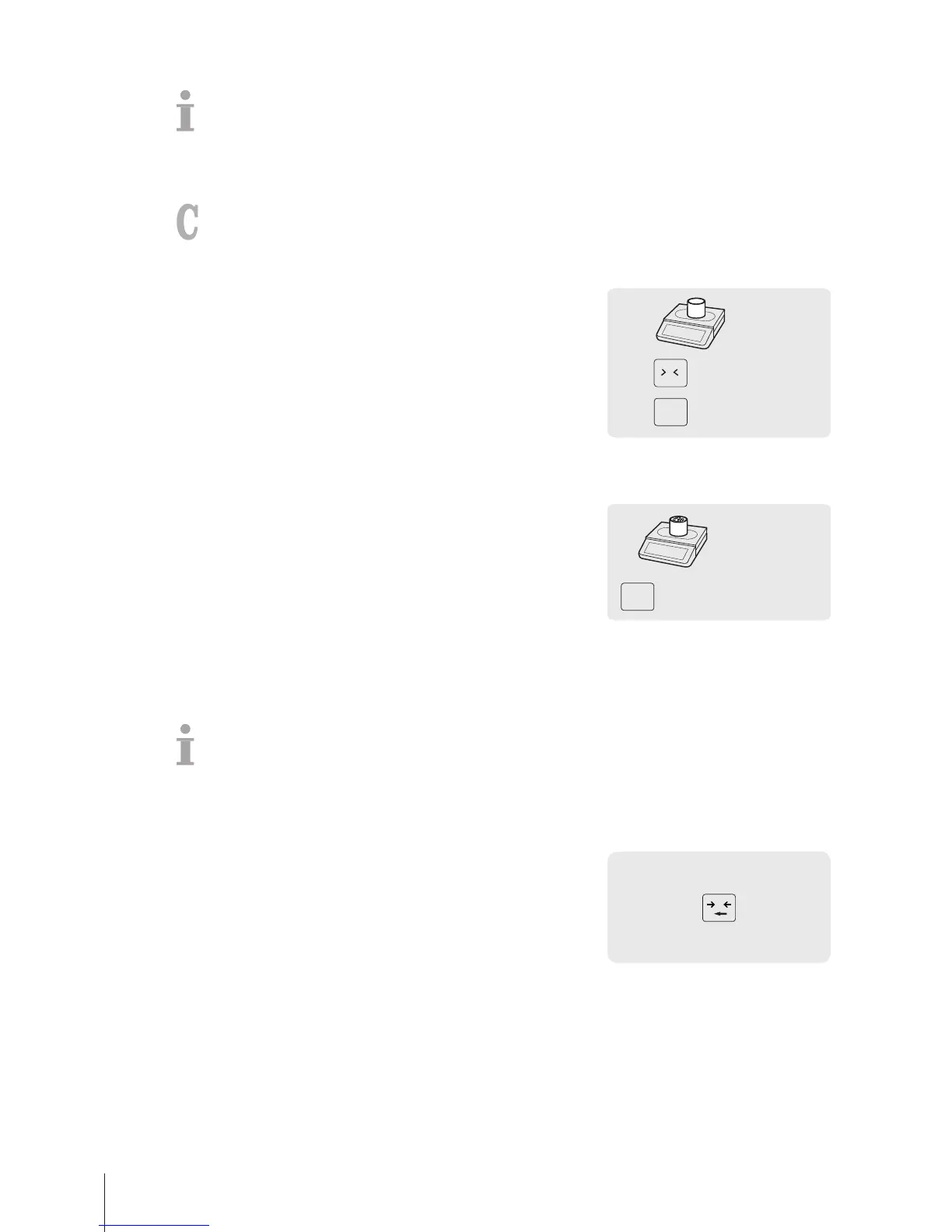
1 Place the customer's empty container on the scale.
2 Press the Tare key to tare the container.
3 Press the [Save Customer Tare] key.
ð The tare weight is saved.
ð A ticket with the number and weight of the container is printed.
Recalling customer tare weights
1 Place the full container on the scale.
ð The gross weight is displayed
2 Press the [Recall Customer Tare] key.
ð A list with the customer tare tickets is displayed.
3 Select the customer tare ticket you want to proceed with.
ð The net and tare weights are displayed.
4 Complete the transaction as described in section [Free
input}Page14].
3.5 Zeroing
This function depends on the metrological limitation of the scale.
Due to soiling on the weighing pan or unfavourable external influences, it is possible that the weight
display of an unloaded weighing pan may no longer be 0.000 kg. In such cases, the scale must be
reset to zero.
− Press the Zero key.
ð The weight display is set to zero.



 To Next Page