3 Fast and easy operation
The applications described in this chapter refer to working with one vendor.
3.1 Log in / log out
The scale allows to have different Vendor keys for different vendors. Each active vendor has to be
assigned to a particular Vendor key. Prior to using a vendor, the user needs to log in on the scale, in
order for the assignment to become active.
There are two ways to log in:
For vendors already assigned to a Vendor key
− Use the key for the first time.
For vendors not yet assigned to a Vendor key
− Press the Vx key for several seconds.
ð The scale logs in the related vendor or asks for the password when needed.
Alternative option via Login/ Logout menu
1 Press the [Login/ Logout] key.
ð The display shows the list of vendors with their status.
2 Use the arrow keys to navigate between the vendors.
3 Use the OK key to log in/ log out.
3.2 Free input
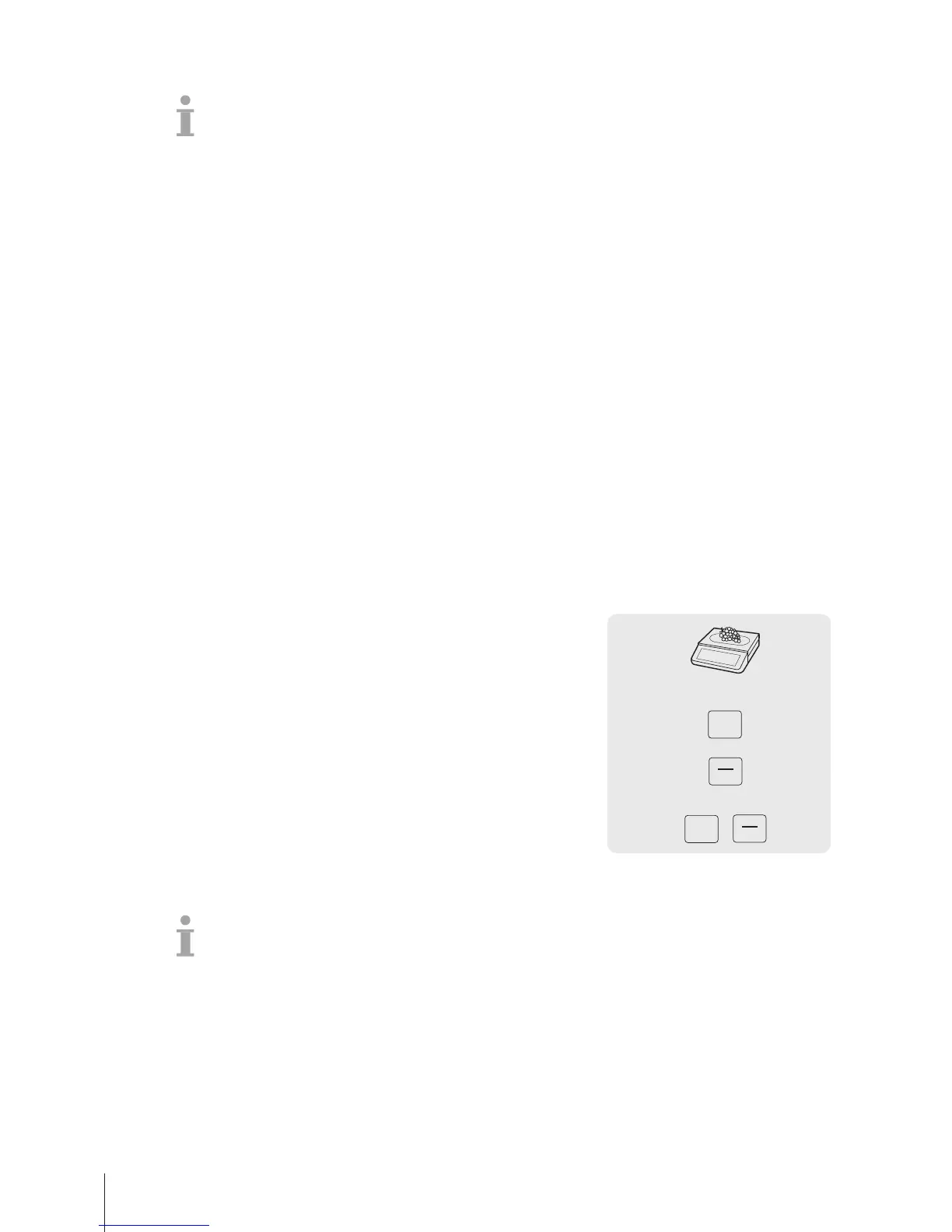
You can immediately use your scale for weighing and selling, without prior configuration. With the
factory settings, the scale can total several entries and calculate the customer change.
1 If Enter PLU number is displayed, press the PLU key.
ð Direct Price is displayed.
2 Place the item on the scale.
3 Enter the unit price (price/kg) using the number keys.
4 Confirm the entry with the Vendor key.
5 For more items, repeat steps 1 to 4.
6 Total items with the Star key.
7 Enter the customer payment.
8 Complete the transaction with the Vendor key or the Star key
(depends on payment closing key configuration).
ð The scale calculates the change and prints the ticket.
• When pressing the PLU key long, the default switches permanently from "Enter PLU number" to
"Direct price".
• If you do not want to use the customer change function, omit step 7. In this case, press the Vendor
key immediately after the Star key.
• Enter the price as usual without the decimal point, but with all the decimal places.
Fast and easy operation14 Skippper 5000



 To Next Page