5 What to do, if ...?
In case of an operating error, the error message will be displayed for approx. 1 second in the bottom
line of the display. Error messages can be cleared with the Clear key.
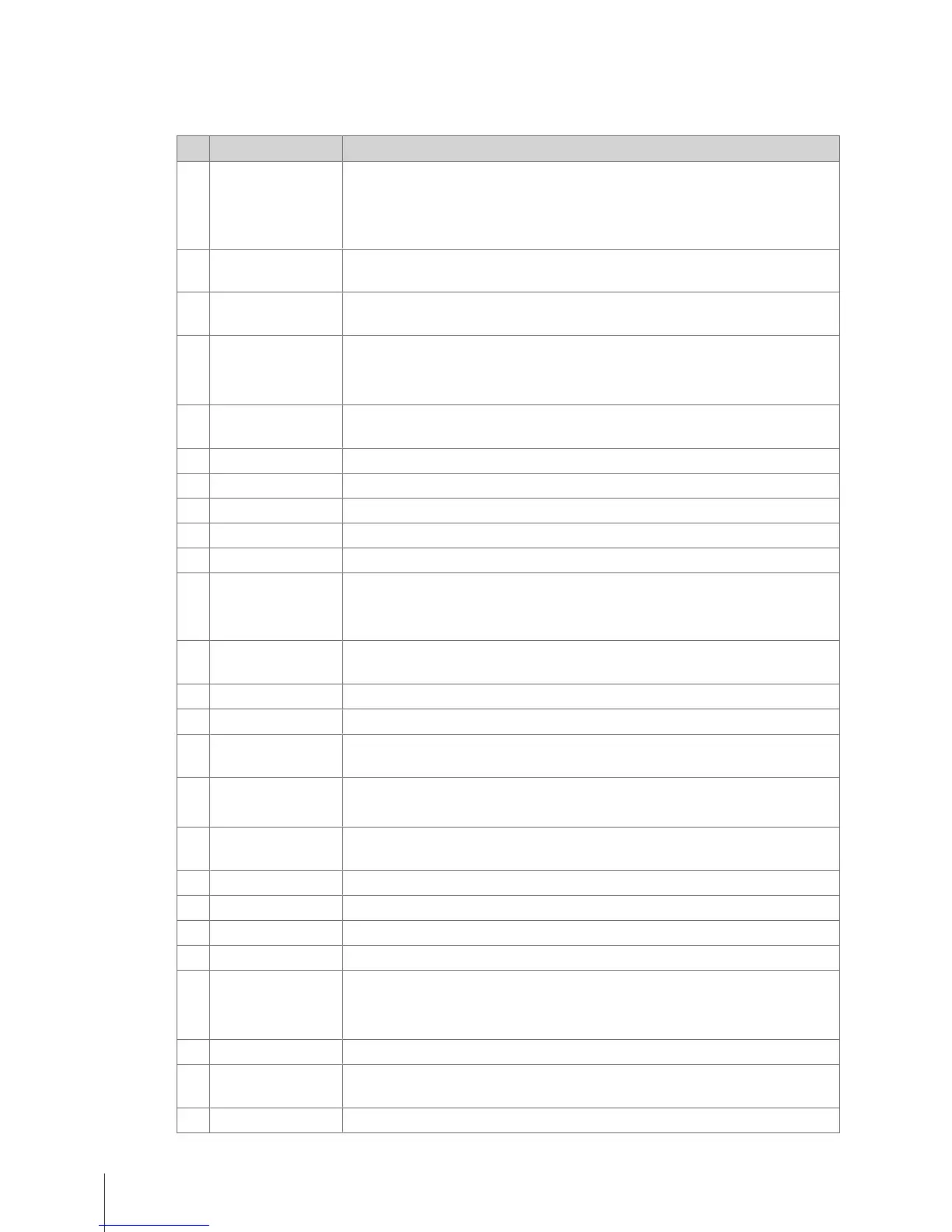
No. Message Description / Remedy
1 Operation denied • Defined preconditions for operation are not met
• System configuration / user rights are not setup to perform the requested
action
• System currently in a status where the operation is not allowed
2 Tare not allowed • The weight must be bigger than 0.000 kg and not exceed the max. allowed
value
3 Weight not stable • Outside conditions like vibrations or wind can prevent the system from
displaying the right weight value
4 Discount denied • Promotion rules are violated
• Negative unit price or total price
• Lack of user rights
5 Print transactions • To switch working modes or reopen a ticket all recorded sales transactions
need to be printed or must be suspended
6 Item not found • Item not found in the database, temporarily locked or out of stock
7 Memory full − Clear the memory to continue work
8 Tare not found • Tare number not found and cannot be recalled
9 Paper empty − Insert a new ticket roll
10 Ticket not found • Ticket number not found in the memory
11 Vendor not active − Login
− When the vendor was working on another device which is not reachable
anymore, go back to this device
12 Negative weight • The displayed weight must not be less than 0.000 kg when working with
by-weight PLUs
13 Weigh again • After transactions the weight needs to be lifted off the weighing pan
14 Weight too large • The weight exceeds the weighing capacity of the scale
15 No data • A sales record can only be recorded if a PLU was recalled or an item price
entered manually
17 Weight too small • Printing below 20 e not supported
− Check if the weighing pan is being lifted through external influences
18 Select vendor • To access sales slip view or payment screens, the vendor needs to be
identified by pressing the Vendor key
19 Count limits − Enter a valid value for by-count articles (1 ... 9999)
20 Invalid input • Value not permitted or exceeding size limit
21 List entry not found • List entry not found
22 Enter amount − Enter the amount of the payment via keypad
23 Card not accepted • Card could not be read
• Payment could not be processed
• Discounts could not be granted
24 Payment denied • The vendor does not have the adequate rights level to process refunds
25 VAT not defined • VAT rates for Inhouse or Take-Away Food are not setup for some or all
articles and still require definition
27 Unknown error • No detailed description available
What to do, if ...?52 Skippper 5000



 To Next Page