4.2 Menu description
4.2.1 Overview
In the menu, you can set up the scale to handle your special sales and back office tasks. Specific
functions and groups are only accessible if you have a license. Ask your sales representative for this.
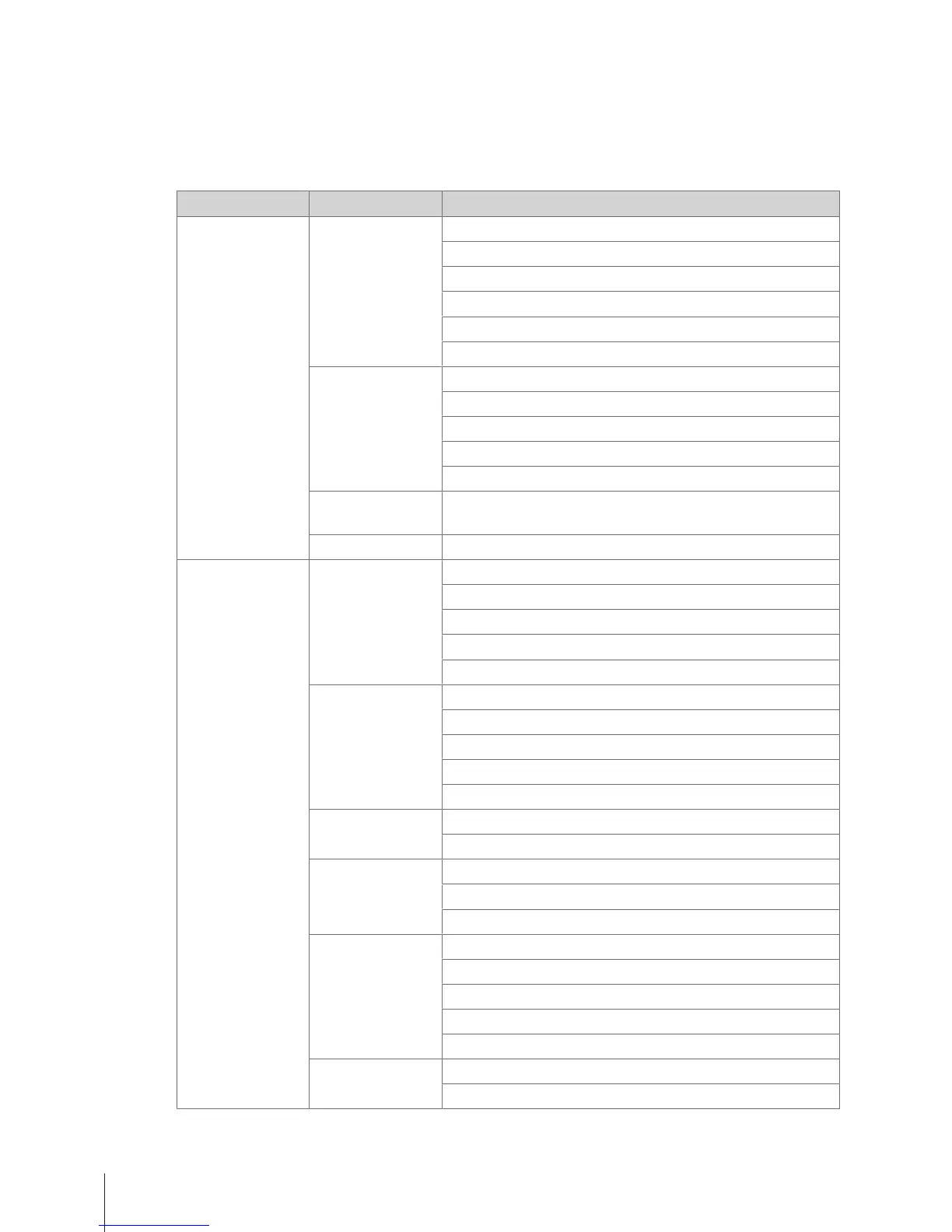
The menu features are organized in the following menu tree:
Menu group Menu Sub-menus
F1 Data F11 Item Data F111 PLU Database/ Edit
F113 Group
F115 Preset Tare
F116 Barcode
F117 VAT
PLU List Printout
F12 Data
Warehouse
F121 Vendor
F122 Scale
F123 Store
F126 Description text by Type
F128 Running Message
F13 Price
Management
F131 Discount
F14 Payment F141 Payment Method
F2 Configuration F21 Operation
Center
F211 Item Recall
F212 Item Registration
F215 Price
F217 Discount
F218 Payment
F23 General
Settings
F231 PLU Editing Fields
F232 Function Key
F233 Vendor
F235 Licenses
Training
F24 Printing F245 Ticket Configuration
F246 Ticket Content
F25 Connectivity F251 Network
F256 Transaction Log Server
F257 Data Server
F27 Control Panel F271 Display
F272 Sound
F273 Power Management
F274 Date and Time
F275 Language
F28 System F282 Reset
Printout System Info
Menu30 Skippper 5000



 To Next Page