3.14 Cash in / cash out
The scale offers the possibility to log cash in / cash out operations without a transaction. To do so,
the following settings must be made:
• Keys defined as [Cash In] and/or [Cash Out] in sub-menu F232.
1 Press the [Cash In] or [Cash Out] key respectively.
2 Enter the amount of cash (e.g., 5000) and confirm with the OK key.
ð The entered amount will show up in the cash report.
3.15 Assigning a group VAT
The group VAT will only be applied when working with free price items or when the PLU VAT rate has
not been defined.
To be able to allocate a group VAT to a free price item or PLU, the following settings must be made:
• A VAT rate assigned to the group in sub-menu F113.
• The group assigned to a preset key.
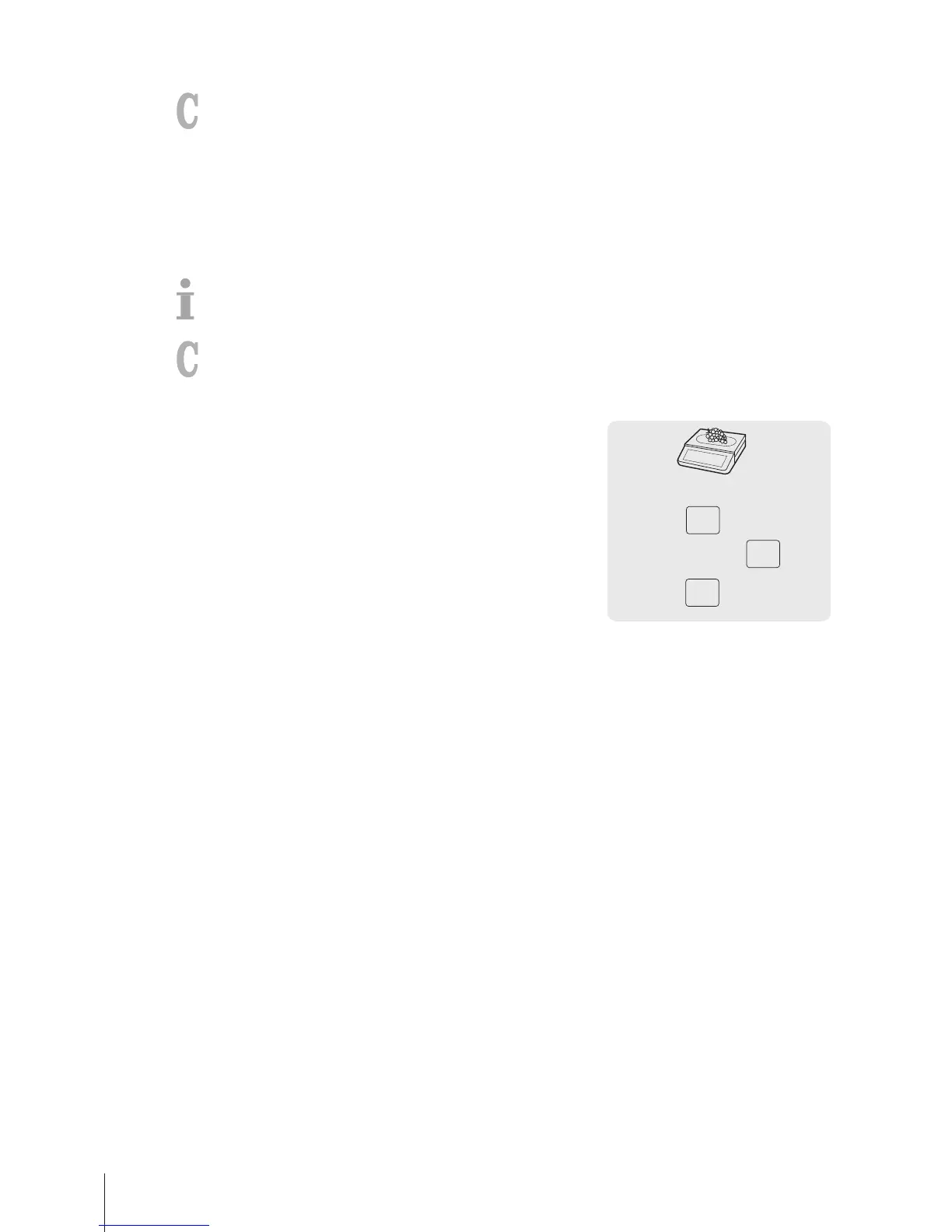
1 If Enter PLU number is displayed, press the PLU key.
ð Direct Price is displayed.
2 Place the item on the scale.
3 Enter the unit price (price/kg) with the number keys.
4 Press the [Group] key.
ð The group is assigned and the respective VAT rate is used.
5 Confirm the entry with the Vendor key.
6 For more items, repeat steps 1 to 5.
7 Complete the transaction as described in section [Free
input}Page14].



 To Next Page