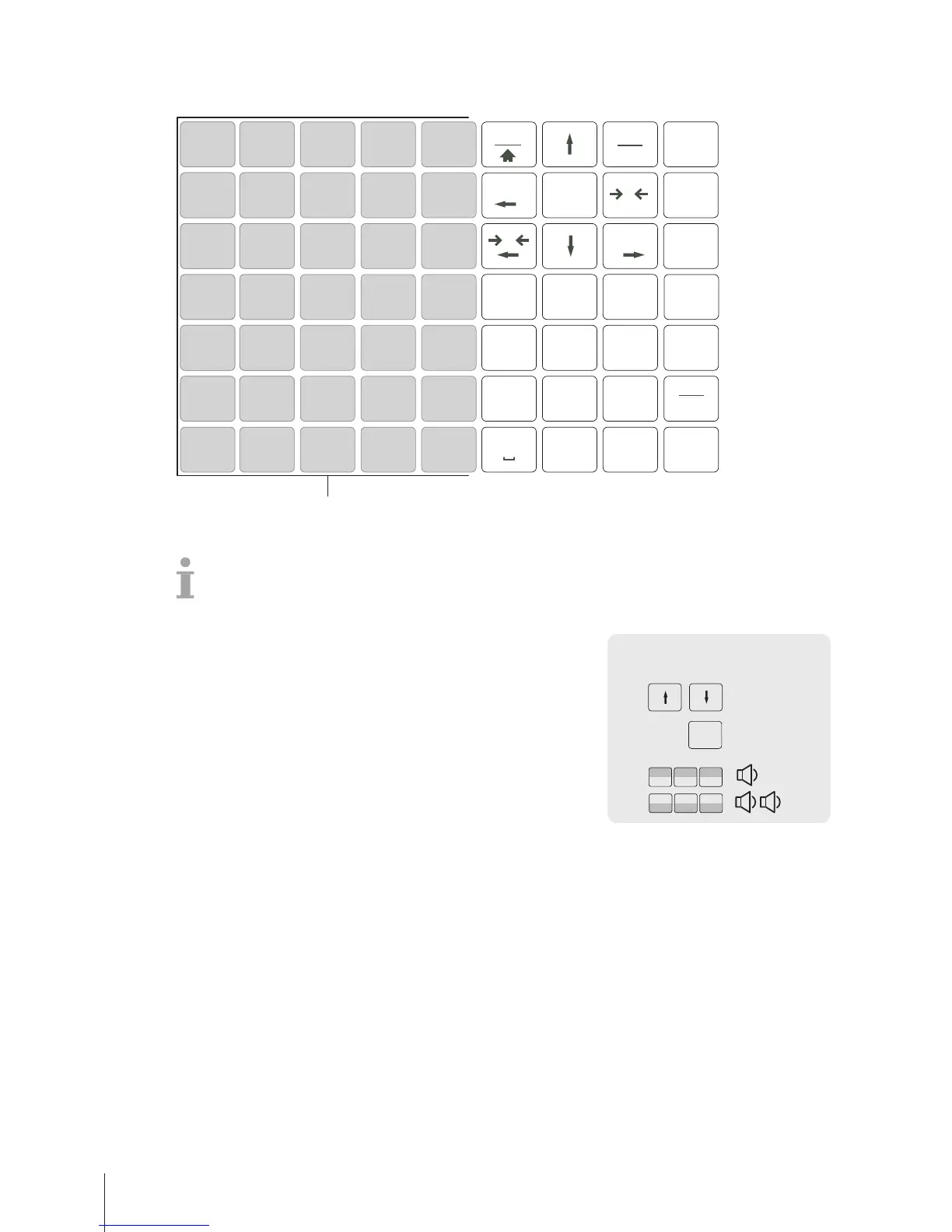
4.3.4 Setting up the keyboard
The keypad offers keys for custom assignment either as PLU preset keys or as function keys.
Setting up PLU preset keys
You can save the most important PLUs to the keys in the keypad. The scale offers two layers of preset
keys.
For information on how to create PLUs, see [Example for creating a PLU}Page43].
1 Enter the menu and navigate to sub-menu
F111PLUDatabase/Edit.
2 Press the OK key.
3 Use the arrow keys to select an existing PLU.
– or –
Recall PLU number.
ð The unit price (per kg) and item name appear in the display.
4 Press the desired preset key until a beep is heard.
ð The PLU has been assigned successfully to the preset key of
the first layer.
5 To assign a PLU to the second layer, press the desired preset key
until a second beep is heard.
6 Repeat steps 3 and 4 or 3 and 5 for further PLUs.
7 To leave the menu, press the Back key repeatedly until the normal
selling display is shown.



 To Next Page