Setting up function keys
You can assign the most frequently used functions to the keys on the keyboard.
1 Enter the menu and navigate to sub-menu F232
Keymapping.
2 Select a function.
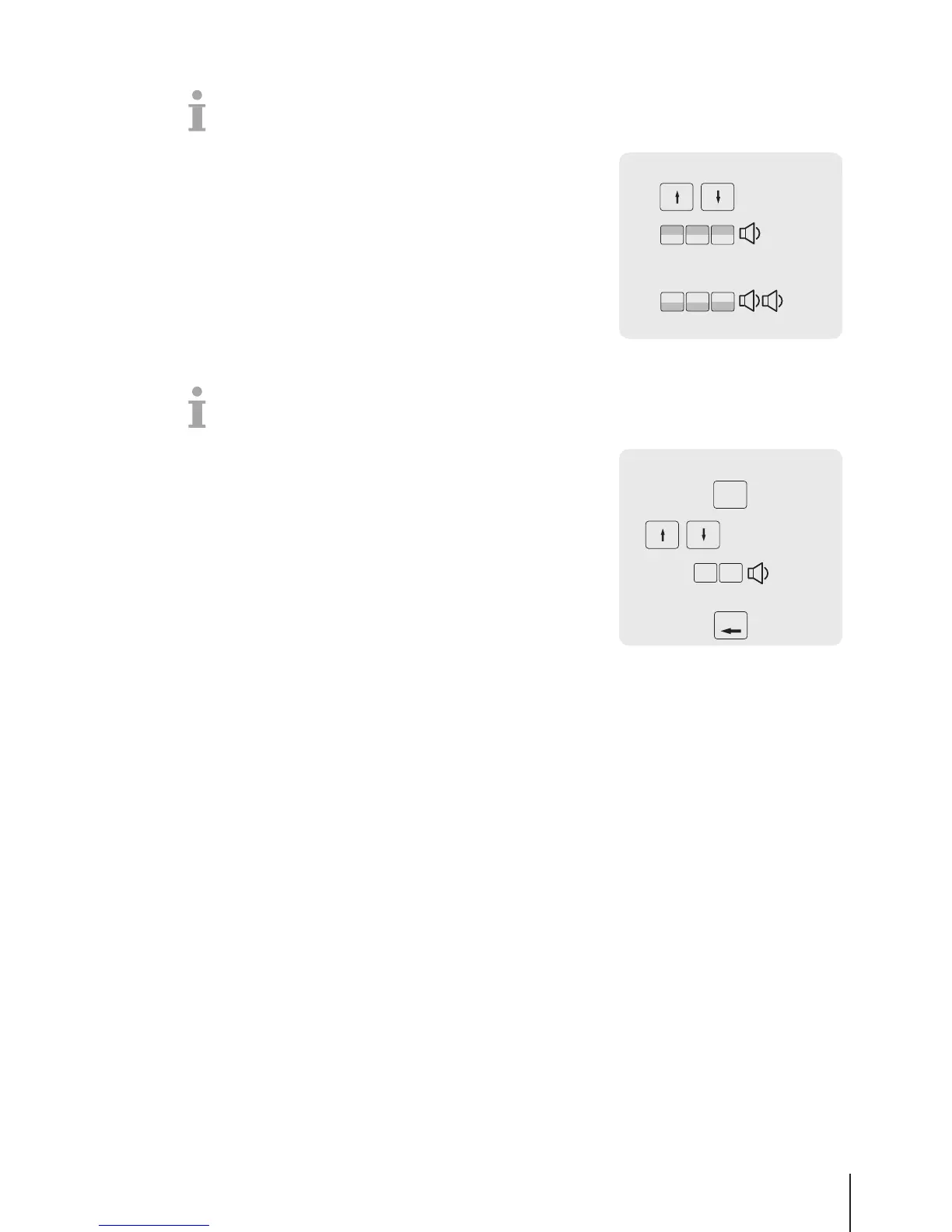
3 Press the desired preset key until a beep is heard.
4 For a preset key on the second level, press the desired preset key
until a second beep is heard.
5 When the function is mapped, the coordinates of the preset key
are displayed, e.g., L3 C1 (Line 3, Column 1).
Setting up menu items on preset keys
You can assign shortcuts for the most frequently used menu items to the keys on the keypad.
1 Enter the menu and navigate to the desired sub-menu, e.g.,
F113 Group.
2 Press the OK key.
3 Use the arrow keys to select an existing group.
4 Press the desired preset key until a beep is heard.
ð The group is assigned to the preset key of the first layer.
5 For further menu items, repeat steps 3-4.
6 Press the Back key repeatedly to return to the main menu / main
screen.



 To Next Page