6
Full Reset W/O Language – B Reset
A Full Reset W/O Language operation erases the cash register's working memory, all totals and counters (all report data) and
cancels all cash register programming data without language.
1. Set the Control Switch to OFF.
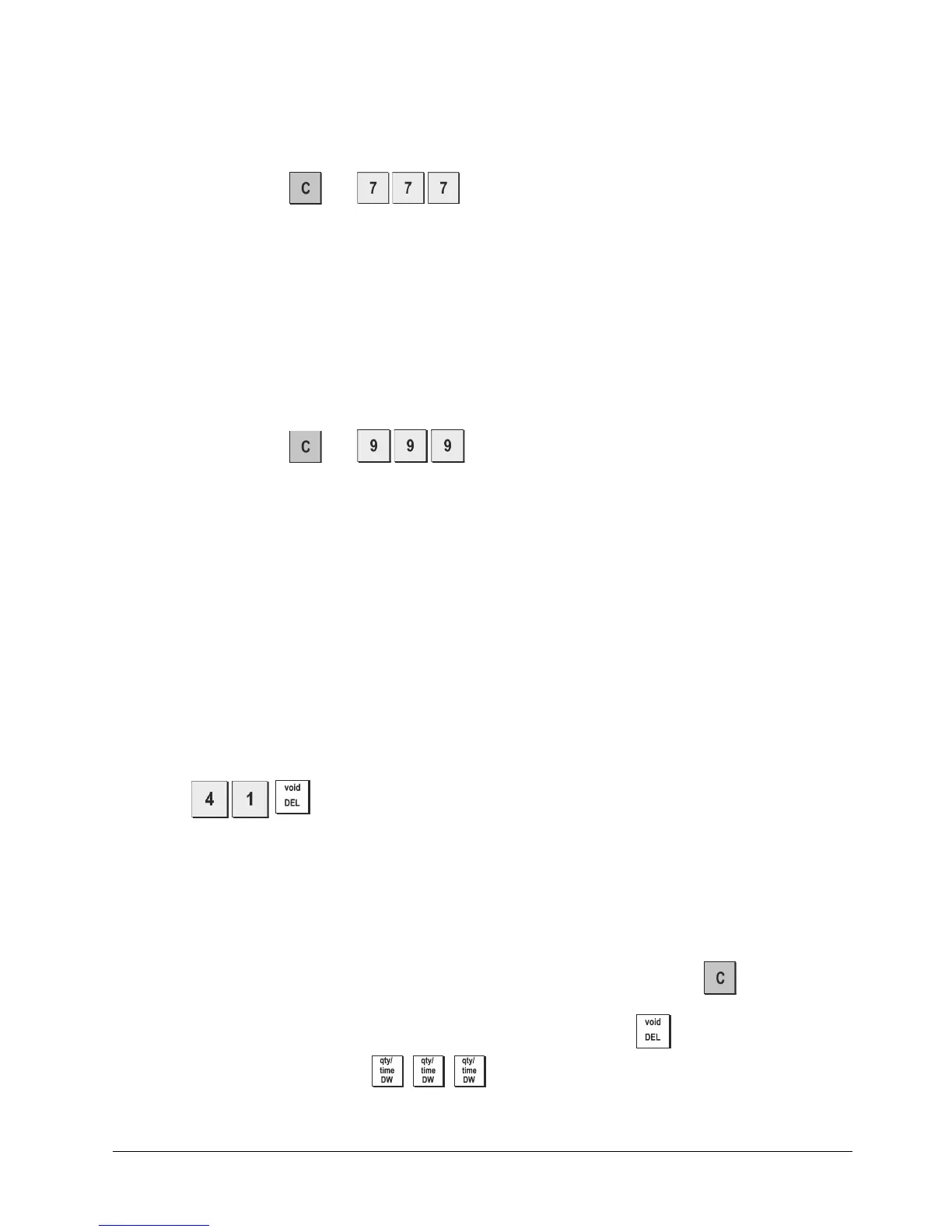
2. Press and hold down
and .
If the cash register still remains in an error condition, proceed with the Full Reset - All Data operation.
Full Re
set - All Data
A Full Reset - All Data operation erases the cash regis- ter's working memory, all totals and counters (all report data)
and cancels all cash register programming data.
Be extremely careful when using this reset operation.
Use this
method as last resort only.
1. Set the Control Switch to OFF.
2.
Press and hold down
and .
3. Reprogram the cash register.
Electronic Journal
The cash register is equipped with a dynamic Electronic Journal (EJ) memory that by default contains up to 3,000 lines of
sales data. During transactions, the sales data are continuously recorded in this memory so that you are constantly kept
up-to-date with the latest 3,000 lines of effective sales information.
You can, however, program the cash register for standard electronic journal opertion. In this case you program the
memory to hold a maximum of 3,000 sales data lines before being promped to clear the memory. The electronic journal
stores all the sales receipts recorded in the REG and JRNL mode, thus allowing you to print this record at any time or
when memory reaches the nearly full or full condition.
To program the cash register for standard electronic journal operation:
1. Control key position: PRG.
2. Press
.
NOTE: You can also personalize other electronic journal features, by programming System Options 4, 5, 6 and 7.
See "System Options" for details.
When the electronic journal reaches a nearly full condition, there are less than 700 lines remaining in journal memory.
A warning beep will sound at the beginning and end of each transaction performed.
When the journal reaches a full condition, less than 300 lines are remaining in memory. A message is displayed indicating
that the journal memory is full along with a warning beep at the beginning of a transaction; press
t o continue with
further transactions; remember, however, that the transaction data will NOT be stored in memory and the consecutive
receipt counter will not increase. If you want to terminate the sales transaction, press . To know how many lines are
remaining in the electronic journal, press
in the REG mode and outside of a sales transaction.















 To Next Page