18
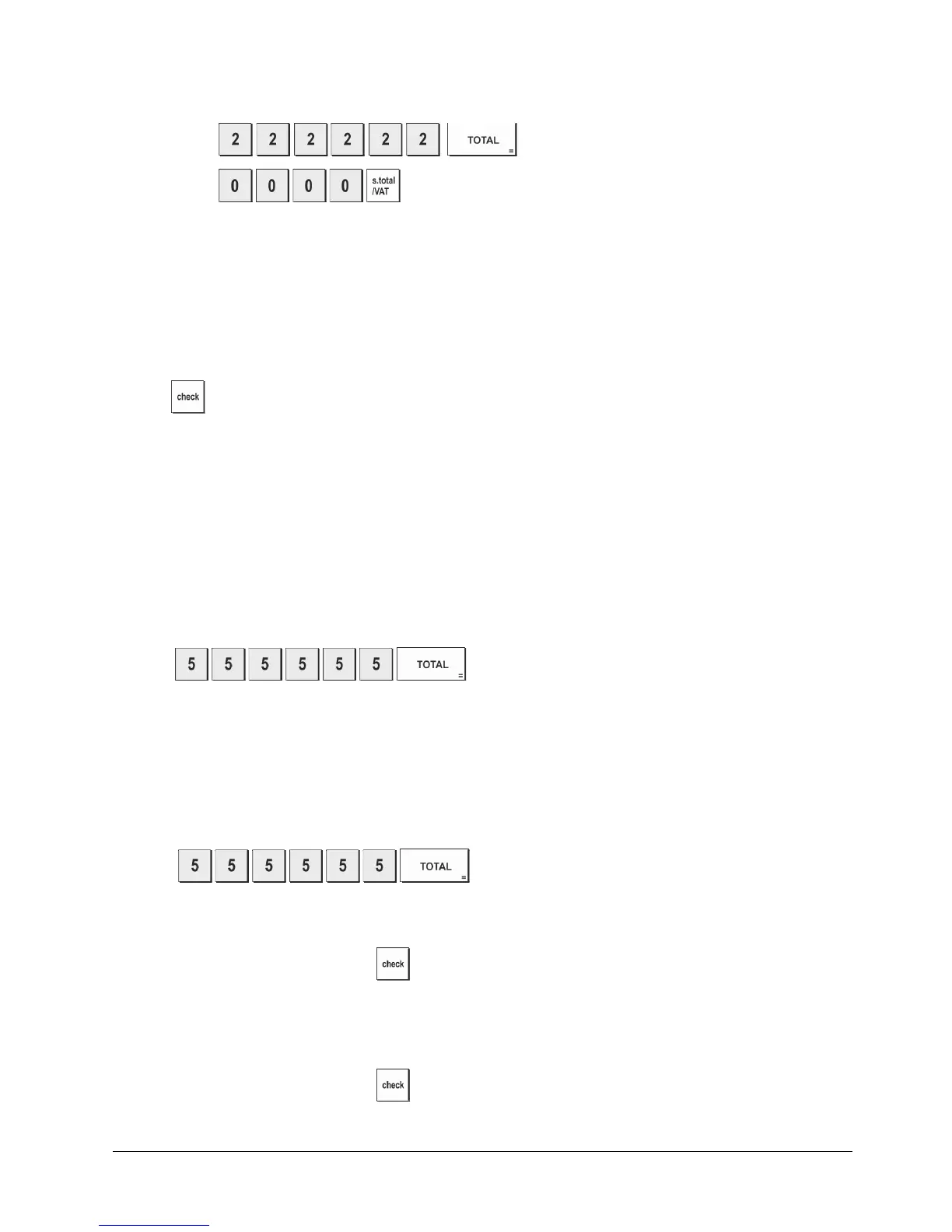
Clearing the Z Mode Manager Password
1. Control switch position: PRG.
• Press
,
•
Press .
Using the Cash Register in a Password Protected Mode
If a manager password was defined to protect unauthorized access to the Z mode, proceed as follows to enter the
specific password so that you can print the Z management report:
1. Control switch position: Z.
2. Type the specific 4-digit password.
3. Press
.
Training Mode
The training mode allows you to use the cash register to
perform true sales transactions for learning purposes. All
transactions performed in this mode are not recorded in the management financial reports and the sales receipts are not
numbered consecutively. When the cash register is switched to the training mode, all training transactions are performed
in the REG or JRNL mode. You can also print a detailed training report to keep track of the transactions performed in
this mode. See "Training Report" for details.
To switch the cash register to the training mode:
1. Control switch position: PRG.
2. Press
.
A dot appears on the display to indicate that the cash register is in the Training Mode.
3. Turn the control switch to the REG or JRNL position to
perform training sales transactions.
NOTE: Receipts printed in TRAINING MODE prints “****” instead of consecutive number.
To exit the Training Mode:
1. Control switch position: PRG.
2. Press
.
To switch the cash register to the training mode when a training mode password has been defined:
1. Control switch position: REG or JRNL.
2. Type your [4-digit password] and press
.
A dot appears on the display to indicate that the cash register is in the Training Mode.
To exit the training mode when a password has been defined:
1. Control switch position: REG or JRNL.
2. Type your [4-digit password] and press
.















 To Next Page