31
Cash Register Programming Report
This report provides a printout showing how your cash register is programmed. It lists the values that are programmed for all system
options, the VAT rates, foreign currency exchange rates and percent minus value programmed, the manager password and training
mode pass- word assigned, and the three-digit security code assigned to the clerks.
1. Control switch position: PRG.
2. Press
.
Training Report
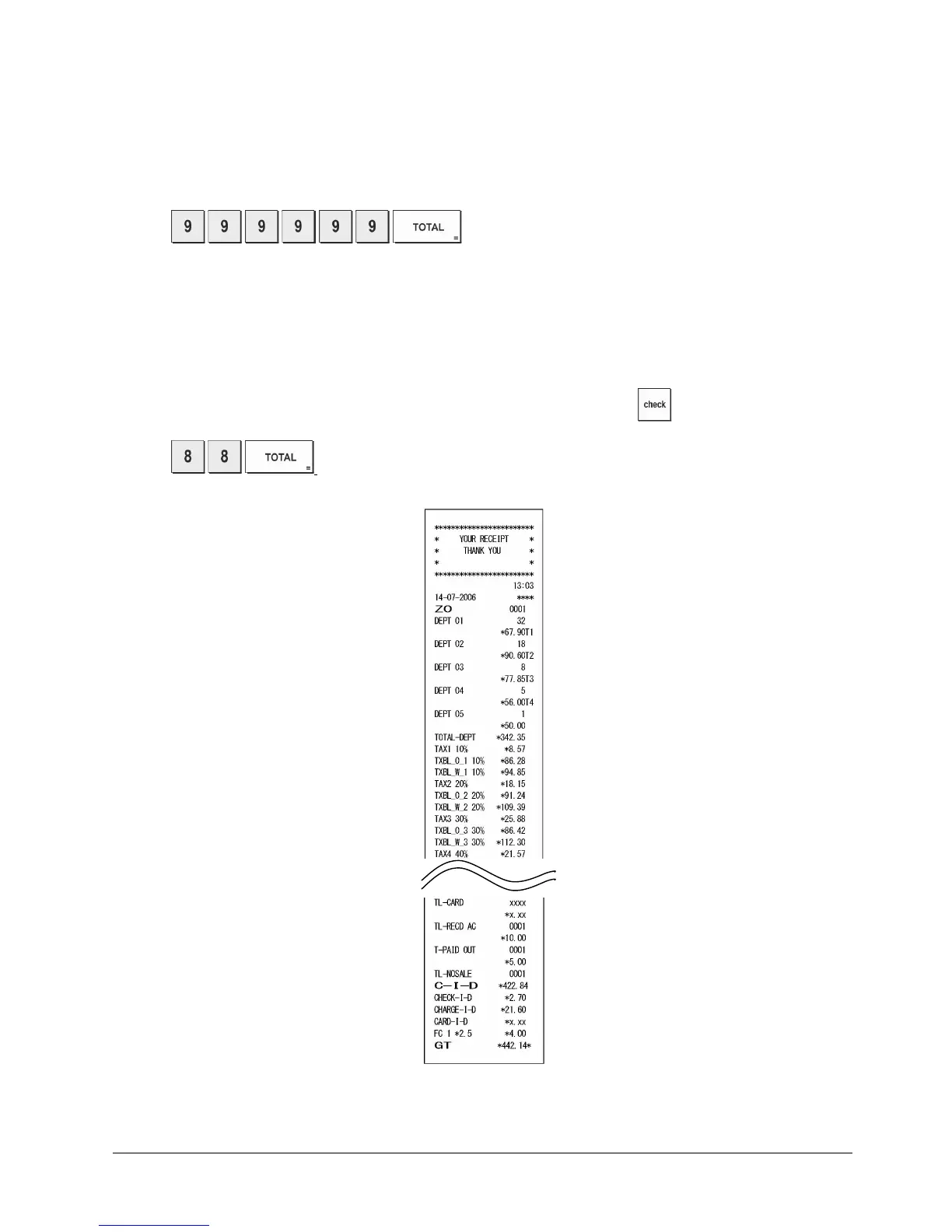
This report provides an X or Z report of the transactions performed in the training mode. Like the ordinary X and Z
financial reports, a Z report resets all transaction totals to
zero and provides the same information as an ordinary X or Z
financial report with the exception that the report identifier is "X0" or "Z0".
1. Control switch position: X or Z. Bear in mind that in the Z position the training report contents are cleared.
2. If a training mode password was defined, type the [4-digit password] and press
.
3. Press
.















 To Next Page