23
Changing the Cash Register's Standard Settings
1.
Control switch position: PRG.
2.
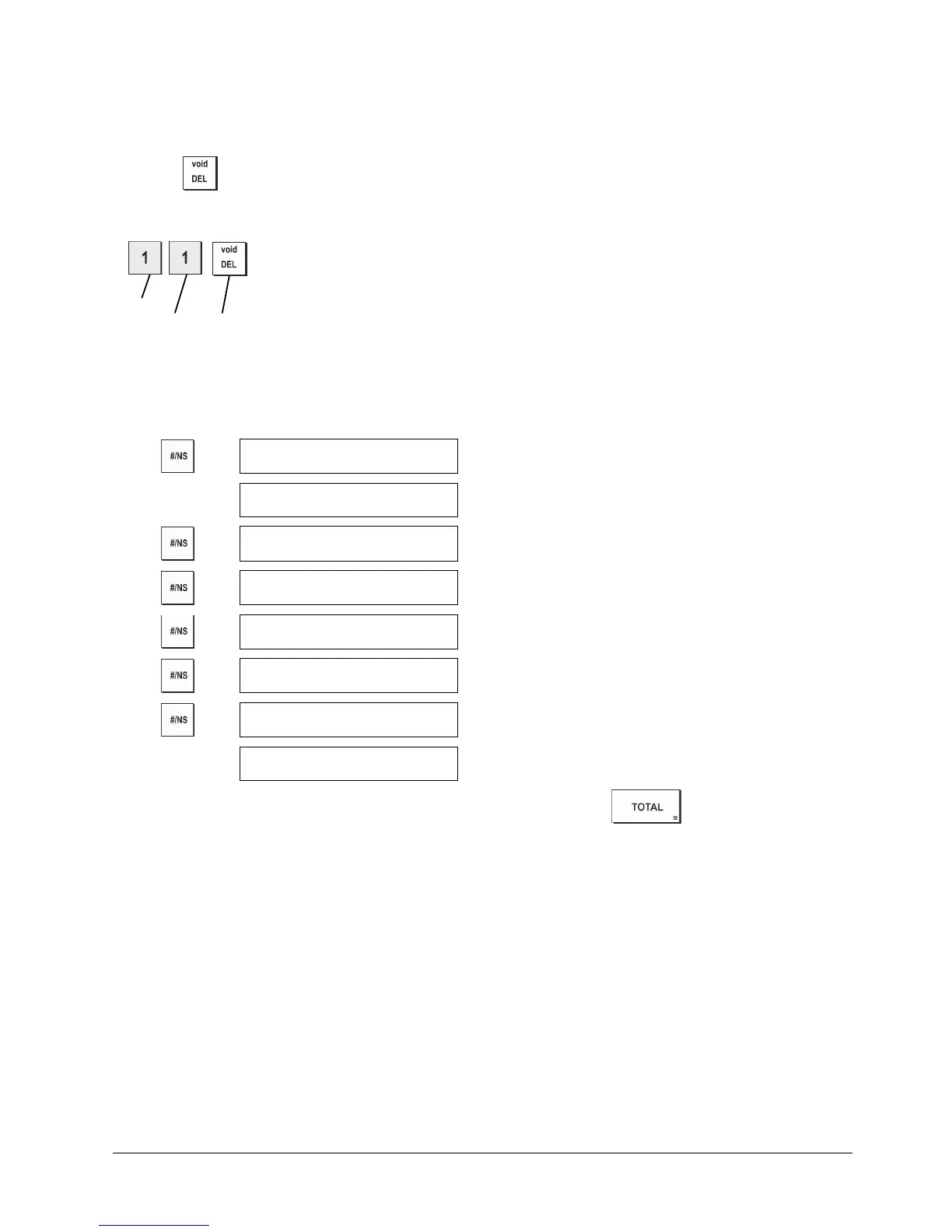
Type the [number] of the machine condition (1 to 90 as indicated in the table) that you wish to change.
3.
Type the [number] of the required setting.
4.
Press .
Example: Set the date to the Month/Day/Year format.
Machine
condition Setting Confirm setting
Selecting Classification of Caption
DISPLAY
0
Normal programming mode
PL001
PLU caption programming mode
DP01
Department caption programming mode
CL1
Clerk caption programming mode
FC1
FC caption programming mode
HD1
Header caption programming mode
FT1
Footer caption programming mode
0
Normal programming mode
NOTE: Even in programming sequence, you can exit the programming by pressing key.















 To Next Page