7
Printing and Clearing the Contents of the Electronic Journal
Make sure that plenty of paper is loaded in the printer.
1. Control key position: Z.
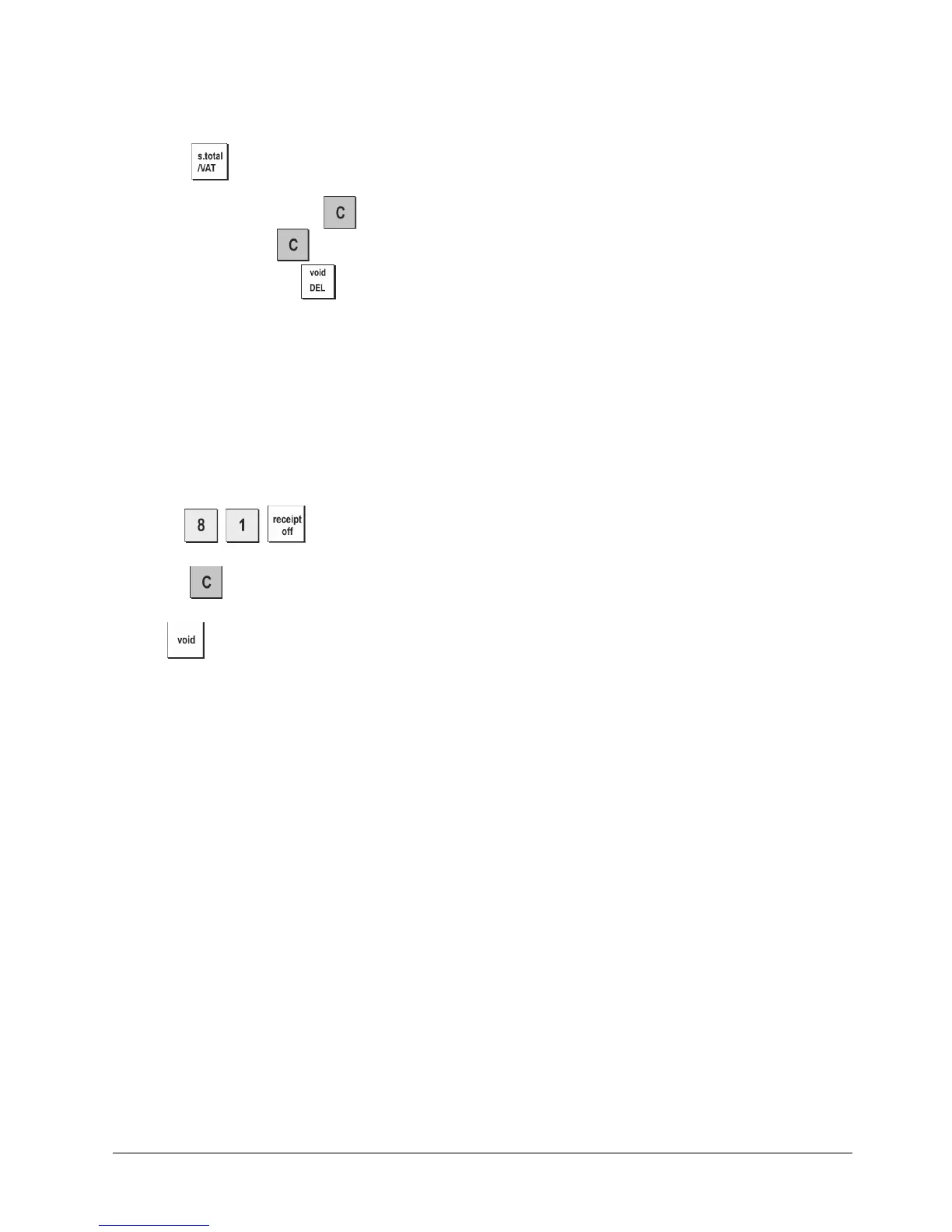
2. Press
.
To interrupt report printing, press .
To resume printing, press
again.
To stop report printing, press .
When the contents of the electronic journal are printed, a message is displayed along with a beep to indicate that the EJ
memory capacity has been restored to its maximum programmed line capacity.
NOTE: You can also print the contents of the electronic journal with the control key in the X position; doing so, however,
will not clear the electronic memory.
Clearing Electronic Journal Memory Without Printing the Contents
The electronic journal memory contents are cleared and not printed:
1.
Control
key position: Z.
2. Press
.
3. Press
to clear the electronic journal memory.
or
to exit the clearing of the electronic journal memory.















 To Next Page