9
2. Set the Time
1. Control switch position: PRG.
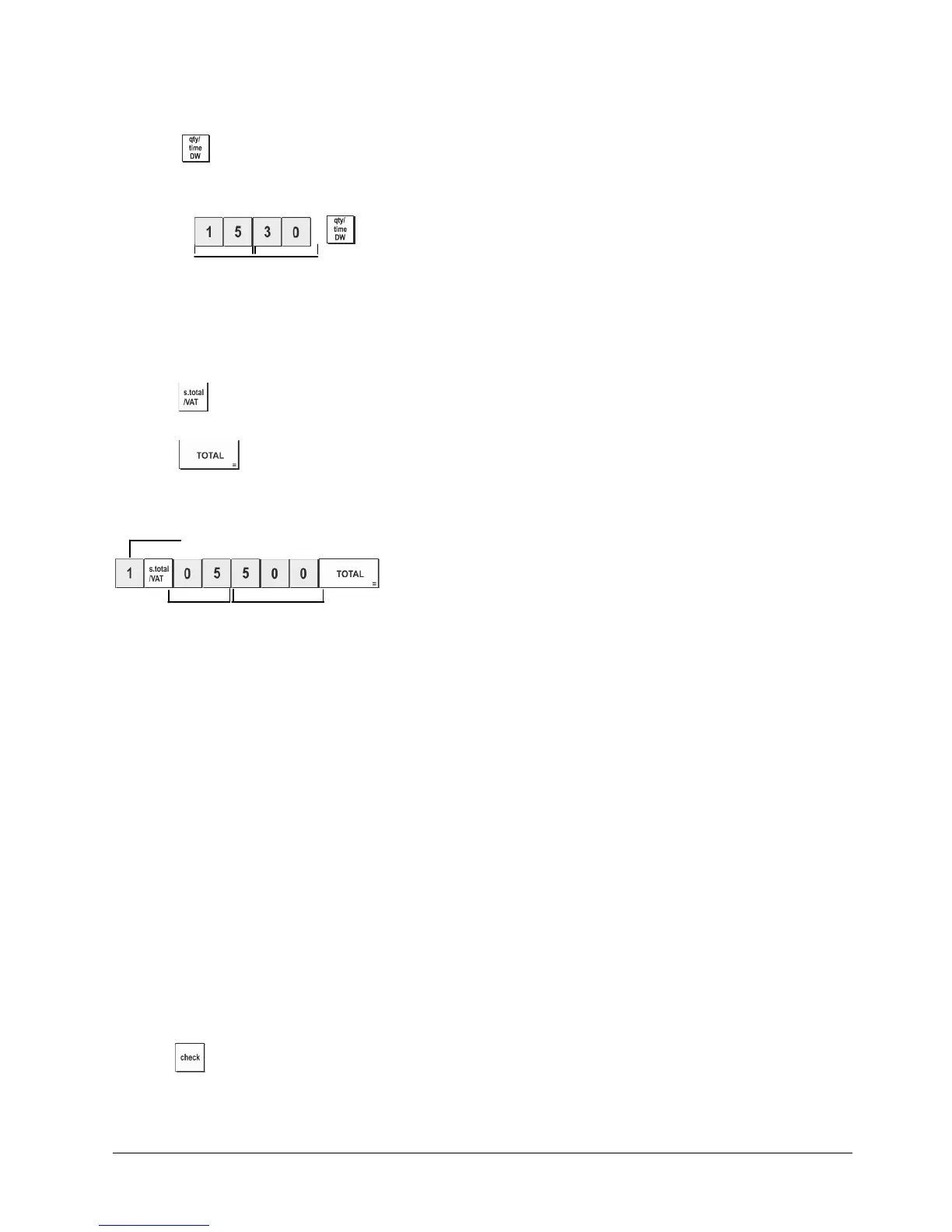
2. Type the current time in the HH:MM, 24-hour format.
3. Press
.
Example: Set the time at 3:30 PM.
Type/Press:
Hour Minutes
3. Set a Fixed VAT Rate
1. Control switch position: PRG.
2. Type the [number] that represents the VAT (1 for VAT1, 2 for VAT2, 3 for VAT3 and 4 for VAT4).
3. Press
.
4. Type the VAT rate. Five digits can be used and you MUST enter three digits after the desired decimal place.
5. Press .
Example: Set a VAT1 rate of 5.50%.
Type/Press:
VAT number
5
50
NOTE: Before changing a VAT rate, print a Z Financial report. See "X and Z Financial Report".
For another VAT-related feature, see "Printing VAT Information on Customer Receipts".
4. Link a multiple/single item sale, tax status and Item Price to a Department
A total of 40 departments are available on your cash register. Programming a department consists of assigning a
multiple/single item positive or negative sale and a previously programmed tax status to it. You can then
optionally assign a preset price to the department.
A 3-digit department status can be programmed by using the following options:
Multiple/Single Item Sales
Tax Status
0 = Multiple, positive item sales
1 = Single, positive item sales
2 = Multiple, negative item sales
3 = Single, negative item sales
00 = Non taxable
01 = Taxable with VAT 1
02 = Taxable with VAT 2
03 = Taxable with VAT 3
04 = Taxable with VAT 4
1. Control switch position: PRG.
2. Type the [Multiple/Single Item Sales] and [Tax Status] options by referring to the previous table. A 3-digit status
code
must be entered.
3. Press .















 To Next Page