8
Quick Start
This section allows you to program basic cash register features so that you can start to work right away with your new
product.
Programs and transaction information for management re- ports are stored in the memory of the cash register which is
protected by back-up batteries.
Before beginning to program the cash register or to
perform sales transactions, insert the batteries to save this
information if a power failure occurs or if the cash register is unplugged from the electrical outlet.
Quick Start Programming
1. Set your Language
NOTE: After you set your language the cash register will automatically perform a reset and cancel all the programming
and transaction data stored.
1. Control key position: PRG.
2. Press
.
3. Press your language identifier:
for Spanish, for French,
for German, for Dutch, for Portuguese,
for Danish, for Swedish or for English.
4. Press
.
Example: Program the cash register to print in French.
Type/Press:
.
Language identifier
1. Set the Date
1. Control switch: PRG.
2. Type the current date in the DDMMYY format.
3. Press
.
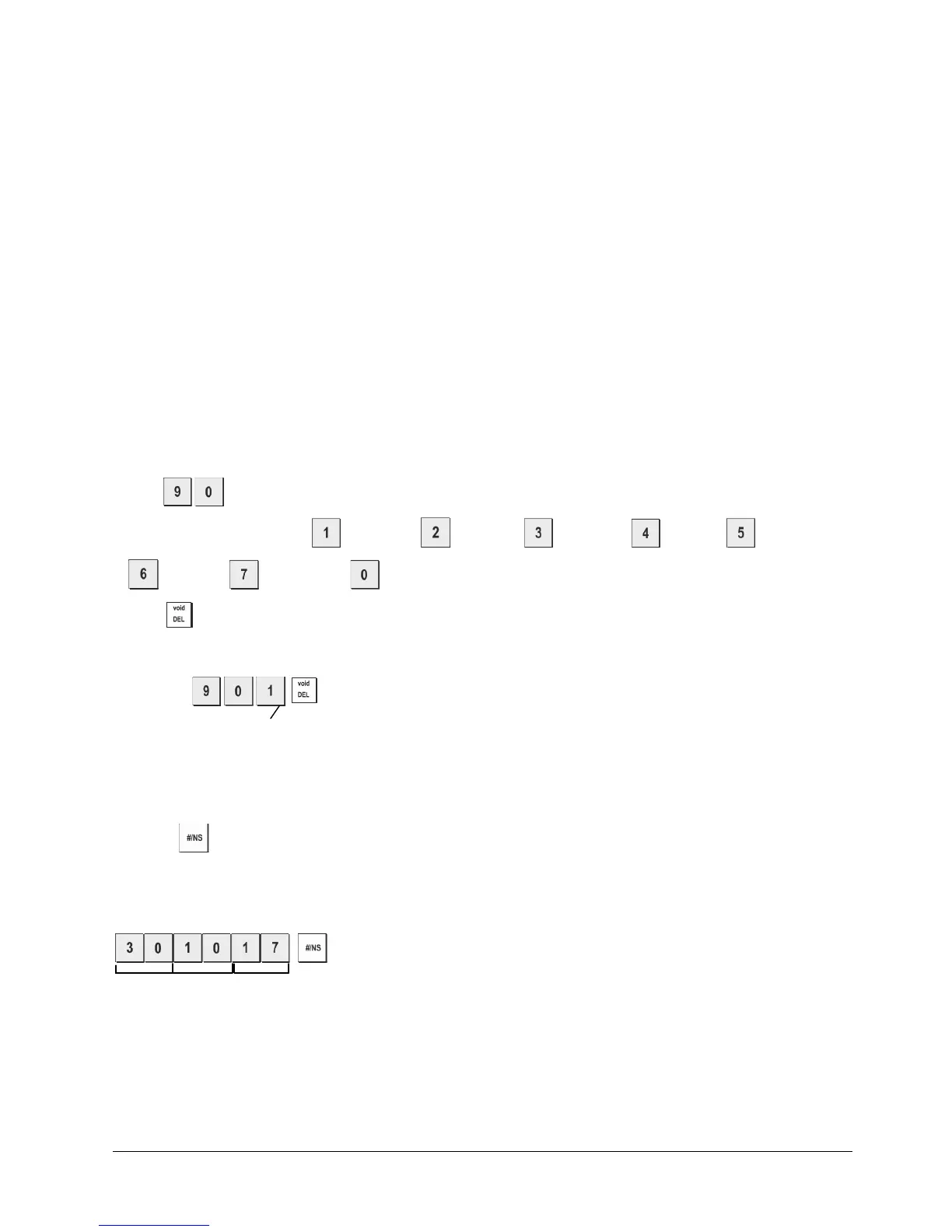
Example: Set a date of
October 30, 2017.
Type/Press:
Day Month Year















 To Next Page