35
Receipt On/Off
Outside of a sales transaction, the cash register can be switched to the non-print mode where the transactions
performed in the REG mode will not be printed. In the non- print mode, the sales totals will be maintained and the
management reports will print.
1. Control switch position: REG o JRNL.
2. Press .
NOTE 1: A line appears on the left side of the screen (second position) indicating that the Received mode is active.
NOTE 2: You can override this setting and print the receipt of the last sales transaction performed by pressing
for as
many receipts wanted.
Exiting the Non-Print Mode
1. Control switch position: REG o JRNL.
2. Press
.
Registering a Single Item Sale with Change Tender
Up to seven digits can be used for the amount of the entry.
Example: Register a €1.00 item in Department 1. Compute change for €5.00.
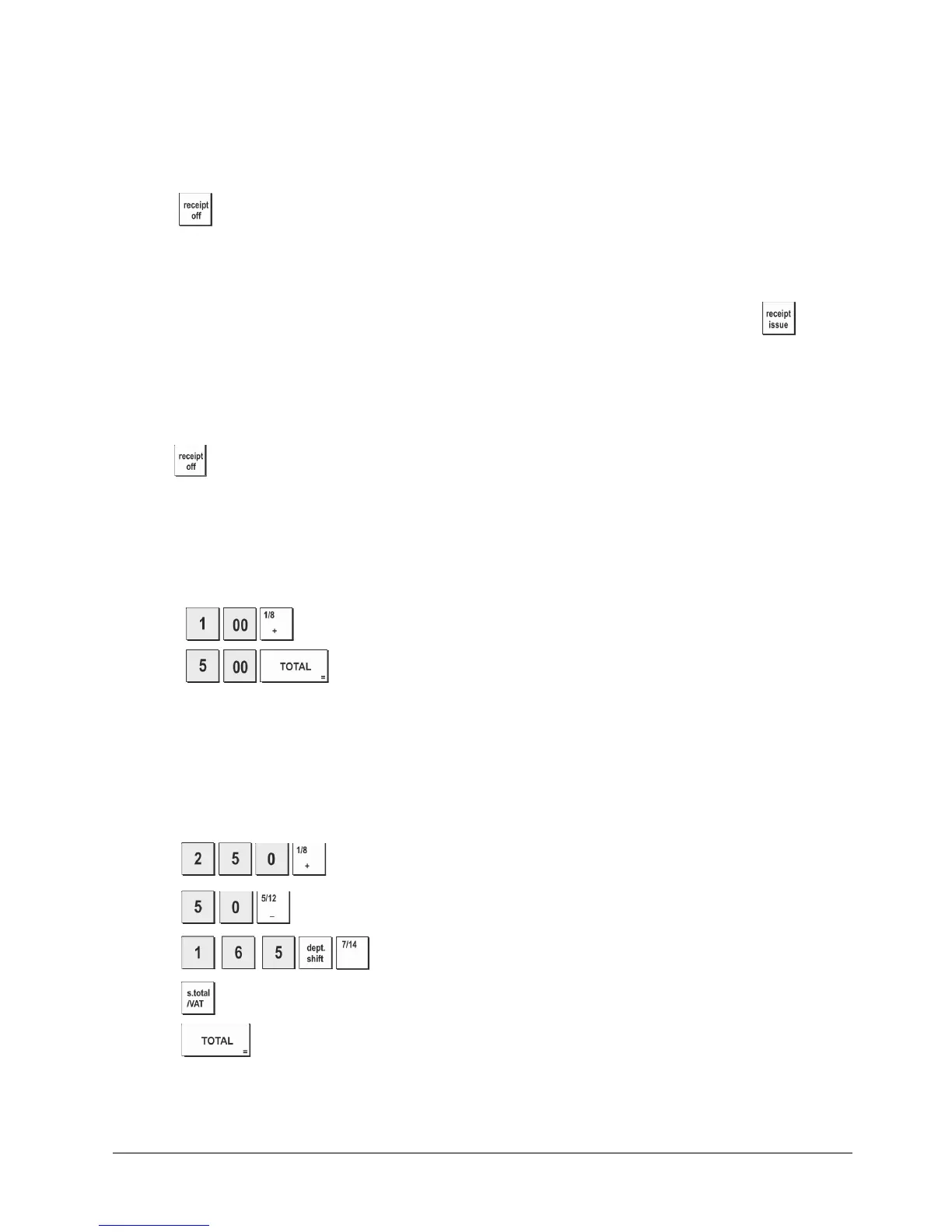
1. Press .
2. Press
.
The transaction is ended and the change due to the customer is displayed.
Registering a Multiple Item Sale with Exact Cash Tender
Example: Register a €2.50 item to Department 1, a €0.50 item to Department 5 and a €1.65 item to Department 14, with an
exact tender of €4.65.
1. Press
.
2. Press
.
3. Press
.
4. Press
.
5. Press
.















 To Next Page