37
5. Press for foreign currency number 1 programmed and press to display the current balance due in foreign
currency.
6. Type the amount tendered in foreign currency.
and press
. The change due to the customer is displayed.
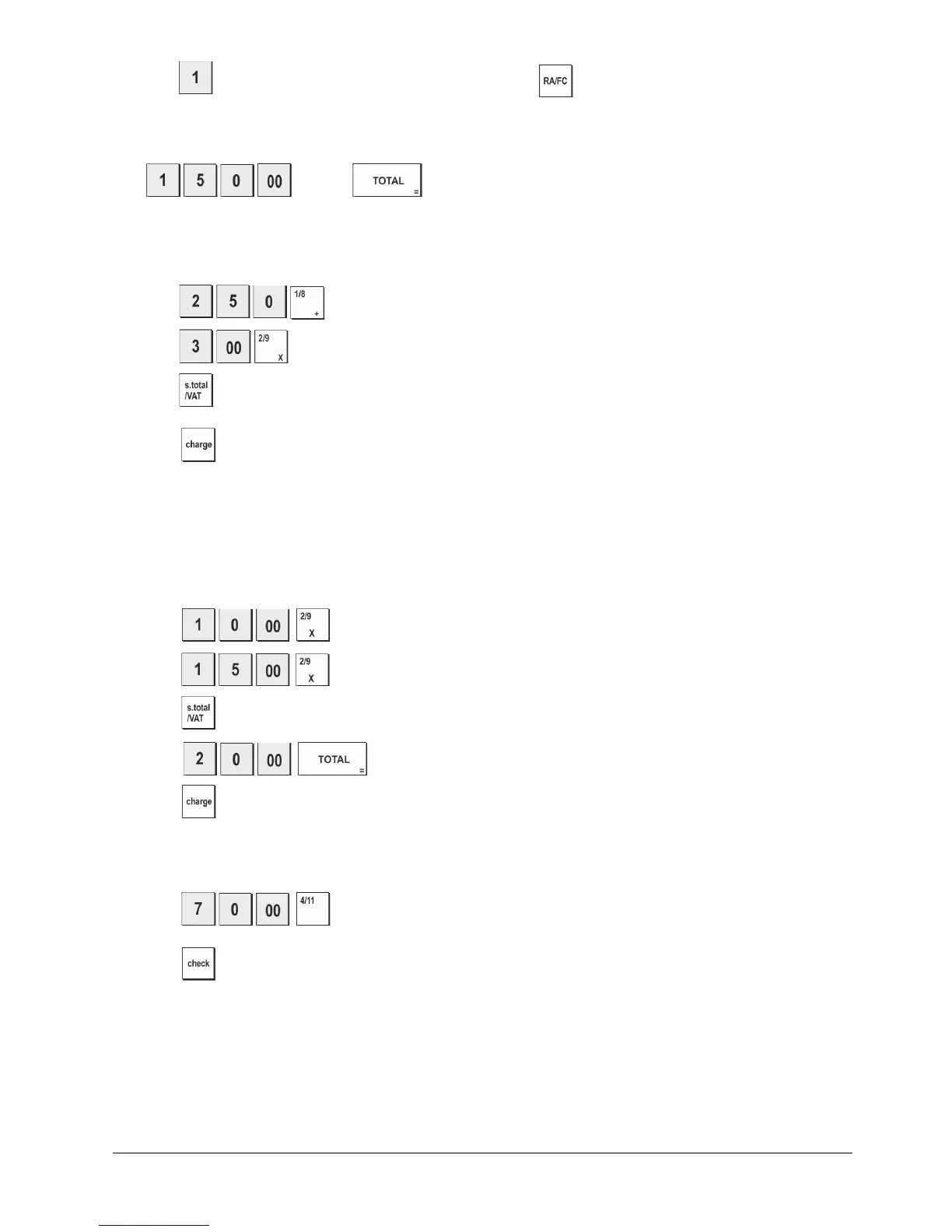
Registering a Charge Transaction
Example: Register a €2.50 item to Department 1 and a €3.00 item to Department 2 as a charge transaction.
1. Press
.
2. Press
.
3. Press .
4. Press .
Split Cash/Charge Tendering
Example: Register a €10.00 item and a €15.00 item to
Department 2. Split the amount tendered between €20.00 cash
and €5.00 charge.
1. Press
.
2. Press
3. Press .
4. Press
. The remaining balance due (5.00) is displayed.
5. Press .
Check Tendering
Example: Register a €70.00 item paid by check to Department 4.
1. Press
.
2. Press .















 To Next Page