30
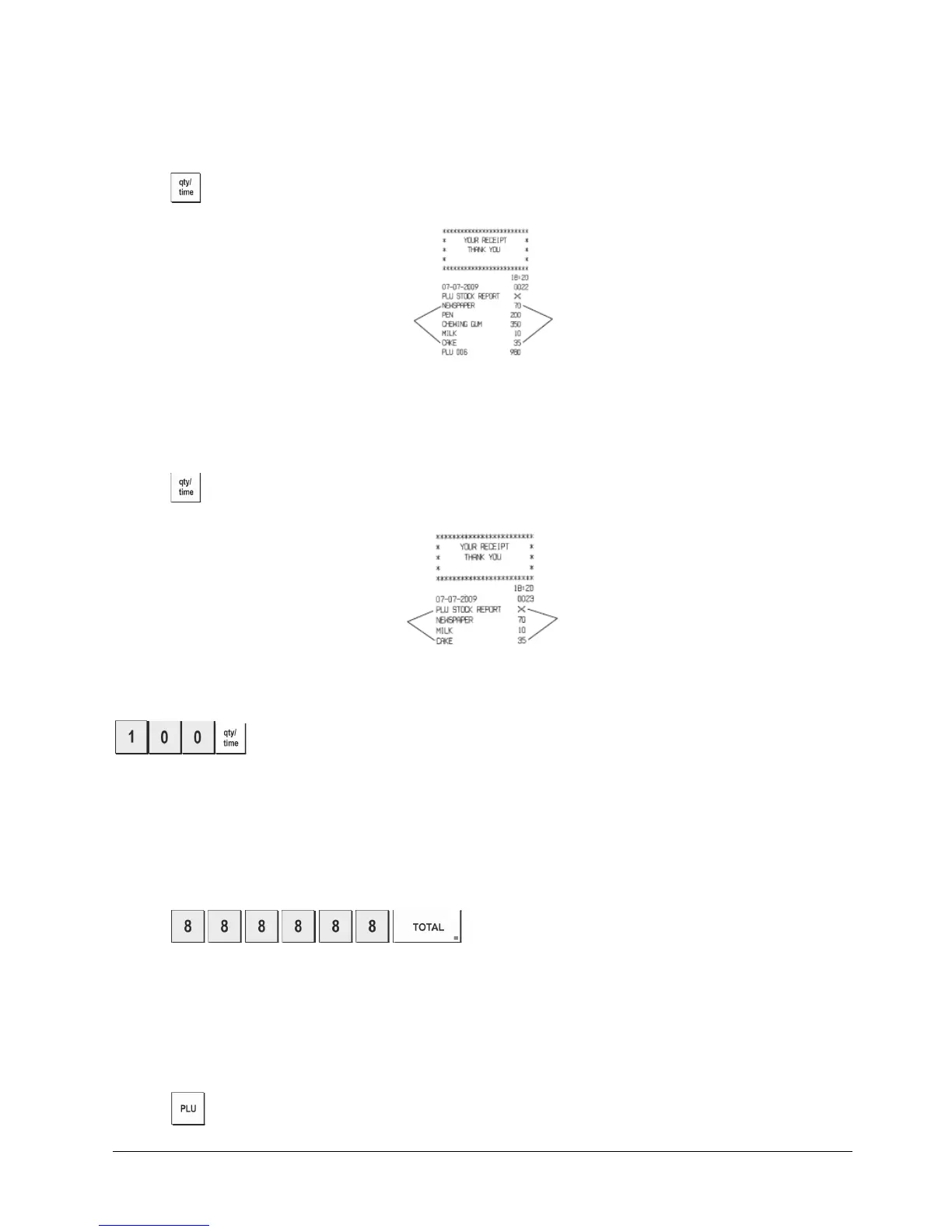
PLU Stock Report
This report provides a printout showing the number of items in stock for each individual PLU. It can only be issued
in the X mode.
1. Control key position: X.
2. Press
.
You can also print a Minimum PLU Stock Report that provides you with an inventory of all the PLU items under a
determined quantity that you define. Also this report can only be issued in the X mode.
1. Control key position: X.
2. Type the [stock number] of up to 4 digits.
3. Press
.
Example: Print a Stock Report of all PLU items with less than 100 items in stock.
Type/Press:
.
Department Programming Report
This report provides a printout showing how your departments are programmed. It provides the status,
associated VAT and associated price for each department.
1. Control switch position: PRG.
2. Press
.
PLU Programming Report
This report provides a printout showing how the PLUs are programmed. Their number, associated price, VAT rate (if
applicable) and associated department are reported on this receipt.
1. Control switch position: PRG.
2. Press .
Number of PLU
Items in stock
PLU number
or assigned
name
Number of PLU
Items in stock
PLU number
or assigned
name















 To Next Page