10-003591-01EN [Q7780031], Rev. 4, January 2020
Chapter 224
2.2.1 Setup Characteristics
To create an instrument setup, make the following selections on your OmniScan
instrument:
•FA1-type probe model
• Depending on the application, one of the following three types of wedges:
— FlexoFORM scanner applications: SFA1-FLEXO
— Automated inspections: SFA1-AUTO
— Small diameter inspections: SFA1-SMALL
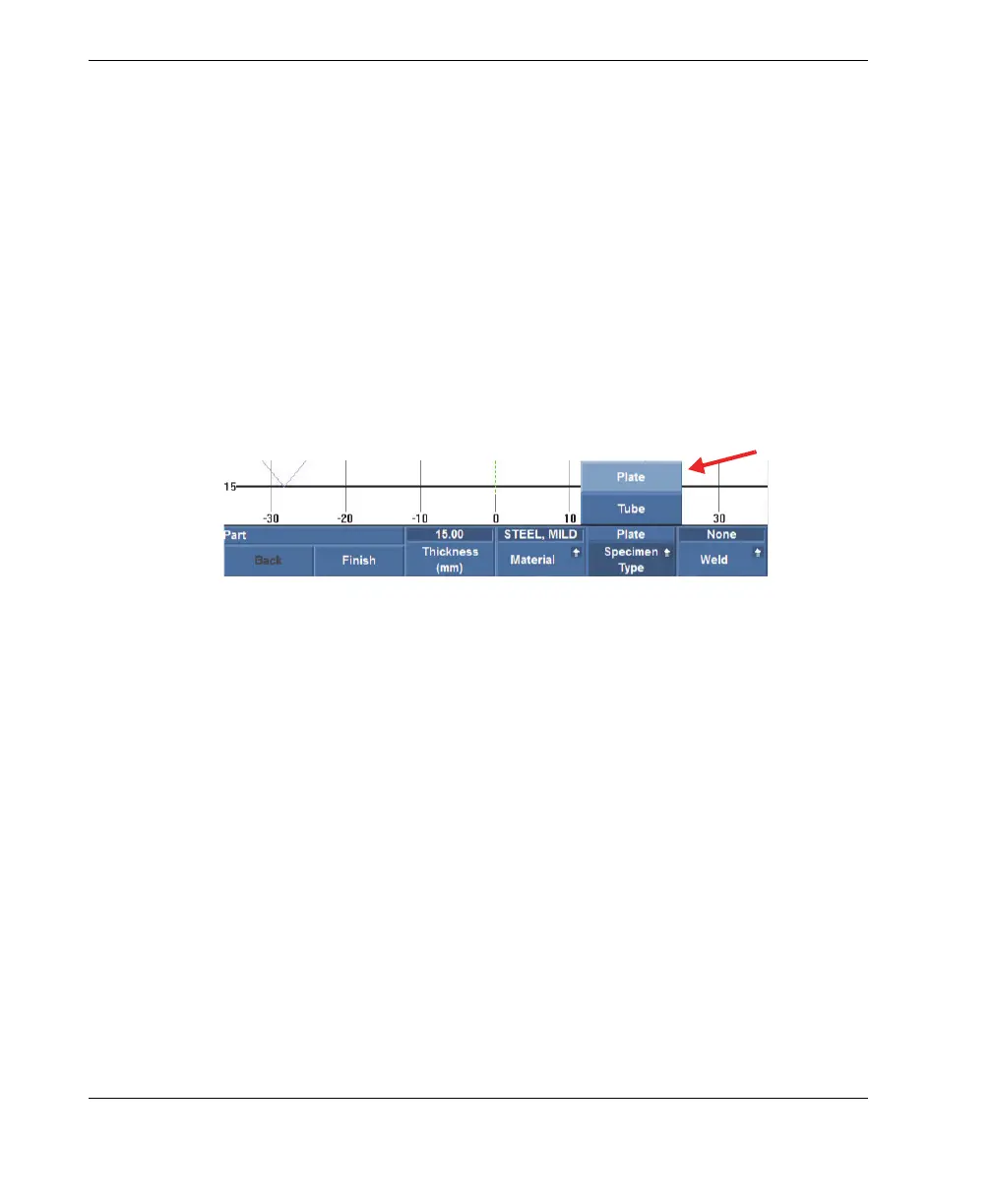
•Select Plate in the Specimen Type parameter field (see Figure 2-1 on page 24).
Although the probe has a concave shape, it is important to select Plate, even if you
are inspecting a curved surface.
Figure 2-1 Selecting Plate in the Specimen Type field
2.2.2 Setting the Parameters for a Symmetrical Scan
For pipe elbow inspections, Olympus recommends the symmetrical scan pattern for a
full 360° inspection around the circumference (see Figure 2-2 on page 25). The
OmniScan instrument must be correctly set up to enable this type of inspection. For
details about alternative inspection patterns for straight pipe surfaces, see “Setting Up
to Inspect a Straight Pipe — Unidirectional or Bidirectional Scan” on page 75.



 To Next Page